EasyManua.ls Logo

PROTRON PDV-70X - User Manual

PROTRON PDV-70X
48 pages
Print Icon
To Next Page IconTo Next Page
Loading...
POWER
SETUP
MENU
PUSH
UP MODE DOWN
TITLE
PLAY/PAUSE
STOP
ENTER
VIDEO
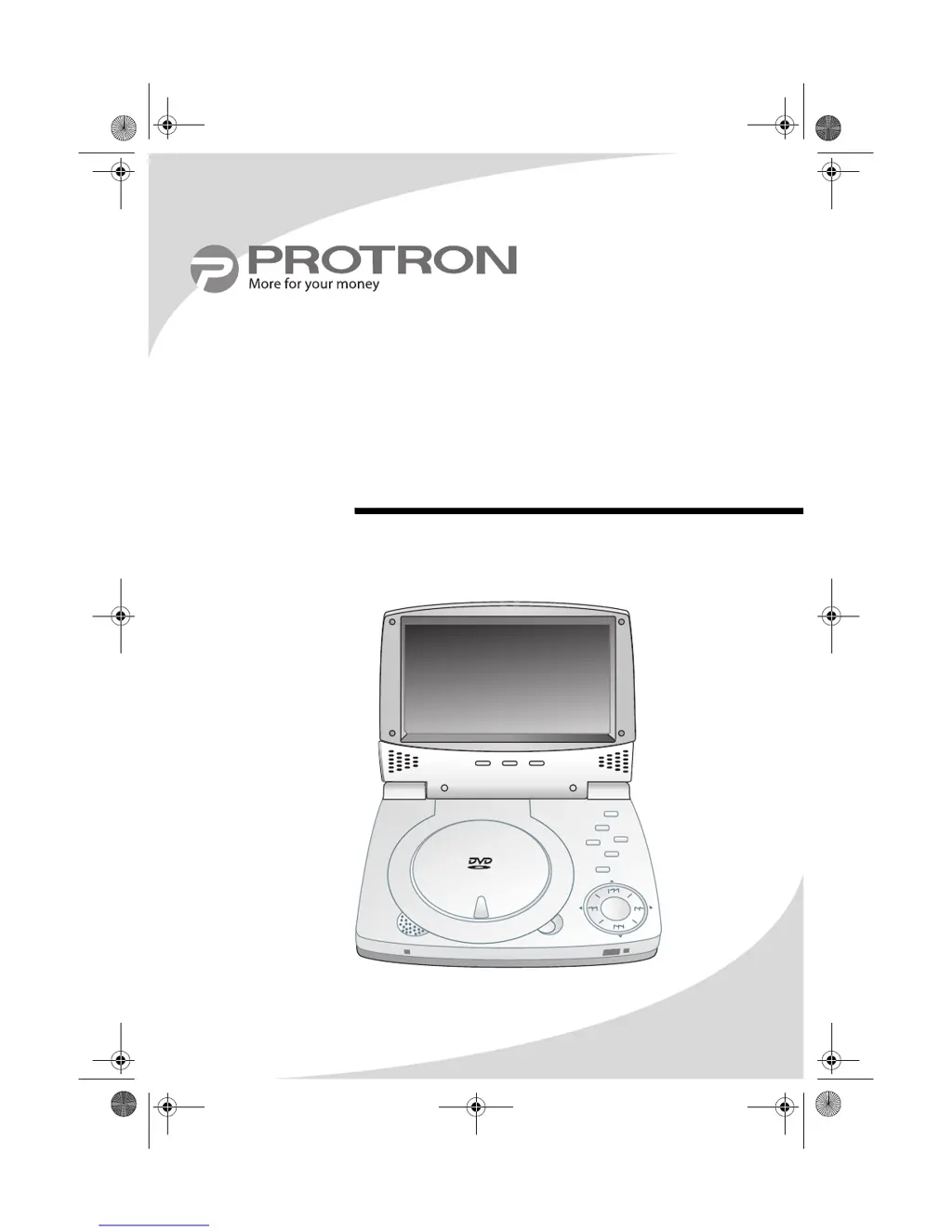
PDV-70X
7" Portable DVD Player
User’s Manual
OMPDV70X.book Page i Sunday, May 28, 2006 8:45 PM

Table of Contents

Questions and Answers

  • K
    Karen KaneJul 29, 2025
    What to do if the PROTRON Portable DVD Player remote control is not working?
    • K
      Kaitlin AllenJul 29, 2025
      If your PROTRON Portable DVD Player remote isn't working, try these steps: * Ensure the battery is correctly inserted. * Replace the battery if it's low. * Check for and unstick any stuck buttons. * Remove any obstacles between the remote and the display. * Move closer to the display.
  • T
    tiffanyharperAug 3, 2025
    Why is there no sound on my PROTRON PDV-70X Portable DVD Player?
    • T
      Taylor MosleyAug 3, 2025
      If you're not getting any sound from your PROTRON Portable DVD Player, there could be a few reasons. First, check that the audio cables are securely connected. Also, make sure headphones are unplugged. Finally, ensure the audio isn't muted by pressing the MUTE button on the remote.
  • P
    Paul HernandezAug 8, 2025
    What to do if my PROTRON Portable DVD Player displays “Wrong disc”?
    • J
      Jessica BurnettAug 8, 2025
      If your PROTRON Portable DVD Player shows “Wrong disc”, the disc may be unreadable. Check the disc for scratches or dirt, and clean it if necessary before re-inserting. It's also possible that the disc format isn't supported by the player. Ensure the disc format is compatible with your player.
  • A
    Amanda BrownAug 14, 2025
    How to fix a distorted image on PROTRON PDV-70X?
    • C
      Christopher FloresAug 14, 2025
      If the image on your PROTRON Portable DVD Player is distorted, the display format might be set incorrectly. Check the Setup menu to ensure the correct display format is selected.
  • J
    Jamie SchmidtAug 18, 2025
    How to adjust the brightness on PROTRON PDV-70X Portable DVD Player?
    • C
      Crystal JohnsonAug 18, 2025
      If the display on your PROTRON Portable DVD Player is too dark or too bright, the contrast or brightness levels may be set too low or too high. Adjust the contrast and/or brightness to your desired setting.
  • P
    Patricia BrownAug 25, 2025
    Why does my PROTRON Portable DVD Player leave an after-image on the screen?
    • L
      Lisa ParsonsAug 25, 2025
      The after-image you see on your PROTRON Portable DVD Player screen after it's turned off is due to inherent LCD characteristics. This is normal for LCD screens, and the after-image should disappear after a few minutes.

Summary

Product Cautions

Safety Precautions for Handling

Safety warnings and precautions for handling the DVD player.

Introduction

Operating the Player

Guide to basic player operations like power, disc insertion, and volume.

Playing DVDs

Playing Video CDs

Playing Audio CDs

Playing Kodak Picture CDs

Controlling Playback

Describes how to control Kodak Picture CD playback.

Playing Media on Data CDs

Controlling Audio File Playback

Describes playback controls for audio files on Data CDs.

Controlling Image File Playback

How to control image file playback on Data CDs.

Controlling Video File Playback

Explains playback controls for video files on Data CDs.

Using the Remote Control

Using the Player in a Vehicle

Configuring the Player

System Setup

Configuration of general system parameters like TV system and screen saver.

Language Setup

Options for setting OSD, audio, subtitle, and menu languages.

Audio Setup

Configuration of audio output format and dual mono settings.

Video Setup

Adjustments for brightness, contrast, hue, and saturation.

Connecting the Player to Other Devices

Connecting to a Separate Display

Guide for connecting the player to an external display.

Connecting to a Peripheral Audio System

Instructions for connecting to an external audio system.

Using the Battery Pack

Troubleshooting

Power and Light Issues

Solutions for power light not coming on or screen flashing.

Audio and Remote Control Issues

Solutions for no sound, bright/dark display, or remote control problems.

Limited Warranty

How to Obtain Service

Procedures for requesting warranty service and repairs.

PROTRON PDV-70X Specifications

General IconGeneral
Screen Size7 inches
ConnectivityAV output, headphone jack
Resolution480 x 234 pixels
Battery LifeUp to 2.5 hours
Playable Media FormatsDVD, CD, MP3, JPEG
Power SourceRechargeable battery, AC adapter
Supported FormatsDVD, CD, MP3, JPEG

Related product manuals