power off, normal working mode or
Sleeping Mode
very low battery power and will power
off automatically
Green and flashing slowly
Wi-Fi on and transmit data
WPS connection is building
WPS connection failed to build
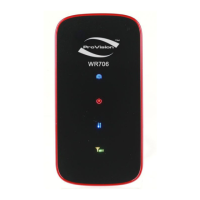
Button Description
Power on/off the power when press and hold the power button for over 2
seconds.
Connect/disconnect the Internet when press and hold the power button within 2
seconds.
Turn on/off Wi-Fi or WPS.
Wi-Fi: enable/disable Wi-Fi when press and hold the Wi-Fi button within 2
seconds.
WPS: when Wi-Fi is enabled, press and hold the Wi-Fi button over 4seconds unitl
Wi-FI LED become green and sharply flash, WPS is active.


 To Next Page