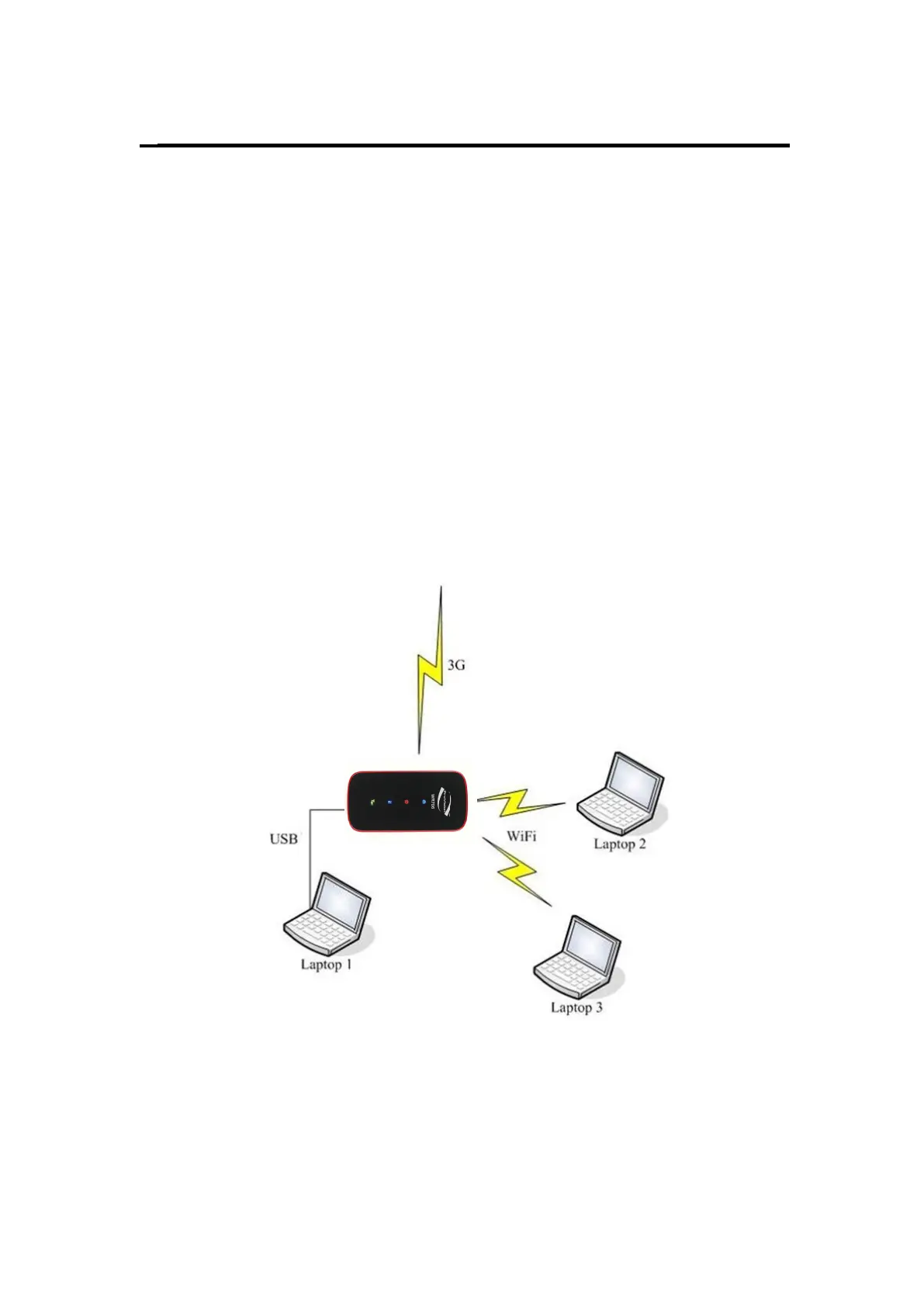
Before you want to use the device, setup your device as following:
4. Hold the Power/Connect button to power on;
5. Connect this device to your terminal device.
If you want to go to internet, manage LAN, connect your terminal device to
Via USB: If your terminal device (such as desktop) is Wi-Fi disabled, you can
connect them via USB cable. After connected in the first time, driver will be
installed automatically.
Via Wi-Fi: It is better for you to connect the device to Wi-Fi-enabled devices
through Wi-Fi, for which you don’t need to install any driver.
Fig 2.1


 To Next Page