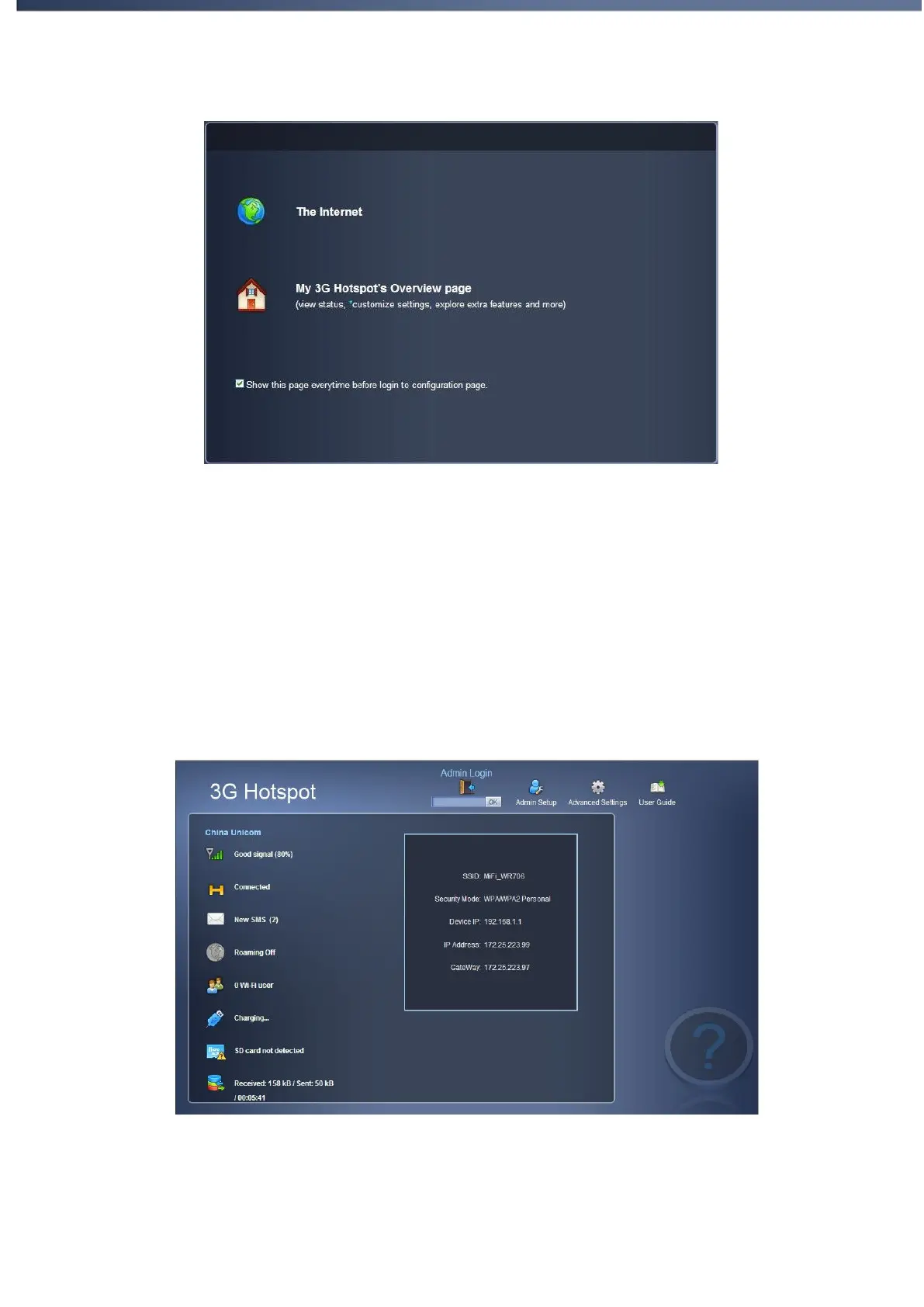
Fig 2.2.1
Start Browsing. You will go to the internet directly without any setting
modification.
My Pocket Wireless Router's Overview page. Enter the configuration home
page to view status, customize settings or explore extra features.
2. If you select the second option to the welcome page, you can overview the status of
devices (Fig 2.2.2) in the home page. After login, you can go to advanced settings
page to set the device, or go to admin setup.
Fig 2.2.2


 To Next Page