4826 Sterling Drive, Boulder, CO 80301
PH: 720.406.8946 service@psaudio.com www.psaudio.com
Getting Started
Getting Started xx
©2016 PS Audio Inc. All rights reserved.
®
Owner’s Reference DirectStream Junior
presses until you arrive at the Network Setting screen.
Bridge Updates
From time to time the Network Bridge will receive rmware updates when available.
The update notications can be accessed over the internet if the Network Bridge
is properly connected to the home network router, which must itself be connected
to the internet.
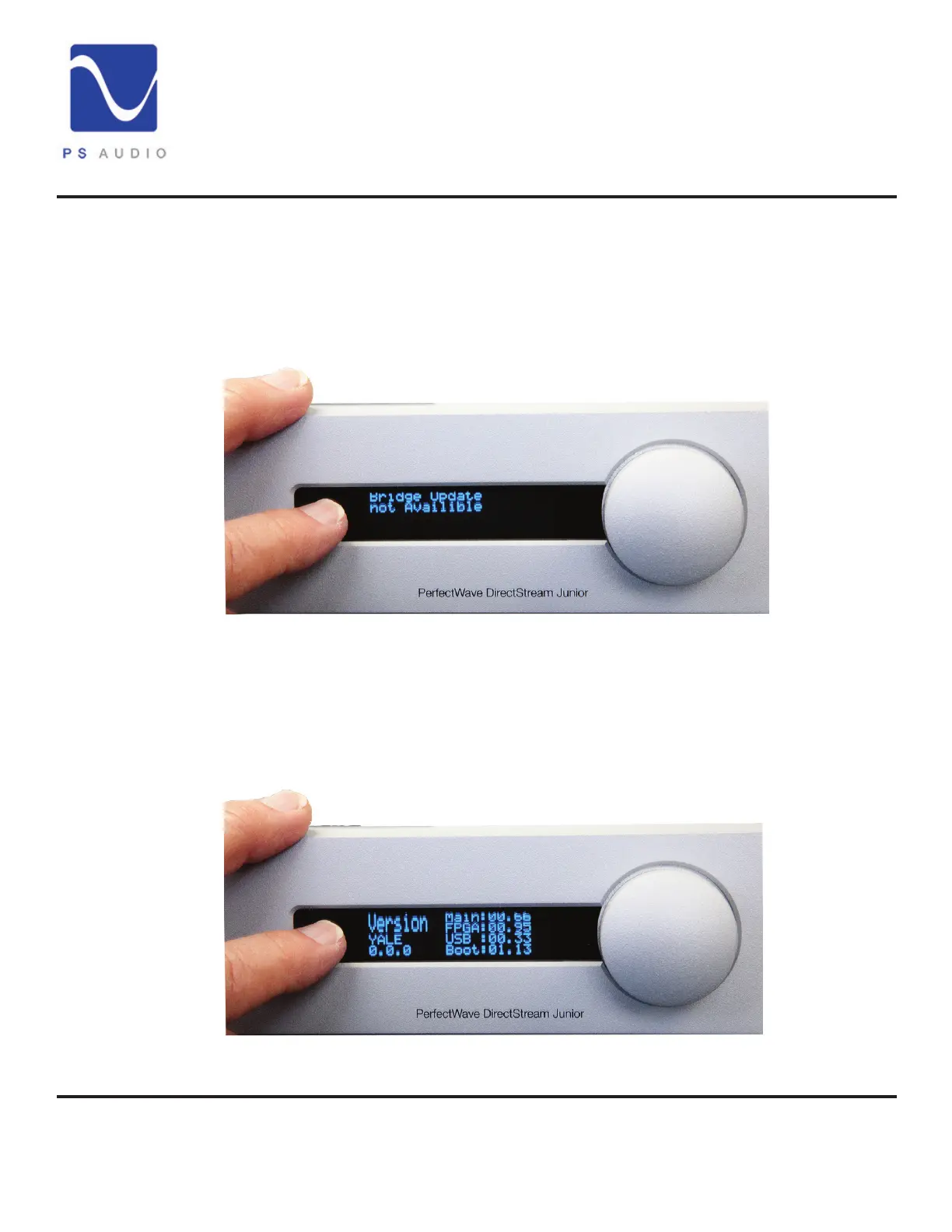
To nd out if there is an update available, go to the setup menu. Press and hold
the selector button for 3 seconds, then toggle to the Bridge Update screen with
multiple selector button pushes.
Update DirectStream Junior’s Operating System
DirectStream Junior operates from sophisticated software that is built in to the
device, but upgradable by the user through the rear panel mounted USB connector.
To check for the current rmware version simply hold the selector button next to
Bridge Updates
Junior’s OS
updates


 To Next Page