22
Stellar Strata Amplier
Operation Guide
®
Menu Features
(Continued)
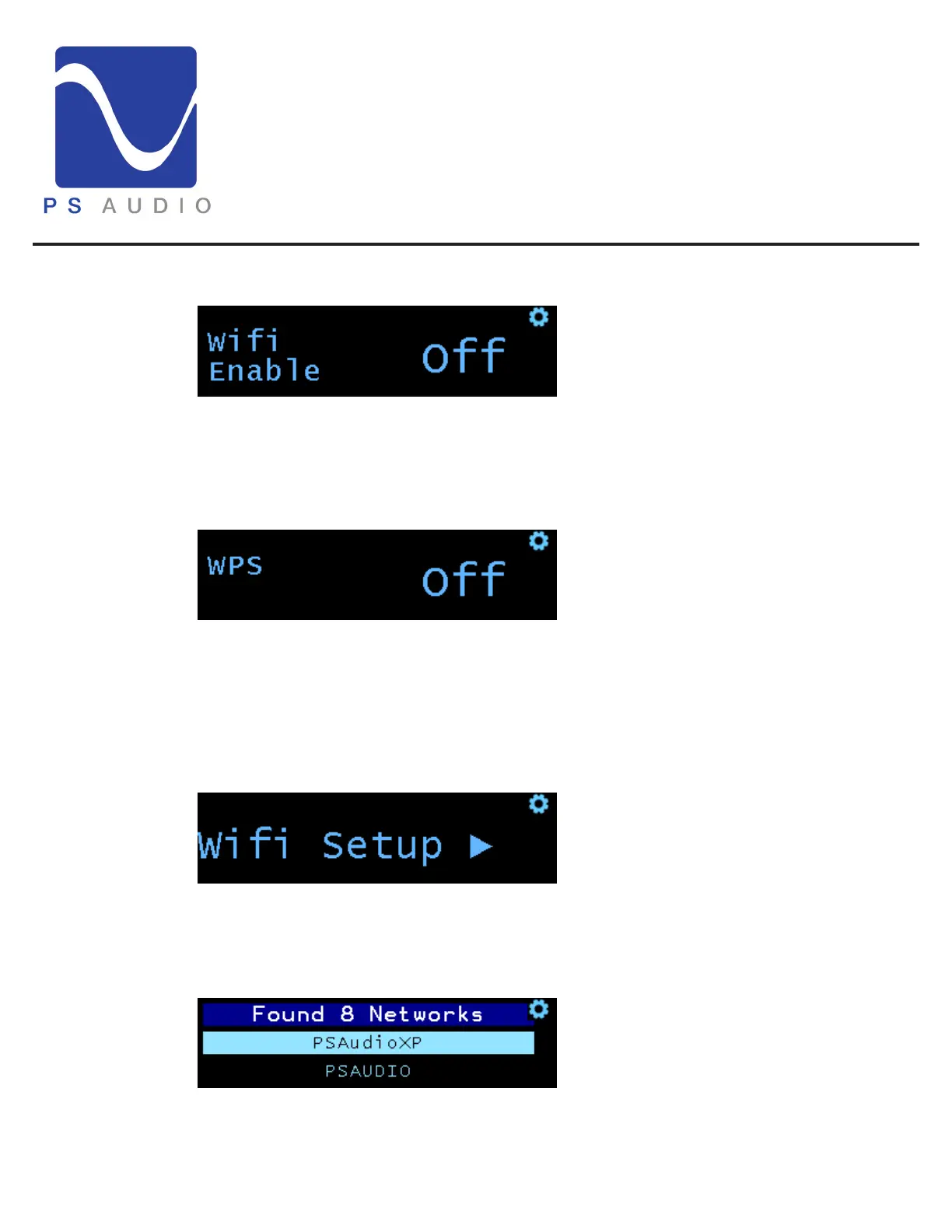
Wi-Fi Enable
is feature allows you to enable/ disable the wireless (Wi-Fi) functionality. Rotate the volume
knob to turn the Wi-Fi on or o.
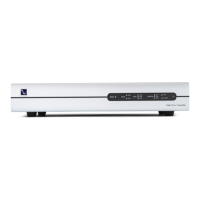
Wi-Fi WPS
is feature is for using WPS, or Wi-Fi Protected Setup, to congure your Strata with your
network without the need to enter passwords. Use this menu to activate the WPS feature, then
press the corresponding WPS button on your router. Your Strata will then be connected to your
Wi-Fi network automatically.
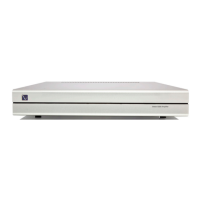
Wi-Fi Setup sub-menu (double press to open)
is menu is used to manually setup a Wi-Fi network connection.
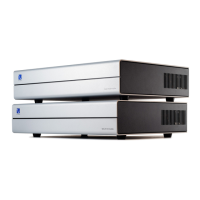
Network Select
Select your router from the drop down menu by rotating the volume knob to select the correct
AP (access point). Press the menu select button to choose the AP.


 To Next Page