6
Included With
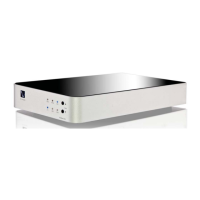
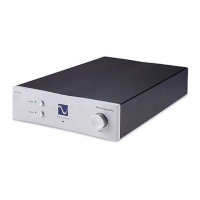
e Stellar
Strata
• 6-foot Power Cable
• Owner’s Reference Manual
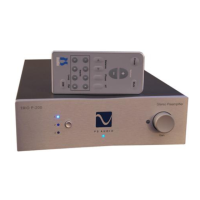
• Remote Control
• 2 AAA batteries
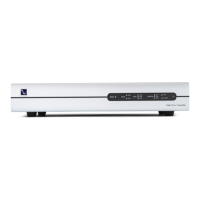
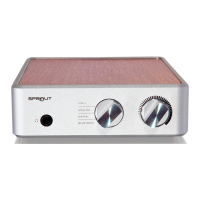
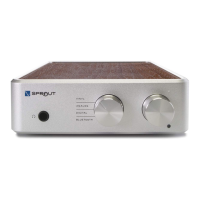
Stellar Strata Amplier
Getting Started
®
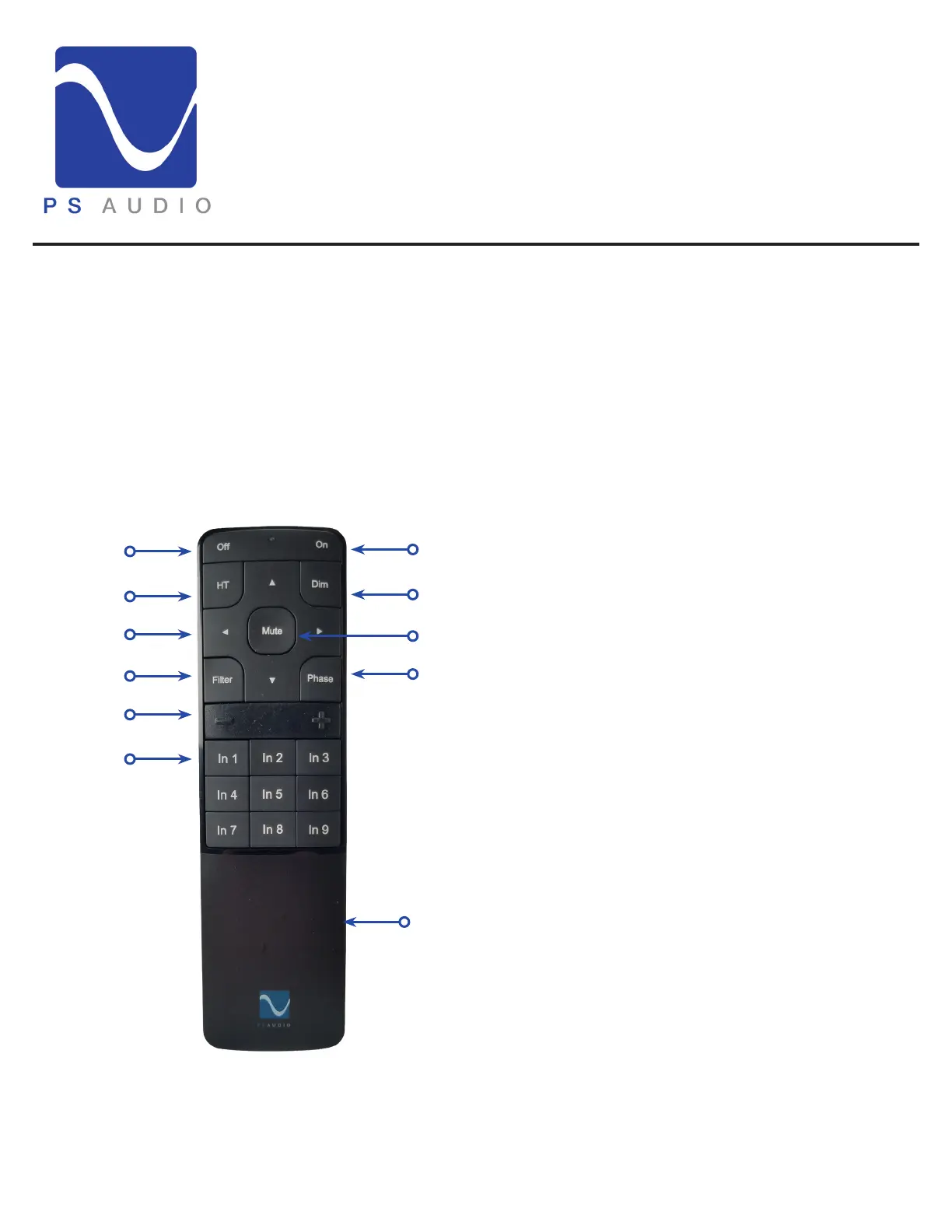
e Remote
1
7
e O button. is turns the Strata o.1
Fixed Volume Button (Home eater). is
toggles Fixed Volume mode on or o.
2
Le/Right/Up/Down arrow keys. Up and Down
adjust volume. Le / Right adjusts balance.
3
Filter mode button. Select F1, F2, or F3 lters.
Note that this only applies to digital inputs.
4
Volume button. + volume up, - volume down.5
Input select section.6
e On button. is turns the Strata on.7
e Dim button. is shuts o the display.8
e Mute button. is mutes the audio output.9
e phase button. Toggles between in phase
and out of phase.
10
e remote uses 2 AAA batteries that are in-
cluded and will need to be installed.
11
2
8
93
4
10
11
5
6


 To Next Page