13
PULSE CENTERS | (770) 334-2226 | support@pulsecenters.com | 34 Center Rd SE , Cartersville, GA 30121
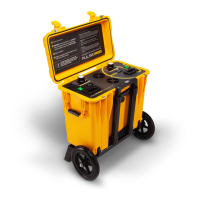
Turn on the machine.
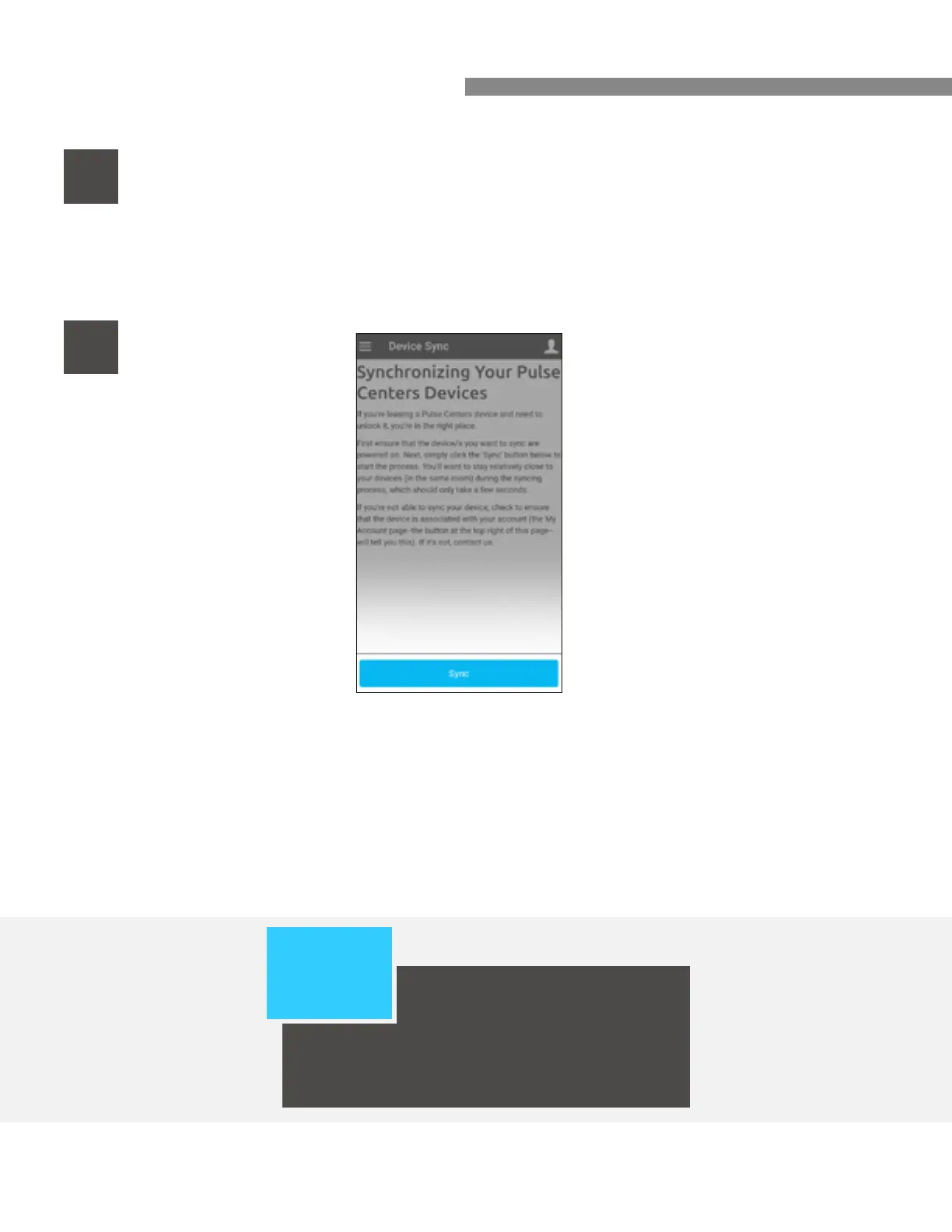
Select “Sync.”
8
BLUETOOTH GUIDE CONTINUED
9
PLEASE
NOTE:
If you are using the Pulse X,
Pulse EQ-X, or Pulse EQ-XX,
you will need to have an accessory plugged
in all the way for the system to power on.
When syncing your device for the rst time, you may need to attempt this
process a few times!



 To Next Page