EN
23
6 Operating instructions
6.1 First start
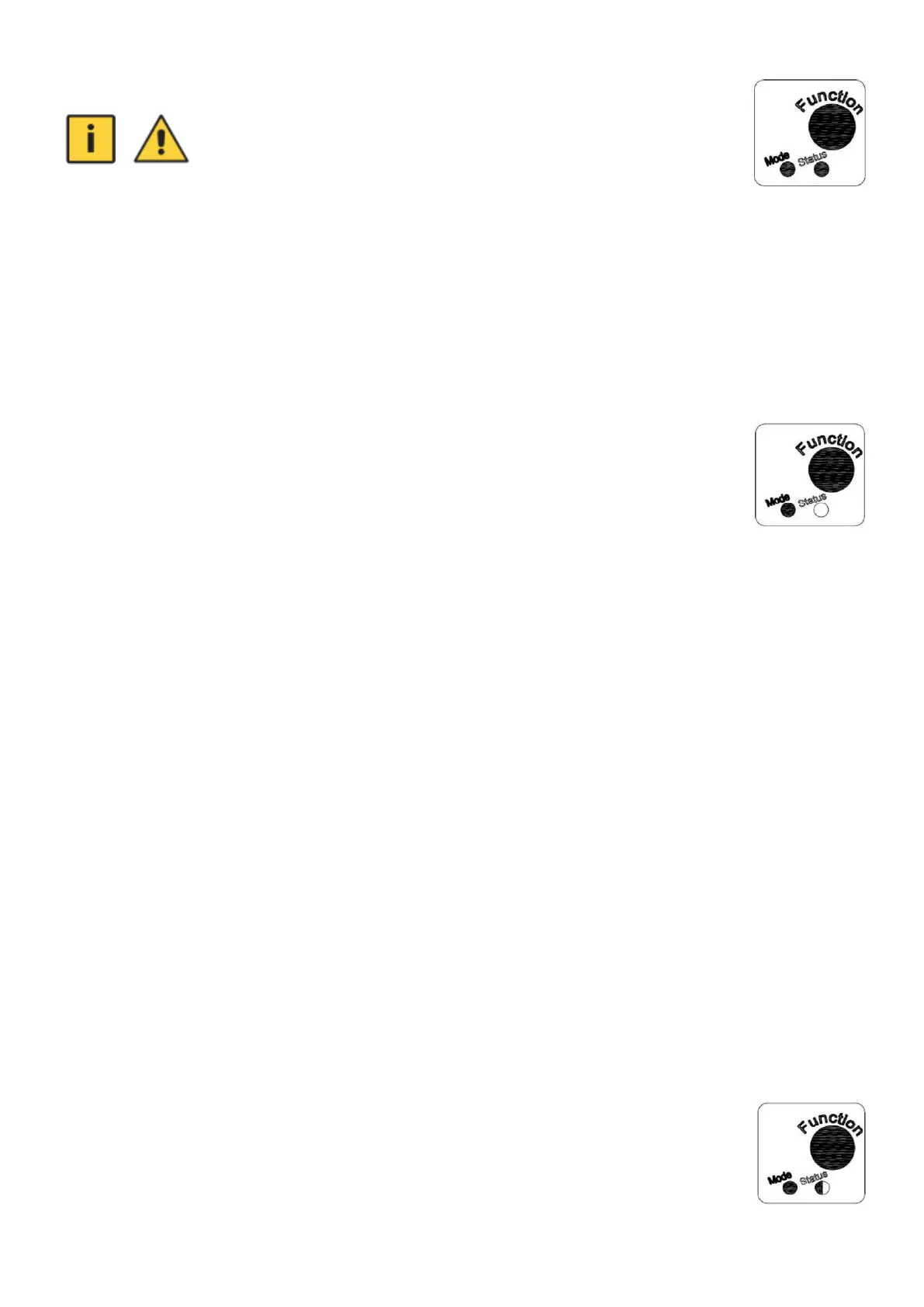
• The "Mode" indicator light comes on when the pressure control unit is switched on.
• The yellow "Status" light indicates that the pump is running (lit), stopped (unlit), malfunctioning
(flashing).
• When at least one tap is opened, the "Mode" and "Status" lights come on at the same time -> after a
while the pipe fills with water and water starts flowing from the tap.
• If the water is still not flowing from the tap and the pump has stopped, press the "Function" button,
which restarts the control unit.
6.2 Modes
When mode 1 (Pressure Switch) is selected, the "Mode" light will be green:
For this mode, you have to make a setting (see chapter 5):
a) switch-on pressure
b) switch-off pressure
When the pressure control unit detects a pressure higher than or equal to the set switch-off pressure,
the pump stops working after 3 seconds - the "Status" yellow light stops.
When the pressure control unit detects a pressure less than or equal to the set switch-on pressure,
the pump will start - the "Status" yellow light will be lit.
The pressure control unit will then switch the pump on and off according to the set pressure range.
When mode 2 (Presscontrol) is selected, the "Mode" light will be red:
For this mode you must set:
a) switch-on pressure
b) switch-off pressure – can’t not be higher than the maximum pump pressure available for the specific
installation. When the set trip pressure is higher, the pressure control unit will switch to an error
state (the "Status" light will flash). In this case it is therefore necessary to set a lower switch-off
pressure on the pressure controller.
When the pressure control unit detects that the water flow has stopped (the pump has reached its
maximum head in a particular installation), the pump will stop working after 8 seconds - the "Status"
light will stop flashing yellow.
In mode 2 (Presscontrol) the pressure control unit does not function as a pressure gauge. The
needle, which shows the current pressure, stops just at the set switch-off pressure when the set
switch-off pressure is exceeded. However, the system pressure will build up until the maximum pump
head according to the specific installation (after which the pump will stop).
6.3 Functions
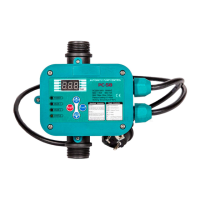
The pressure control unit can detect a problem in the pipework or a pump fault and
switches off the pump itself if necessary. The "Status" light starts flashing yellow.
The unit will then attempt to restart the pump after 30 seconds, then after an hour. If the fault is not
corrected, the pump will attempt to restart every hour.


 To Next Page