11
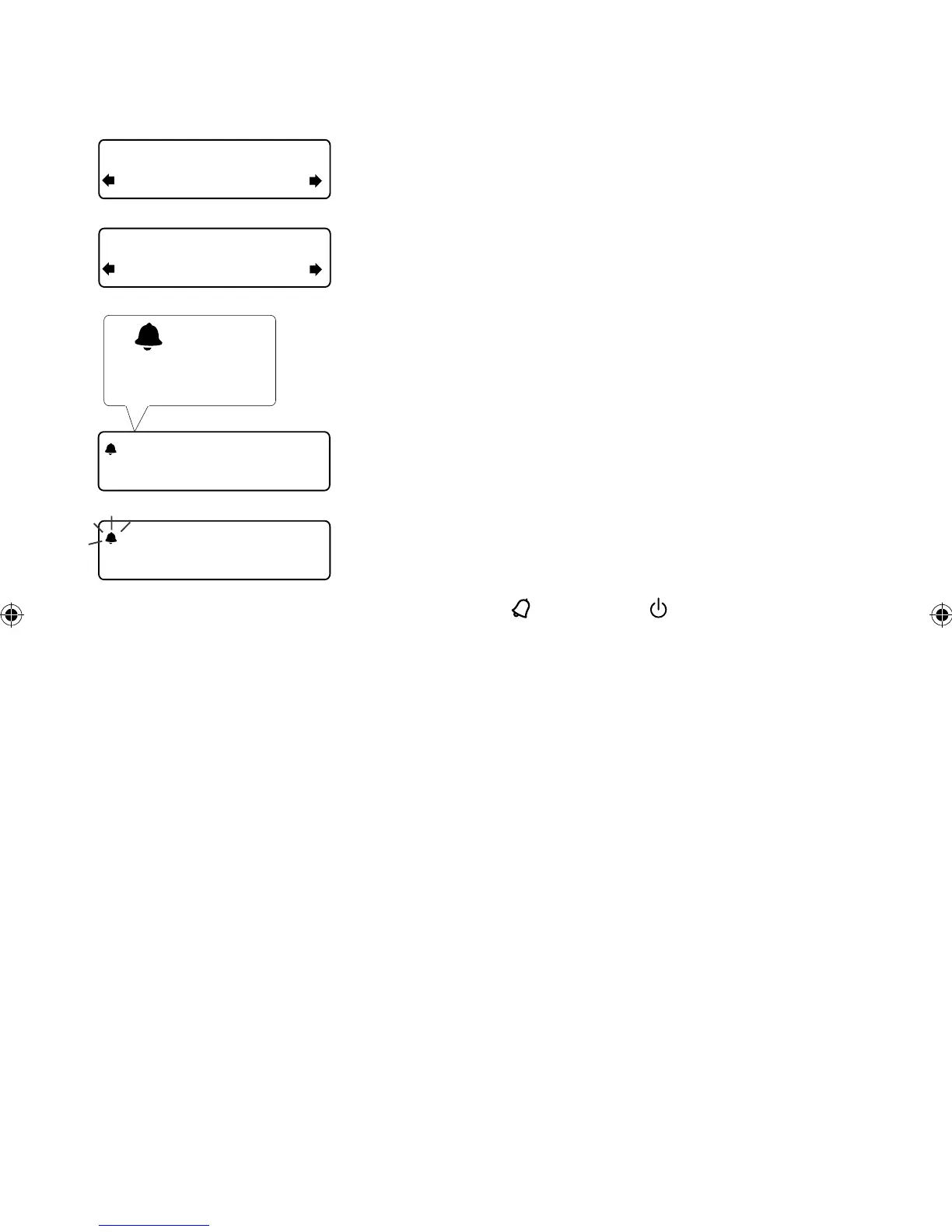
8. If you have selected a digital or FM radio alarm you
can push the Tune dial to select ‘Alarm volume’
and turn to adjust the volume level for the alarm
from 1 (very quiet) to 32 (very loud).
That’s it! You can see if the alarm is currently
switched on in the ‘Full screen time’ display (see
page 7).
Note: An outlined bell shows that the alarm will not
sound within the next 24 hours.
Note: The alarm function does not work when
Evoke 2S is being powered by the ChargePAK E1.
Cancelling an alarm
When a tone alarm is sounding, push the Tune dial or
press the Alarm or Standby button to cancel the
alarm. To cancel a digital radio or FM radio alarm, press
any button. The alarm will cancel and the button will
perform its normal function.
08:30
08:30
22:45
08:30
08:30
The alarm is set to
sound at 8:30 am
Alarm volume
08
10
EVOKE_2S_manual_UK-Aus.indb 11 7/13/2012 4:29:37 PM



 To Next Page