11
Bluetooth and auxiliary devices
Connecting a Bluetooth device
You can use Bluetooth to wirelessly connect to a device, such as a mobile phone or tablet. You can then
stream music from your mobile phone or tablet through your Evoke H4.
The first time you connect a Bluetooth device to your Evoke H4, you need to pair them. After you’ve paired
a device with your Evoke H4, your Evoke H4 remembers it for the next time.
To connect a Bluetooth device:
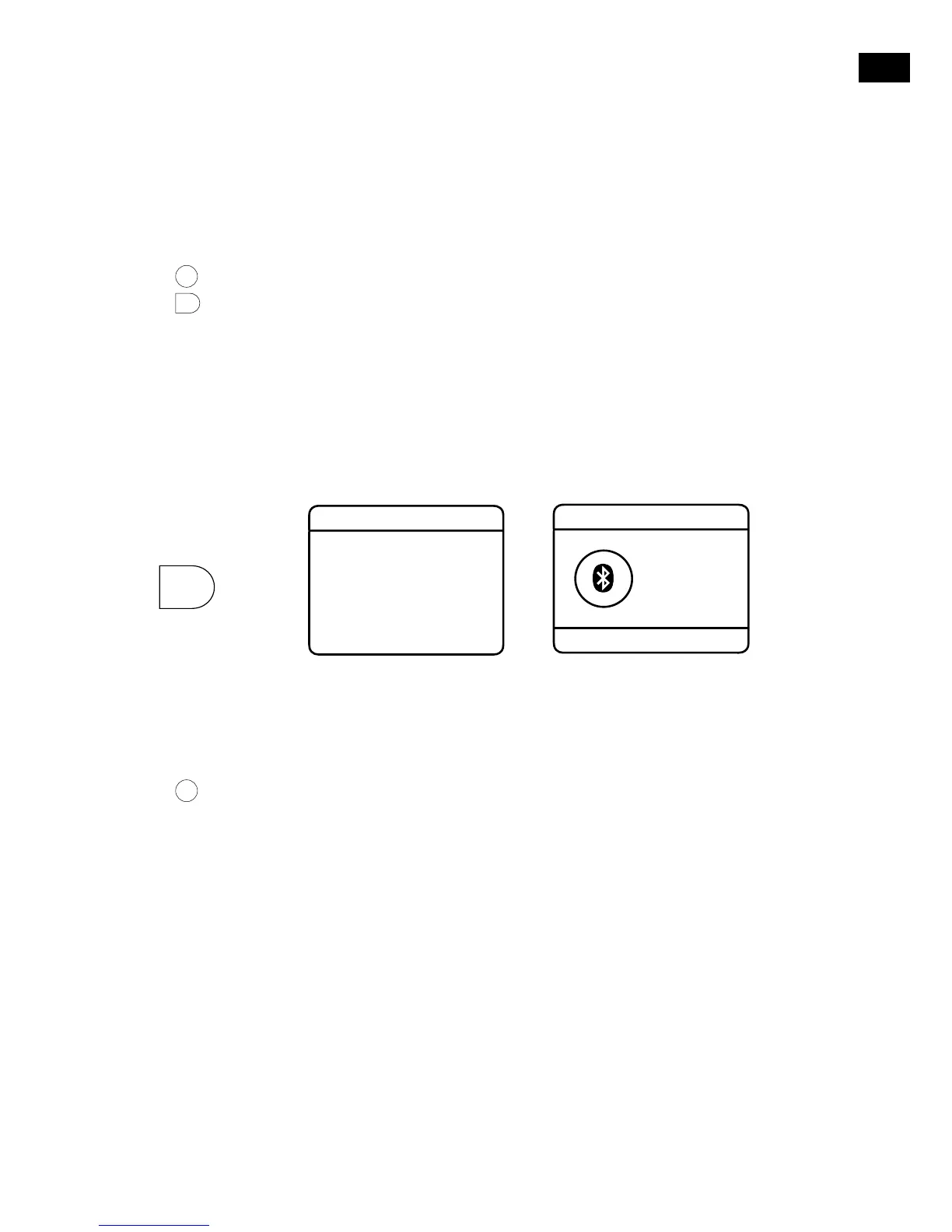
1. Press
Source
until ‘Bluetooth’ is displayed.
2. Press
.
3. Turn and press the Select dial to choose ‘Pair’.
Your Evoke H4 is now discoverable for 5 minutes, which means other Bluetooth devices can find it.
4. On your Bluetooth device, switch Bluetooth on and connect to your Evoke H4.
Note: For more information, see your Bluetooth device’s user manual. If you are asked to enter a
passcode, enter 0000.
When ‘Connected’ is displayed on your Evoke H4 screen, your Evoke H4 is ready to stream music.
Tip: If you want to connect a different Bluetooth device to your Evoke H4, switch off Bluetooth on the
connected device first.
> >
Connecting a device with an auxiliary cable
You can use an auxiliary cable to connect a device, such as an MP3 player, to your Evoke H4. You can
then enjoy music saved on the device through your Evoke H4.
To connect a device with an auxiliary cable:
1. Press
Source
until ‘Auxiliary Input’ is displayed.
2. Insert an auxiliary cable into the Aux in socket on the back of your Evoke H4.
3. Insert the other end of the auxiliary cable into the device you want to connect.
Your Evoke H4 is now ready to play music from the connected device.



 To Next Page