14
Radio DAB/DAB+/DMB-R (Band III and L-Band)
and FM (RDS).
Headphones Noise-isolating,16 Ohm, 10 mm drivers.
Input Micro USB for power supply and software upgrade.
Output 3.5mm stereo output for headphones.
Mains power 100-240V, 50/60Hz 5V DC 800mA external power
adapter.
Battery ChargePAK M1 1000mAh.
Dimensions 102 mm x 56 mm x 15 mm
Approvals CE marked. Compliant with the EMC and Low Voltage
Directives (2004/108/EC and 2006/95/EC). ETSI EN 300
401 compliant. Australian C-Tick N1600 and Electrical
Safety.
Technical Specifi cations
Display settings
Press Menu and select Display
and select one of the following
options:
Backlight
Adjust how long the display
backlight stays on. Choose from
Always on, Timed off (after 7
seconds) or Off.
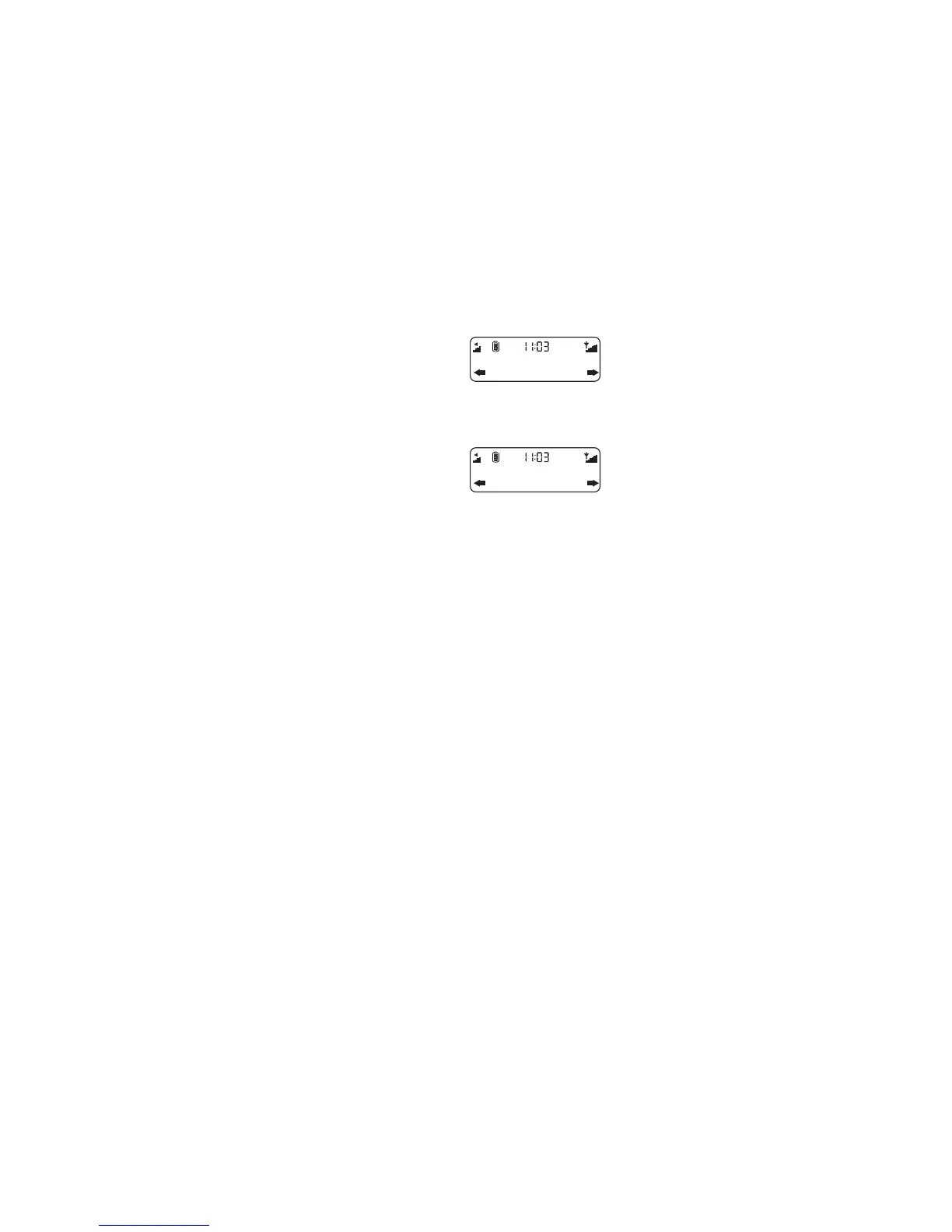
Information
(Digital radio only)
Choose the information shown
on the display.
Scrolling text
Provided by the broadcaster.
Signal strength
The clear block indicates
reliable reception level.
Signal quality
From 0 (low) to 100 (high).
DR
ST
Always on
Backlight
DR
ST
Sig.quality
Information



 To Next Page
 Loading...