11
GB
At this point, You will be asked if you want to register your radio with the
Lounge (see below). You can select Yes, Never or Later.
Yes: Takes you straight to the registration code entry screen
Never: Does not show this question again.
Later: Asks on every connection until you select Yes or Never.
You can register at any time by pressing Home, Selecting the Lounge, then
Options >The Lounge settings > Register with the lounge.
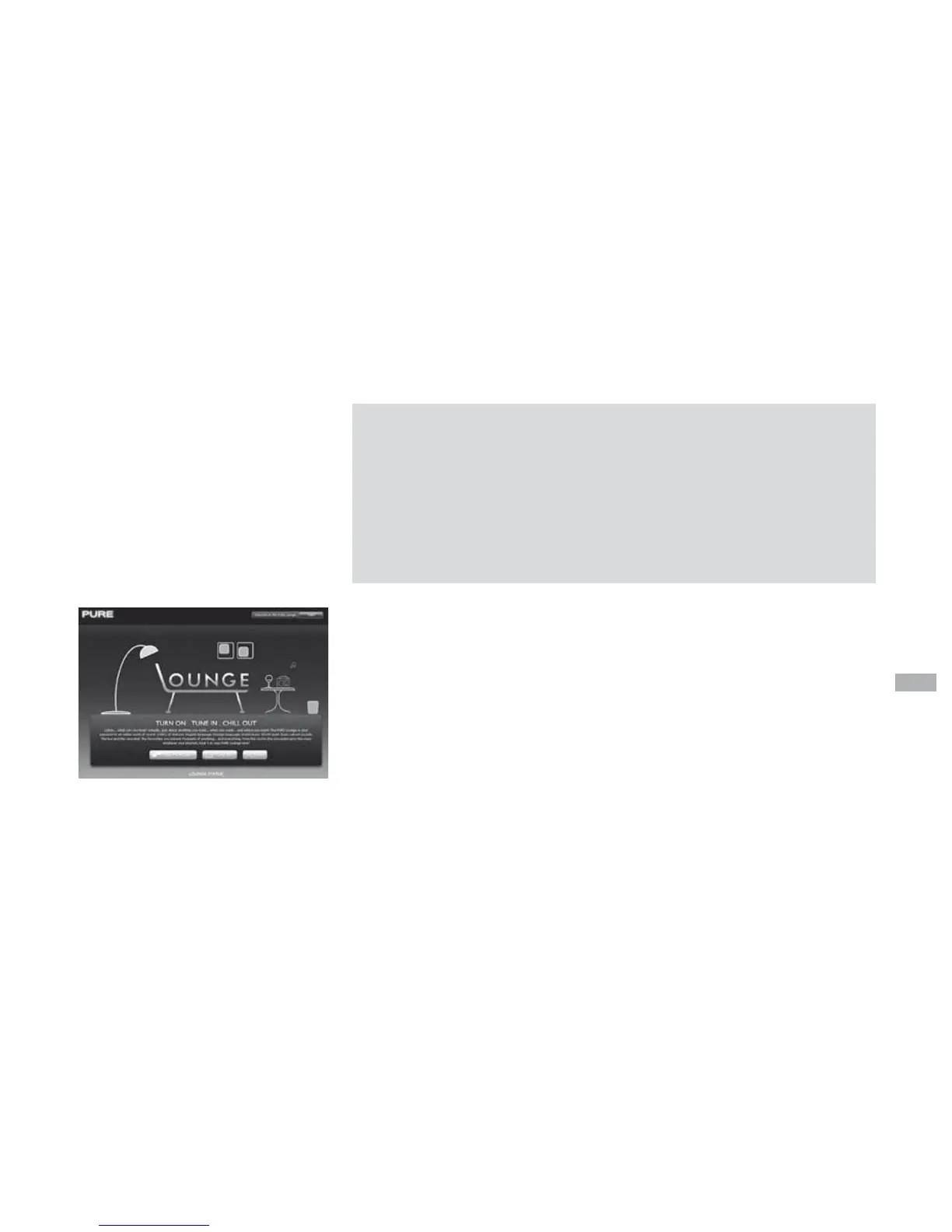
The Lounge website
www.thelounge.com
Visit the Lounge website to explore the thousands of radio stations,
listen again programs, podcasts and PURE Sounds that are also
available on any radio with Flow technology. Listen and join at
www.thelounge.com
Optionally connect your radio to the Lounge and make this wealth of
content more manageable by saving and organizing favourites into
folders, which appear on all your Lounge-connected radios, making it
simple to switch from ‘Dad’s Jazz’ to ‘Mum’s Motown’!



 To Next Page
 Loading...