EasyManua.ls Logo

Purex iFume 300i - User Manual

Default Icon
20 pages
Print Icon
To Next Page IconTo Next Page
Loading...
iFume Operating Manual
Visit www.purex.co.uk for more information.
“The future of fume extraction”
822010 rev 4

Questions and Answers

Summary

Warnings

Installing the Machine

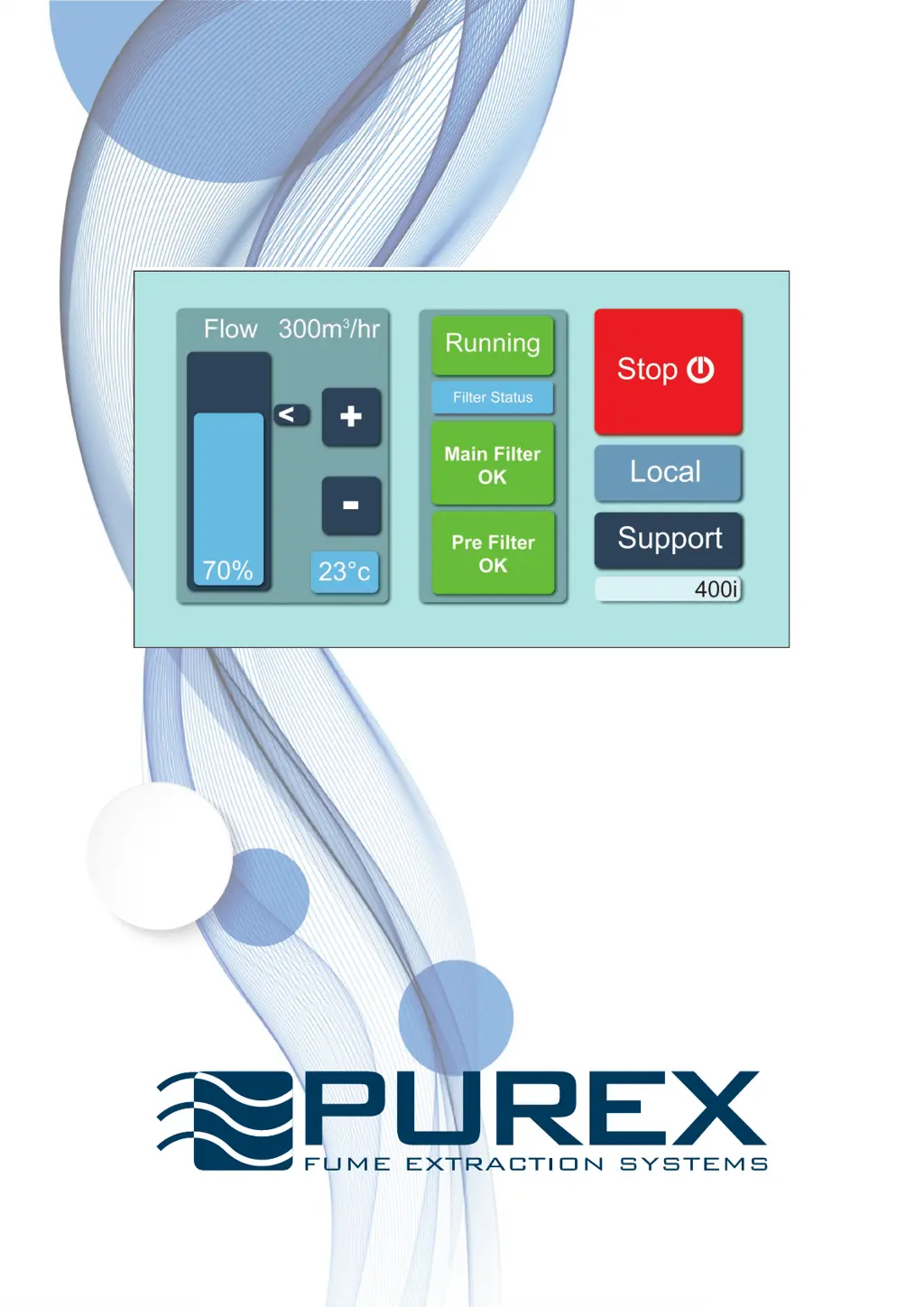
Touchscreen Control System

Touchscreen Display Overview

Explanation of the touchscreen interface, indicators, and buttons.

Setting the Machine for the First Time

Setting Maximum Airflow

Procedure to set the maximum airflow for optimal efficiency and filter life.

Setting Special Features

Filtration & Changing Filters

Filter Fitting and Handling Precautions

Crucial warnings about filter installation and avoiding damage.

Changing the Pre-filter

Step-by-step guide for replacing pre-filters on different machine models.

Changing the Main Filter

Detailed procedure for removing and installing the main filter correctly.

Warning and Alarm Signals

Displayed Warning Indicators

Visual and audible alerts for motor failure, hose blockages, and door status.

Filter Status Alarms

Signals for gas or particulate detected, and filter replacement needs.

Troubleshooting

Motor Fail and Hose Blocked Issues

Actions to take for motor failure or obstructed hose connections.

Troubleshooting - Additional Scenarios

Airflow and Connection Problems

Diagnosing insufficient airflow due to low settings, leaks, or blockages.

Purex iFume 300i Specifications

General IconGeneral
BrandPurex
ModeliFume 300i
CategoryAir Cleaner
LanguageEnglish

Related product manuals