EasyManua.ls Logo

Purex iFume 800i - User Manual

Default Icon
20 pages
Print Icon
To Next Page IconTo Next Page
Loading...
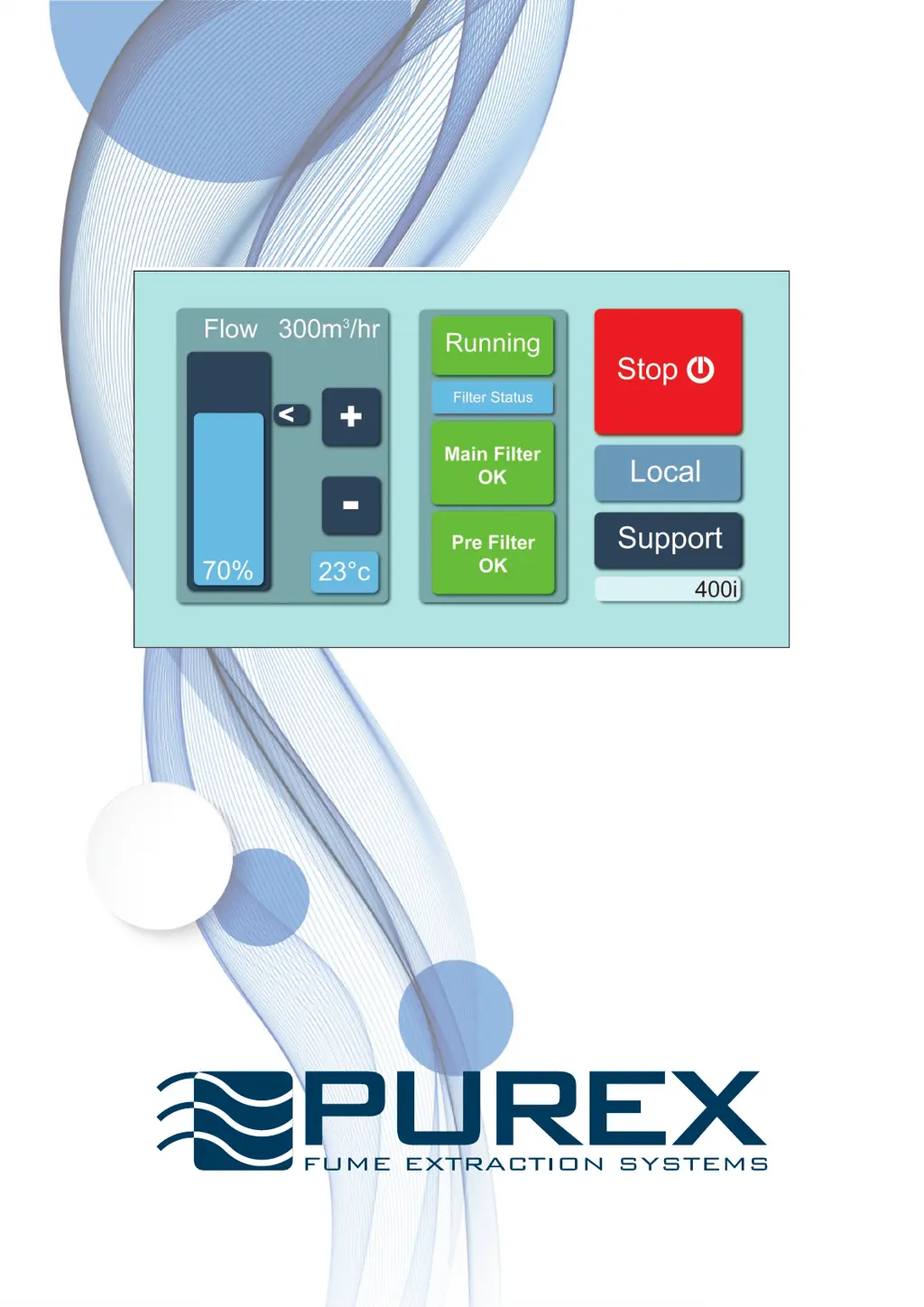
iFume Operating Manual
Visit www.purex.co.uk for more information.
“The future of fume extraction”
822010 rev 4

Questions and Answers

  • E
    ebanksAug 20, 2025
    Why is there odour or particles in exhaust air from my Purex iFume 800i Air Cleaner, even without machine alerts?
    • Q
      qwellsAug 20, 2025
      The exhaust monitor unit inside your Purex Air Cleaner might have a fault. Begin by inspecting all cables and connections. If the issue continues, contact your supplier.
  • L
    Laura JonesAug 22, 2025
    What to do if Temperature (red) alert appears on Purex iFume 800i Air Cleaner?
    • J
      Jeffrey MaldonadoAug 22, 2025
      If a Temperature (red) alert appears, first ensure that nothing is blocking the cooling vents located at the rear of the extractor. Then, check the process temperature and turn off the extractor.
  • L
    Luke LambertAug 25, 2025
    What to do if Temperature (yellow) alert appears on Purex iFume 800i Air Cleaner?
    • C
      collinsjoeAug 25, 2025
      If you receive a Temperature (yellow) alert, check that the cooling vents on the rear of the extractor are free from obstructions. Also, check the process temperature.
  • J
    Jerry BrownAug 26, 2025
    What to do if my Purex iFume 800i Air Cleaner screen is not illuminated?
    • K
      Kelsey CannonAug 27, 2025
      If the screen is not illuminated, there could be several reasons: * The power supply might be absent or incorrect. Check all cables and connections, ensuring the power supply matches the machine's requirements. * The circuit breaker might have tripped. Try resetting the breaker on the rear of the machine. * The control PCB inside the machine may have developed a fault. Check all cables and connections first. Then contact your supplier.
  • N
    Nicholas ShepardAug 28, 2025
    What to do if Particulate (red) alert appears on Purex iFume 800i?
    • S
      Sarah KramerAug 28, 2025
      If a Particulate (red) alert appears on your air cleaner, replace the main filter.
  • K
    kanebrianAug 29, 2025
    What to do if GAS (red) alert appears on Purex Air Cleaner?
    • M
      Michael ButlerAug 30, 2025
      If a GAS (red) alert appears, you should replace the main filter.
  • P
    prollinsAug 31, 2025
    Why does my Purex iFume 800i filter have a shorter than expected life?
    • S
      Sean MitchellAug 31, 2025
      A shorter than expected filter life may be due to: * A problem with the pre-filter. Check the pre-filter for damage or if it is missing. * Changes in the process or its duration, including the use of different materials. Investigate any changes in these factors. If the issue continues, contact your supplier.
  • K
    kevin94Sep 2, 2025
    What to do if Particulate (yellow) alert appears on Purex iFume 800i Air Cleaner?
    • E
      Edward SmithSep 2, 2025
      If you see a Particulate (yellow) alert, order a replacement main filter.
  • A
    allenthomasSep 4, 2025
    What to do if GAS (yellow) alert appears on Purex Air Cleaner?
    • C
      Carolyn HillSep 4, 2025
      If a GAS (yellow) alert appears, order a replacement main filter.
  • N
    nicoleanthonySep 6, 2025
    What to do if the Purex Air Cleaner control signal to/from interfaced equipment is incorrect?
    • A
      Andrea TateSep 6, 2025
      If the control signal to or from interfaced equipment is incorrect, and the equipment isn't switching on and there's an alarm, it indicates an electrical problem. Check all cables, connections, and the interfaced equipment.

Summary

Warnings

Routine Maintenance

Installing the Machine

Touchscreen Control System

Setting the Machine for the First Time

Setting Maximum Airflow

Procedure to set the maximum airflow for optimal efficiency and filter life.

Machine Power Control

Instructions for starting and stopping the machine via the touchscreen.

Airflow Rate Adjustment

How to increase or decrease the airflow using touchscreen controls.

Setting Special Features

Alarm and Unit Configuration

Configuring alarm relay states and switching between metric/imperial units.

Key Feature Settings

Customizing button lockout, run-on timer, and full user lockout functions.

Filtration & Changing Filters

Warning and Alarm Signals

Troubleshooting

Purex iFume 800i Specifications

General IconGeneral
Coverage AreaUp to 800 sq. ft.
CADR (Dust)300 CFM
CADR (Pollen)320 CFM
CADR (Smoke)280 CFM
Filter Replacement IndicatorYes
Remote ControlYes
ModeliFume 800i
Filtration TechnologyHEPA, Activated Carbon
TimerYes
Filter TypeHEPA, Activated Carbon

Related product manuals