SET UP & USER GUIDE
5
WHAT YOU’LL NEED
In addition to what’s included, you’ll need:
• An iPhone or iPod Touch running iOS 13 or higher.
• A Wi-Fi connection. If your Wi-Fi is password protected, have your
password handy.
• A Phillips head screwdriver.
INSTRUCTIONS
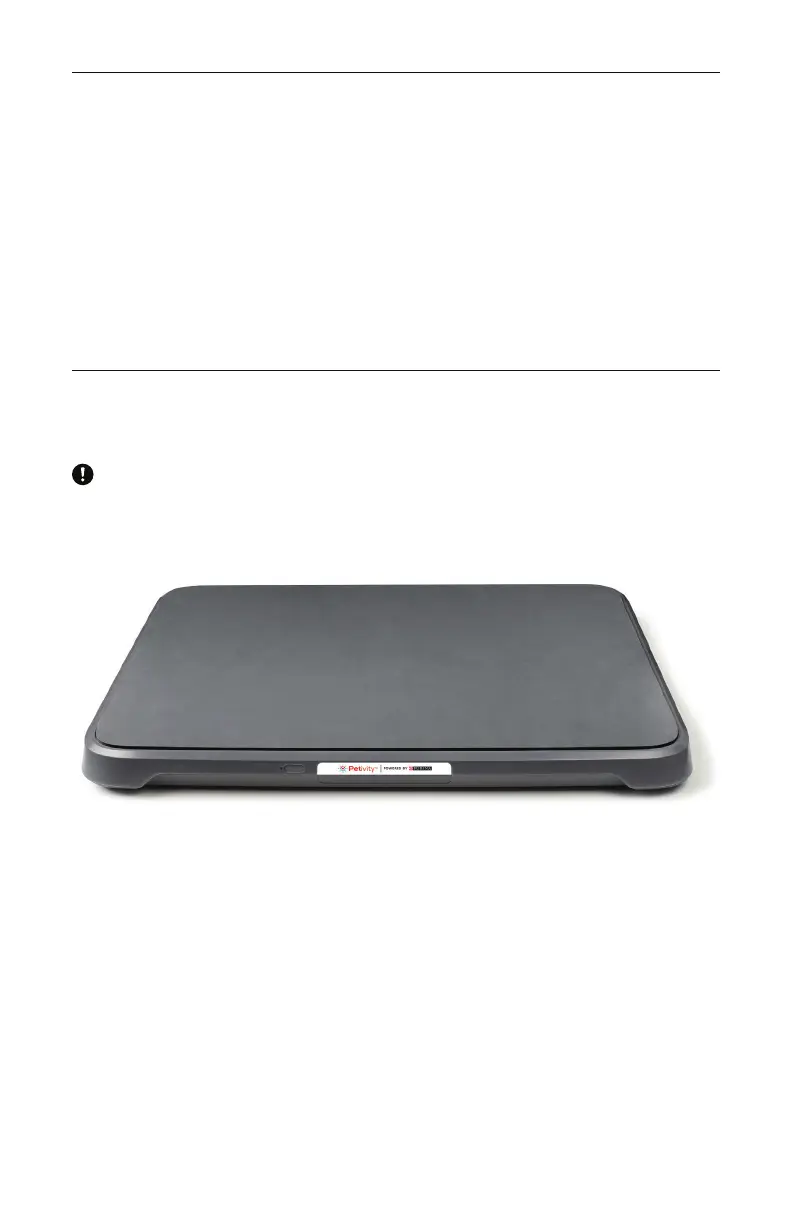
WARNING: DO NOT STAND ON MONITOR. The smart monitor is specially
calibrated for cats. Standing on your monitor or placing anything heavier
than 60 pounds on top of it may damage it.
1. Install the App
Before powering on your monitor, download the Petivity mobile app,
which will help guide you through the rest of the set up process.
Remember, you’ll need to use an iPhone running iOS 13 or higher to
complete installation.
2. Prepare for Set Up
Ensure that your phone is connected to your home Wi-Fi network and
Bluetooth is enabled. You can do this in the “Settings” menu of your
phone. Have your home Wi-Fi password handy.



 To Next Page