9
STEP 6
To sync two bases see detailed installation instructions on page
13-14. Install a sync cord prior to ipping the base upright.
To install Headboard Brackets, see instructions on page 16.
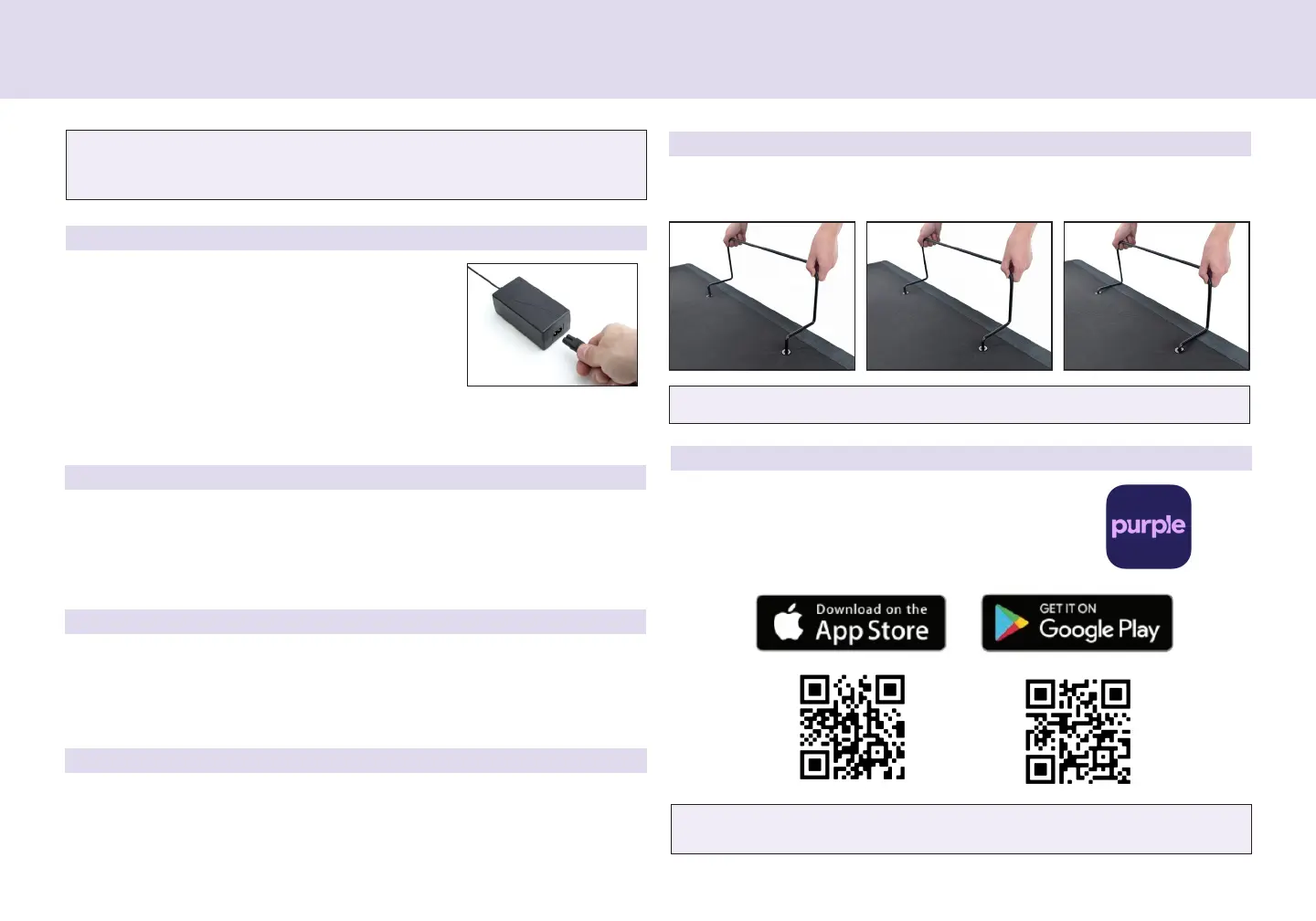
Uncoil the Powe Cod and connect to the
Powe Supply. Place Powe Supply on the
gound and extend fom the base. Ensue
that the Powe Supply and all attached
cods ae diected towad the desied suge
potecto.
Installation Guide
STEP 7
STEP 8
STEP 9
STEP 10
STEP 11
Caefully ip the base ove on to its legs. Impotant: Two people ae
equied to move the bed base. Do not dag acoss the oo. Do not
est fame on its side, excessive pessue may damage the legs.
Plug the powe cod into a powe souce.
A surge protector is recommended.
Quickly test emote functions to veify pope setup befoe placing
mattess on base. Retun the base to a at position befoe placing
the mattess on top.
Setup is now complete!
Install mattess etaine bas by inseting each end of the etaine ba
into the holes at the foot of the platfom.
Download the app. Scan the QR code below
o seach in the App Stoe o Google Play fo
the Puple Smat Base app.
For customer support, visit www.ergomotion.com or call: 1-888-550-3746


 To Next Page