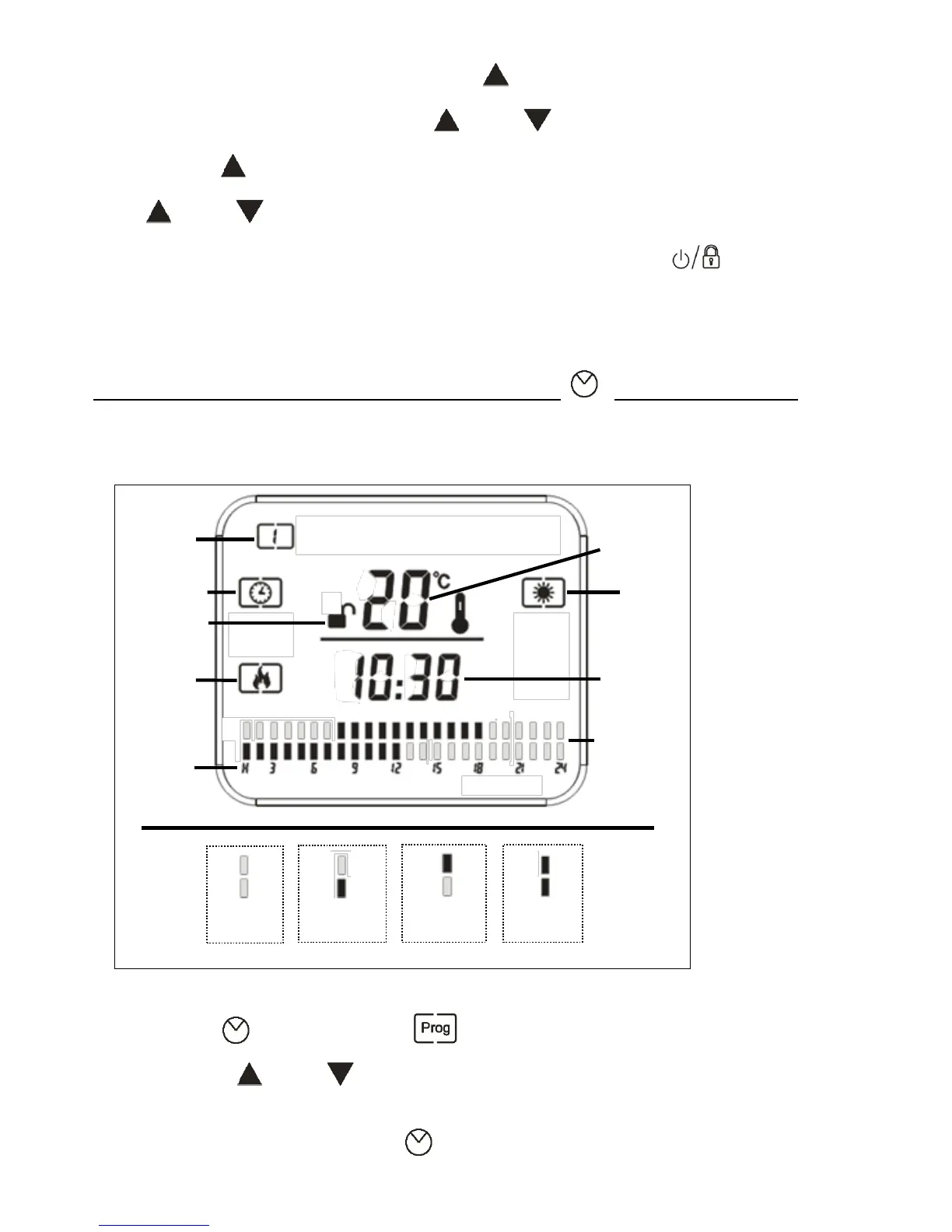
2. Once the correct day is selected press “ ” button twice for 3 seconds, the hour
number will start to flash. Press the “ ” and “ ” button to set current hour.
3. Now press “ ” button three times for 3 seconds, the minute number will flash, press
the “ ” and “ ” button to set current minute.
4. When you have finished selecting the day and time , press the " " button to save
the Settings, or wait for 10 seconds, and the heater will automatically save the time
setting.
Setting a Personalised Heating Program “ ” Program Button
1. Press the “ ” Button and the symbol and “Day” icon will light up on the
display. Press “ ” and “ ”button to set the required day.
2. After setting the Day, press the “ ” button again, the hour number will flash on the



 To Next Page