4. Play a Patch
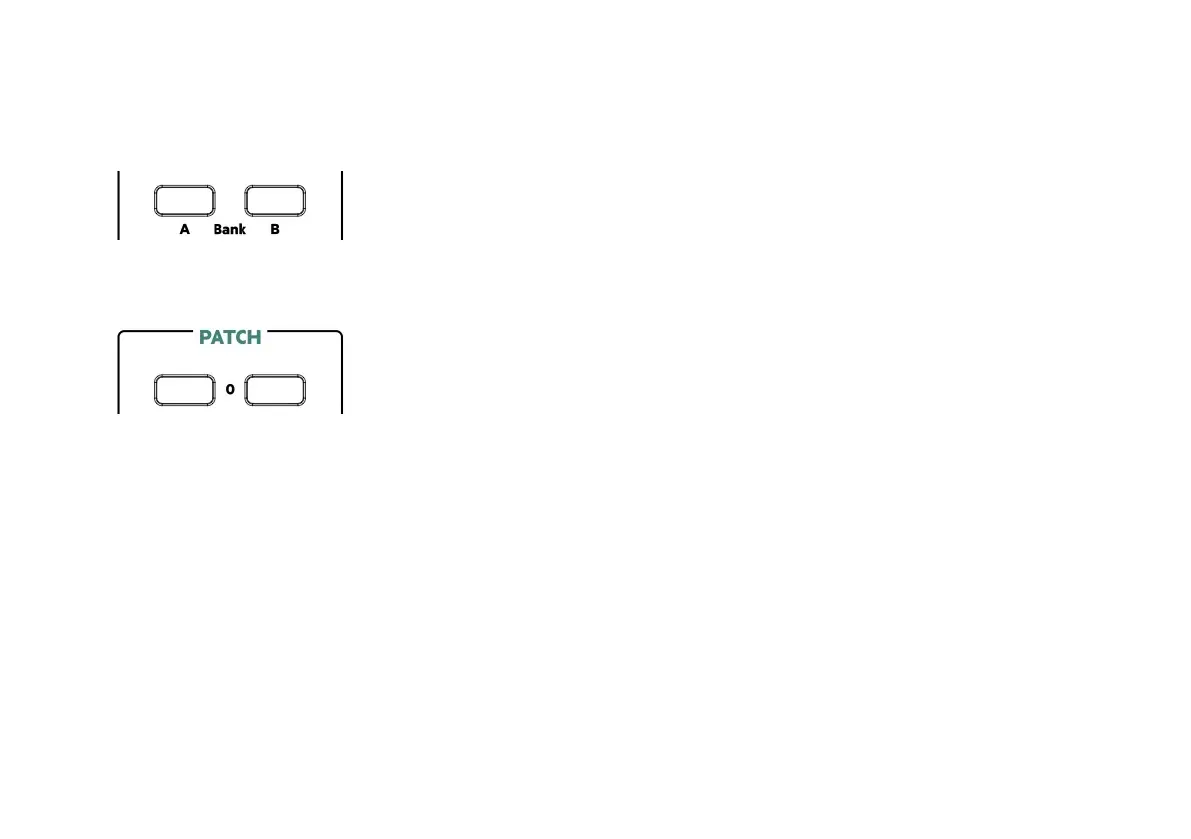
When you first turn Mantis on Bank A should be selected. Press the button for Bank A if
this is not the case. Bank A contains the factory pre-programmed patches.
Next select patch 0-0 by pressing the left 0 button followed by the right 0 button in the
PATCH section. Now press a key. You should hear the very first Mantis sound!
The sounds are organised by bank, then by the left column of ‘tens’ and then by the
right column of ‘ones’. So patches can be as follows:
A00, A01, A02, A03... A10, A11, A12... A99
B00, B01, B02, B03... B10, B11, B12... B99
Bank B contains empty patch locations for you to create your own brand new patches!
In total there are 200 patch locations that you can use as you wish.
7



 To Next Page