5. Create your First Patch
There are a couple of ways to start an original patch on the Mantis. You can start from
initial parameters, or an ‘Init’ patch. Or you can randomise all the parameters and start
from there!
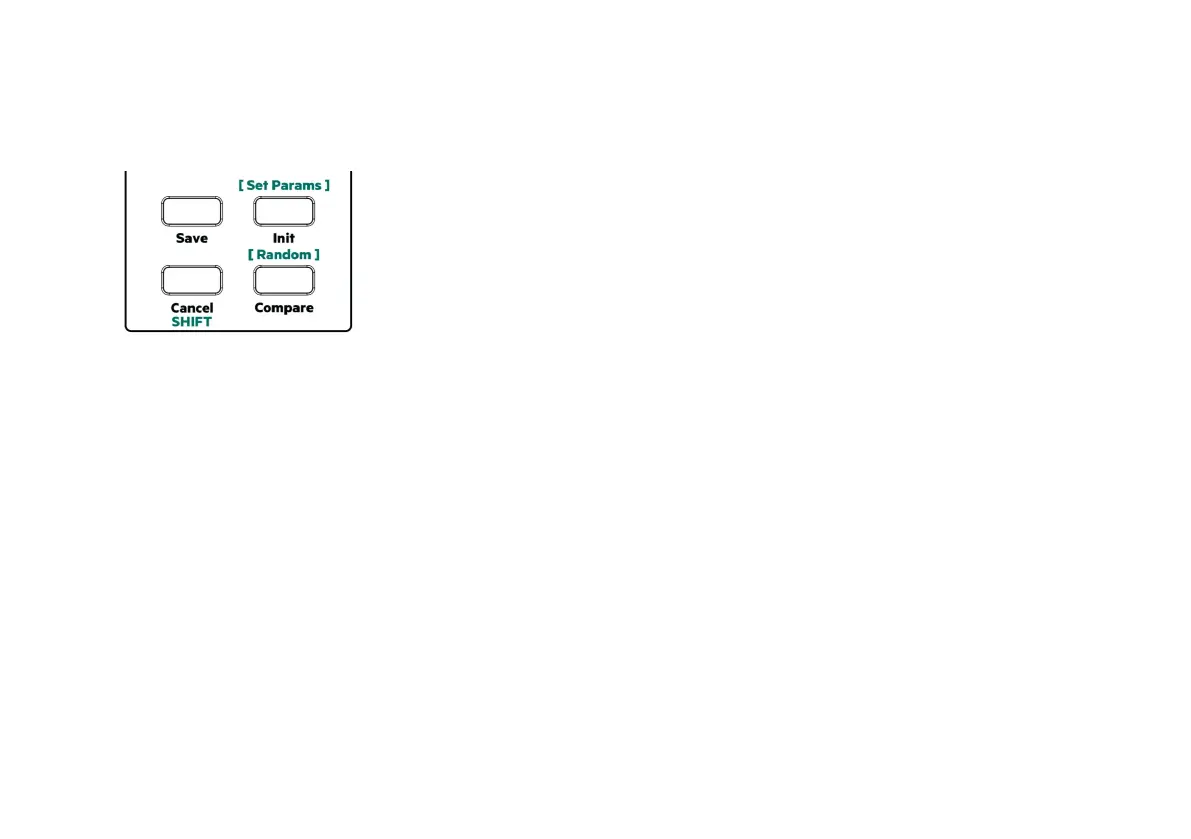
To initialise all the parameters on the Mantis press the ‘Init’ button. This will give you a
basic single oscillator saw wave sound with all parameters set to initial values.
To randomise all parameters, press and hold the ‘SHIFT’ button and press the ‘Random /
Compare’ button next to it. This will set every parameter on the Mantis to a random
value. Try this several times until you find something you like.
To store your patch press Save followed by Bank B, a ‘tens’ and ‘ones’ location and then
press Save again. Bank A is initially protected as it contains the factory patches. It is
possible to toggle Bank protection by holding SHIFT and pressing either bank button.
8



 To Next Page