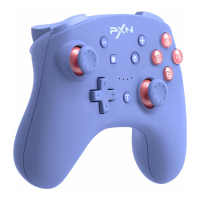
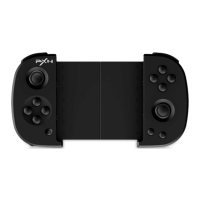
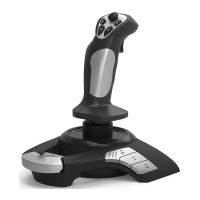
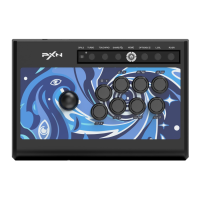
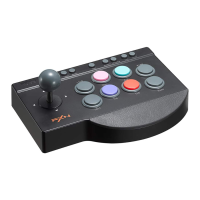
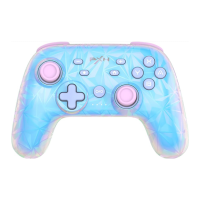
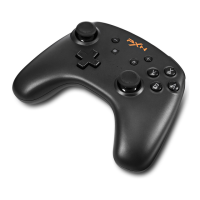
Support NFC function on SWITCH.
High-efficiency lithium battery with smart power
saving technology, providing longer playing time.
- 09 -
System Requirement
SWITCH Console
Step ①: Enter System settings Controllers and
Sensors, Select Pro Controller Wired Connection.
The option state is ON;
Step ①: Clicking (Home) button of Switch console to
Step ②: Press + (Home) buttons for 3 seconds to
power on the Controller, 4 LED lights to flash
orderly, meaning in the connecting state;
Step ③: After 3-5 seconds,when LED indicator light
keeps on, the controller connects successfully.
Support Platform: SWITCH console/PC
Support System: SWITCH console system,
Windows 7/8/10
Wireless Connection
Step ②: Under the Situation of Controller Power-off
SWITCH console: Connect Controller with
SWITCH Dock: Connect SWITCH Dock with
controller by USB cable;
SWITCH console by USB cable with TYPE-C OTG;
Wired Connection
enter homepage, Select Controller icon
Change Grip/Order;


 To Next Page