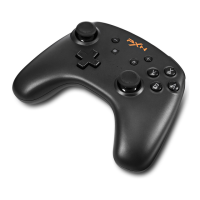
11
ANDROID HID MODE
*Android HID Mode: The Android games that support
the controller to play directly. For example, Asphalt
and Modern Combat.
Step ①: Press power button " " of Controller to
power on.
Step ②: Press and buttons at the same time to
pair until the red LED indicator ashes.
Step ③: Open the Bluetooth function on Android to
*iOS System Requirement: iOS 11 and later.
Step ①: Press power button "
" of Controller to
power on.
Step ②: Press and buttons at the same time to
pair until green LED indicator ashes.
Step ③: Open the Bluetooth function on iOS to search
controller,then click “PXN-P30i” to pair with. Connect
successfully when the green LED indicator keeps on.
Step ④: If you have button mapping requirement,
please check the APP custom button tutorial.
PLUG AND PLAY IN iOS:
Button Mapping Tutorial for iOS System
Scan QR for Tutorial


 To Next Page