- Connect With Switch dock
Step 1
Place the Switch console into Switch dock and ensure successful
connection.
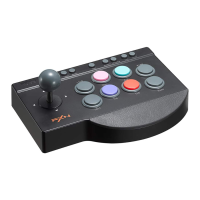
Step 2 Plug the arcade stick into Switch dock and power on the Switch
console.
O
O
Note : Press "+" and
(USB Port of Switch Dock)
at the same time to take a screenshot.
O Connect with Android
- Connect with Android cellphone
Step 1 Plug the OTG adapter into the USB
interface of arcade stick.
Step 2 Plug the OTG adapter into cellphone.
(Micro OTG or Type-C).
Note : Some of cellphones need to turn on
the OTG function in the phone setting.
- Connect with Android TV box or TV
OTG Adapter
Step 1 Plug the arcade stick into Android TV box or TV.
Step 2 After the connection is successfull, you can launch the game to
play.
15-


 To Next Page