ww w.PyleUSA.com
4
13. When grounding this unit, be sure to do so correctly, so as not to defeat the
built-in grounding in this unit.
14. Before placing, installing, rigging, or suspending any product, inspect all hardware,
suspension, cabinets, transducers, brackets and associated equipment for damage.
Any missing, corroded, deformed, or non-load rated component could signicantly
reduce the strength of the installation, placement or array. Any such condition
severely reduces the safety of the installation and should be immediately corrected.
Use only hardware which is rated for the loading conditions of the installation
and any possible short-term, unexpected overloading. Never exceed the rating
of the hardware or equipment.
15. Consult a licensed, professional engineer regarding physical equipment
installation. Ensure that all local, state and national regulations regarding the
safety and operation of equipment are understood and adhered to.
16. Refer all servicing to qualied service personnel. Servicing is required when the
apparatus has been damaged in any way, such as power supply cord or plug is
damaged, liquid has been spilled or objects have fallen into the apparatus, the
apparatus has been exposed to rain or moisture, does not operate normally, or
has been dropped.
Introduction
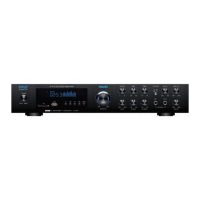
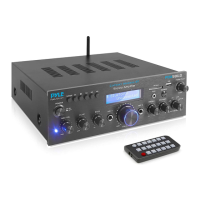
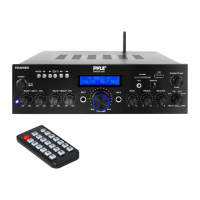
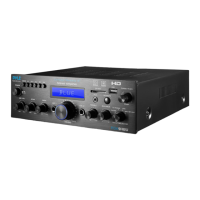
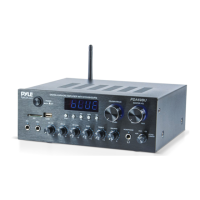
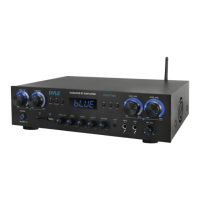
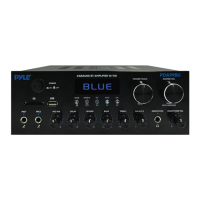
To get the most from the PDA8BU Multi-Channel Bluetooth Home Amplier,
it is recommended that you review all of the information provided in the instruction
manual before operating the equipment.
FRONT & BACK PANEL
1. POWER ON/OFF SWITCH: Press this button to power ON/OFF the unit.
2. LED DISPLAY SCREEN: Displays the input sources and track time information.
3 SD CARD SLOT: Insert an SD card in this slot for playing Mp3 les.
4. USB PORT: Insert an USB mass storage device for playing Mp3 les.
NOTE: The USB input is ONLY mean to connect to a USB ash drive (thumb drive).
Connecting an MP3 player or computer directly to the USB ash drive input will
result in the unit failing to play the audio from those devices.
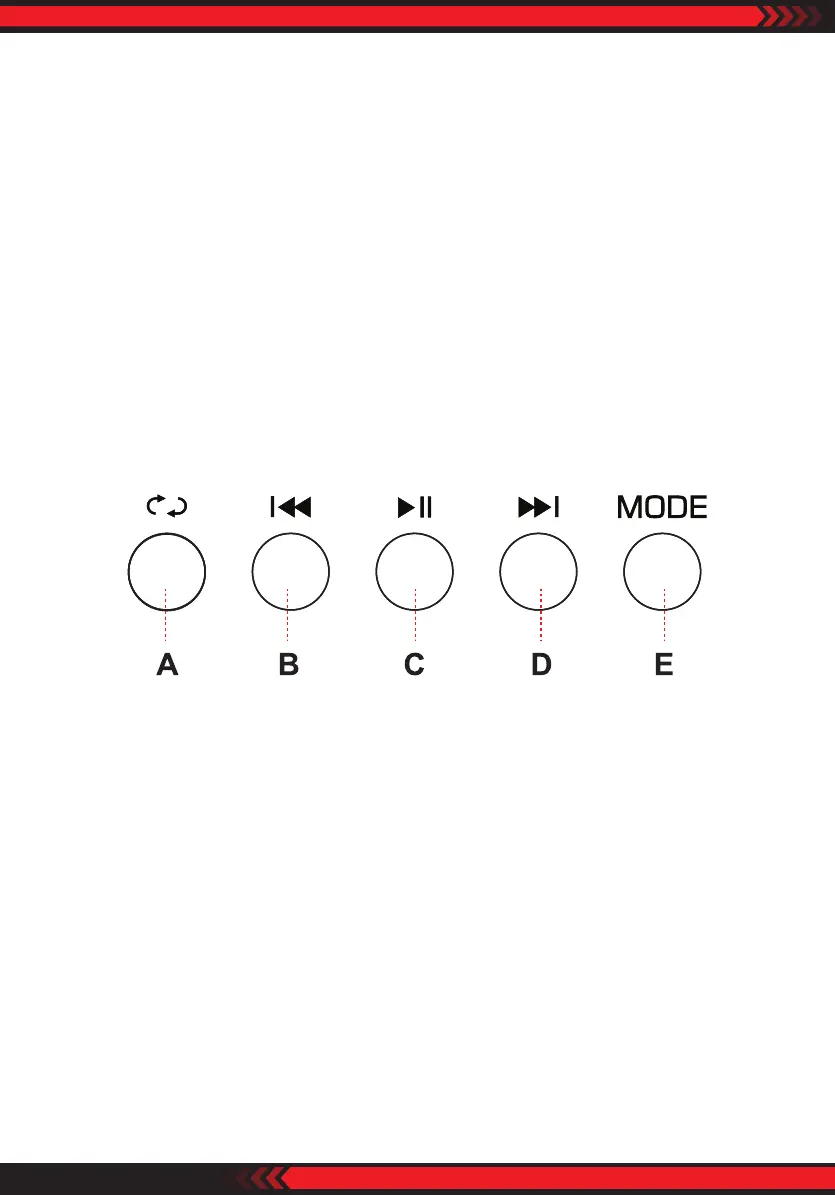
5. CONTROL BUTTONS
A. REPEAT BUTTON: This button allows you to play the music in repeat mode
(All or Single mode)
ALL: All tracks in the USB or SD CARD will be repeated in order without interruption.
SINGLE: Repeat the track that was current playing.
B. PREV BUTTON: Use this button to select each function depending on these three
dierent modes as below.
• In USB/SD/BLUETOOTH mode, use to select previous track.
• In FM mode, use to select pervious channel.
• In FM/BLUETOOTH mode, press and hold this button will decrease the volume.


 To Next Page
 Loading...