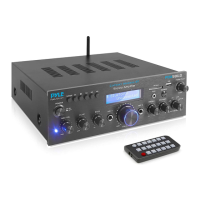
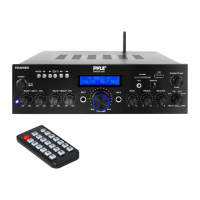
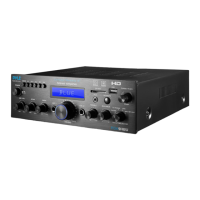
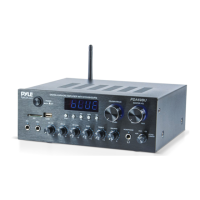
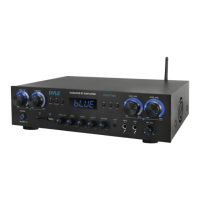
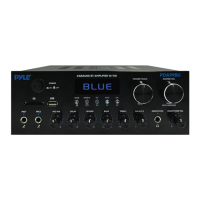
C. PLAY/PAUSE BUTTON: Each press of the PLAY/PAUSE BUTTON causes the
operation to change from play to pause or from pause to play in the USB/SD mode
or BLUETOOTH mode.
• Press the PLAY/PAUSE BUTTON one time to auto scan all frequencies from
87.5MHz to 108MHz in FM mode, the unit will auto store the channels.
D. NEXT BUTTON: Use this button to select each of function depending on these
three dierent modes as below.
• Select next track in USB/SD/BLUETOOTH mode
• Select next channel in FM mode
• In FM/BLUETOOTH mode, press and hold this button to increase the volume.
E. MODE BUTTON: Press this button to select one of play mode with USB/SD mode,
FM mode and Bluetooth mode, automatically set in USB/SD mode after turn on
the unit, automatically play mp3 les after inserting a USB ash driver or SD card.
STEPS FOR CONNECTING WITH BLUETOOTH DEVICE
Once paired you can play music from your Bluetooth device.
You can also use the control buttons on the unit to select the tracks from your
Bluetooth device.
A. Press MODE button to select Bluetooth mode, displays BLUETOOTH on the screen.
B. Search for the bluetooth device and nd the bluetooth name “BT”
C. Select the “BT” bluetooth name and wait for the device to pair.
D. The unit will make a sound conrming that the devices have successfully paired.
ww w.PyleUSA.com
6
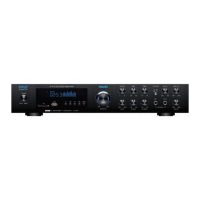
6. MUSIC VOLUME CONTROL KNOB: Turn this knob to adjust the master music
volume.
7. BALANCE: Turn this knob to adjust the volume level of the L/R channel
8. BASS: Turn this knob to adjust the low frequencies level of music
9. TREBLE: Turn this knob to adjust the high frequencies level of music
10. LOUD: Press this button to boost the bass and treble at low volume levels
11. MAIN VOLUME CONTROL: Turn this knob to adjust the volume of the main speaker
12. SURROUND VOLUME CONTROL: Turn this knob to adjust the volume of the
surround speaker
13. ECHO VOLUME CONTROL KNOB: Turn this knob to adjust the microphone echo
volume level
14. MICROPHONE BASS CONTROL KNOB: Turn this knob to adjust microphone
bass level
15. MICROPHONE TREBLE CONTROL KNOB: Turn this knob to adjust microphone
treble level
16. MICROPHONE INPUT 1/2 JACK: MIC 1/2 Input Jack for connecting with
microphones
17. MICROPHONE 1 VOLUME CONTROL KNOB: Turn this knob to adjust the
volume of microphone 1/2
18. AUDIO INPUT RCA CONNECTOR: Connect the audio output jacks of DVD/CD
to these jacks
19. REC OUTPUT CONNECTOR: To connect with other electronic equipment audio
input with these jacks
20. SUBWOOFER OUTPUT: To connect with a active subwoofer through these jacks
21. SPEAKER OUTPUT: Speaker binding post terminal to connect with the main
speaker
22. CENTER SPEAKER OUTPUT: Speaker bindling post terminal to connect with the
center speaker
23. SURROUND SPEAKER OUTPUT: Press type terminal to connect with the
surround speakers.
24. FM ANTENNA CONNECTOR: Connect with FM antennas.
25. POWER SUPPLY: Connect to AC power socket.
The unit is working with AC-230V only.


 To Next Page
 Loading...