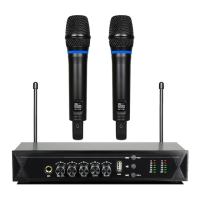
www.PyleUSA.com www.PyleUSA.com
1. Power and Audio Mute Switch.
2. Antenna: Transmit the RF signalof transmitter.
3. Belt Clip: Attach the transmitter to the belt.
4. Audio Input Jack: it is suitable for lavaliere system/headset system.
5. Low Battery Indicator: Red light glows when it is lack of power and should
renew the battery.
6. LCD Information Display: Show the transmitter frequency channel etc.
7. Gain Adjusting Volume: Adjust the transmitter audio input gain.
8. State Setting Switch: Set the using state of lavaliere system (L)/headset
system (H).
9. Up Function Button: Sets channel data.
10. Down Function Button: Sets channel data.
SYSTEM CONNECTIONS
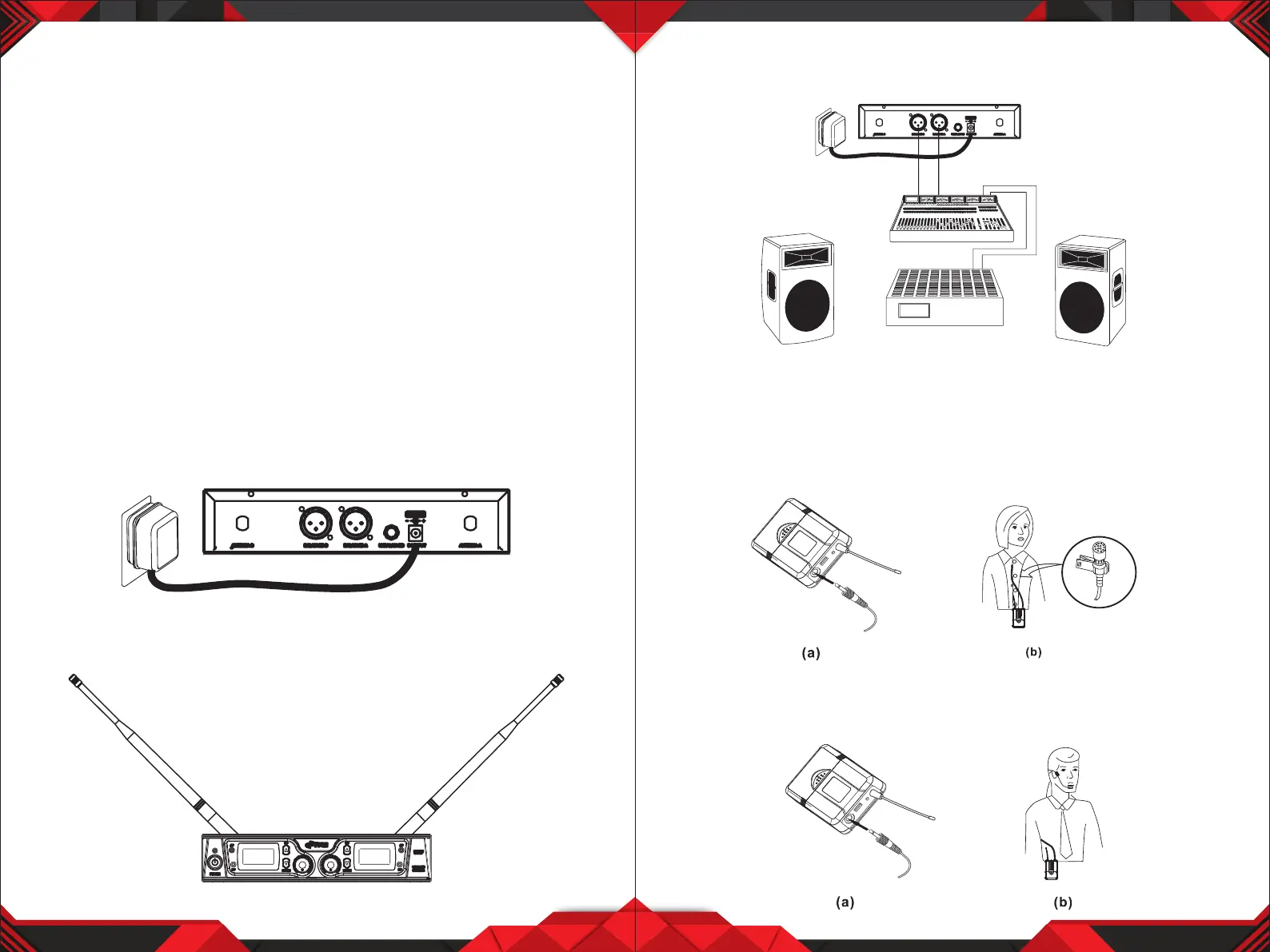
1. Receiver Power Connection: Connect the AC adapter into the DC power
connector on the back of the receiver. Plug the AC adapter into a AC 120V
/220V 50Hz outlet.
2. Antenna: Keep the position of antenna at a 45 angle from vertical.
(Shown as below)
5 6
3. Audio Connection: Connect the audio cable from the audio output on the
receiver to the input on your amplier equipment.
BODYPACK TRANSMITTER CONNECTION
1. Lavalier Microphone Connection: Connect the connector of supplied
lavalier microphone to the connecting jack of transmitter (shown as below)
Set the transmitter work state in wireless lavalier system (L).
2. Headset Microphone Connection: Connect the connector of supplied
headset microphone to the connecting jack of transmitter (shown as below)
Set the transmitter work state in wireless headset system (H).

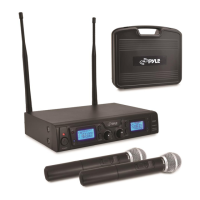

 To Next Page