“Brightness” “Saturation”menu, then press“ ” and “ ”
to set the parameter
2) Press the“
“ ” key on remote control to set the volume. Press
the “
” key on remote control to set mute
3)Setting :Press the“ ”key on remote control to enter the main menu,
Before entering the main menu will have a waiting process, ( see figure as
follows)
1. Video play: Enter videoplay menu
( see figure as follows), select
the video and play video by remote controller to playback

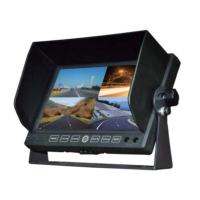

 To Next Page