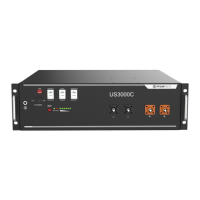
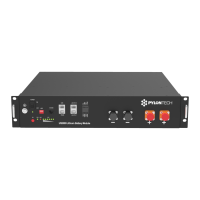
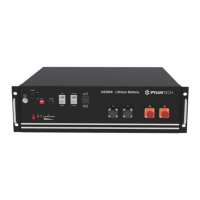
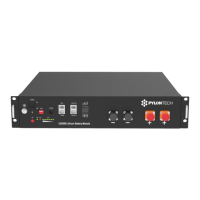
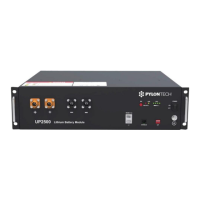
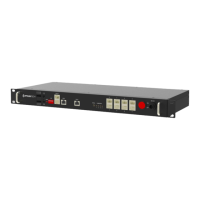
After change, please restart battery.
Dip2~4: Reserved
3)USB port
For manufacturer or professional engineer to debug or
service. USB2.0.
4)Power Switch
ON: ready to turn on.
OFF: power off. For storage or shipping.
5)Start
Turn on: press more than 3s to start the battery module.
Turn off: press more than 3s to turn off the battery.
6)WIFI port
Connect the WIFI block from Pylontech ONLY.
Do not connect any other USB device.
If not using, MUST lock the cover
7)Link Port 0, 1
For communication between multiple parallel batteries.


 To Next Page
 Loading...