Page 25
Contact SegenSolar (PTY) Ltd | e: info@segensolar.co.za | t: 08780 20663
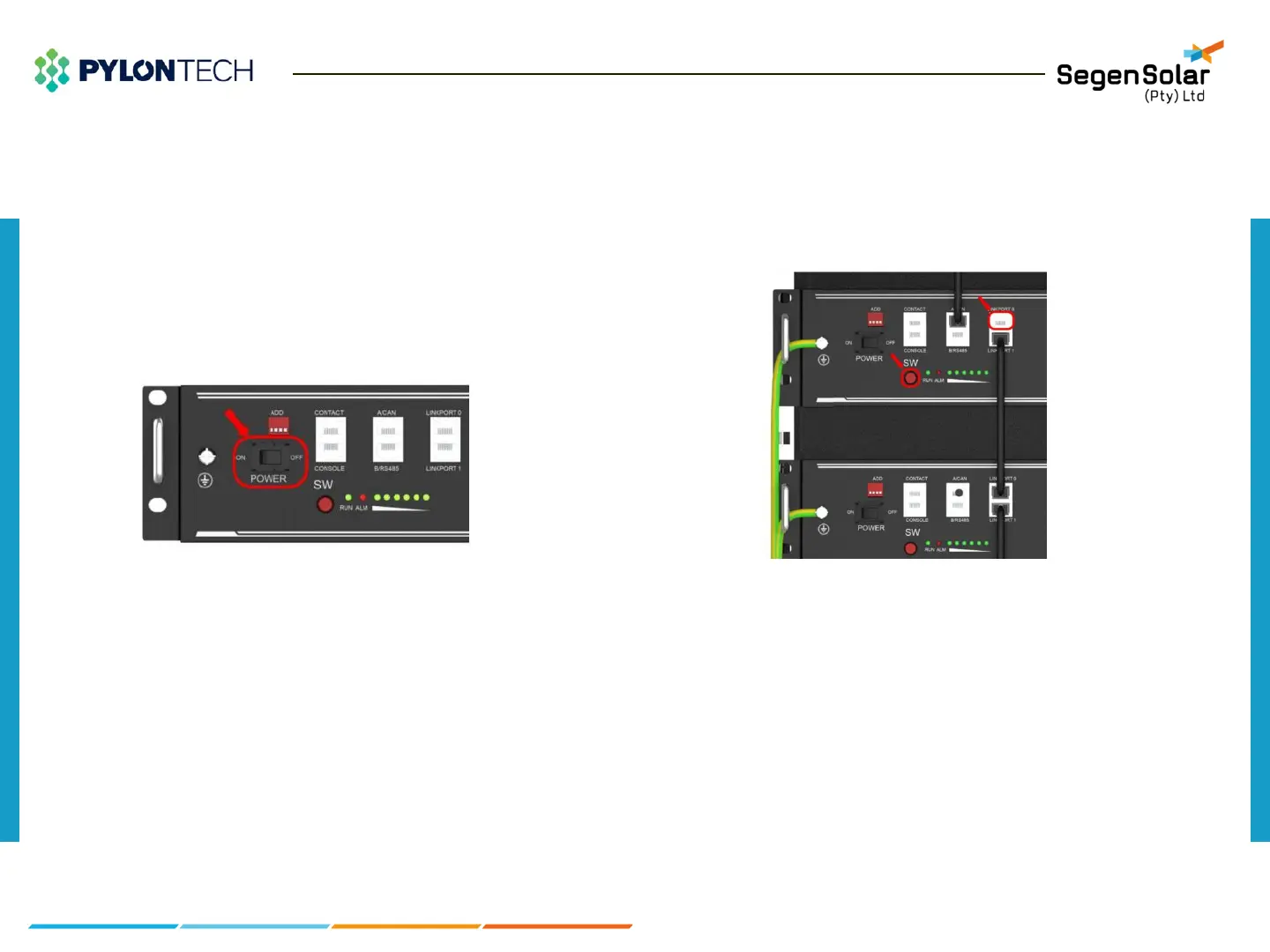
1) Power on:
Double check all the power cable and communication cable.
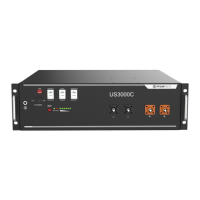
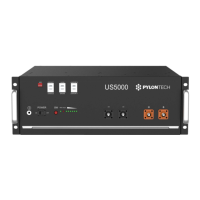
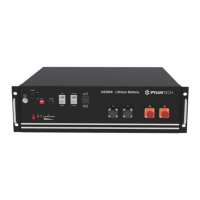
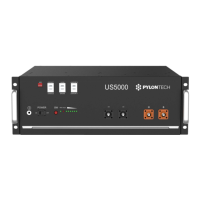
1.Switch ON all the battery modules by hard switch.
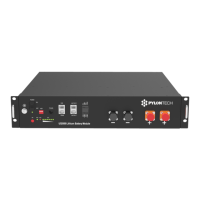
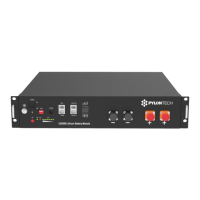
2.Press the Red SW button of master battery(≥ 0.5 sec).
Figure 17: Battery power switch
Figure 18: Battery soft switch button
Power On/Off



 To Next Page