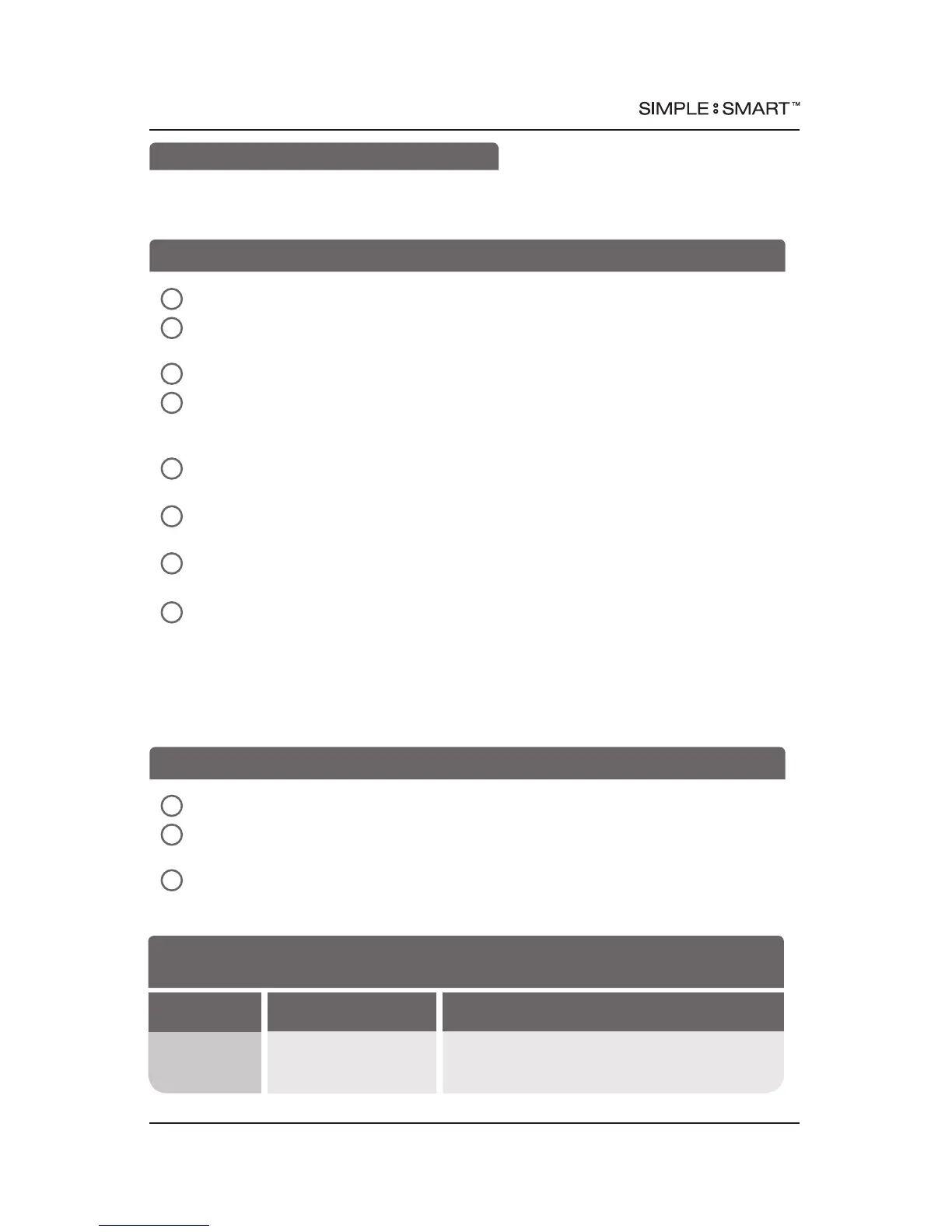
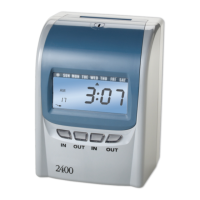
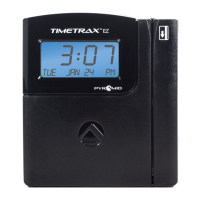
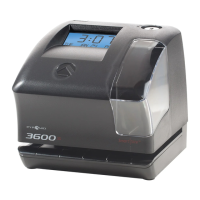
AUTO ALIGNING TIME CLOCK INSTRUCTIONS
Model 2650
9pyramidtimesystems.com SCHEDULE EVENTS (BUZZER)
In the ADVANCED MENU = N menu, press
s(UP)
to choose “YES”.
Use SELECT button to scroll through Advanced Menu options until
SET EVENT # NO menu is displayed.
In SET EVENT # NO menu, press
s(UP)
to schedule event.
In SET EVENT #1 menu, set event number (e.g. 1,2,3…50). If prior events have been
programmed, time clock will advance to next available event #. To edit previously
programmed events, press
s(UP)
or
t(DOWN)
to scroll, then press SELECT.
In EVENT 1 = OFF menu, press
s(UP)
to scroll to desired duration (e.g. .5,1...15 sec)
(determines length of time buzzer sounds), then press SELECT.
In EVENT HR = 12AM (AM/PM) or EVENT HR = 0 (Military) menu, press
s(UP)
or
t(DOWN)
to scroll to desired hour, then press SELECT.
In EVENT MIN=0 menu, press
s(UP)
or
t(DOWN)
to scroll to desired minute, then
press SELECT.
In EVENT DAY = ALL menu, press
s(UP)
or
t(DOWN)
to scroll to desired option
(see below) & press SELECT:
All week event: ALL (Sun-Sat)
Monday thru Friday event: M-F
One day event: SUN, MON, TUE, WED, THU, FRI or SAT
In the ADVANCED MENU = N menu, press
s(UP)
to choose “YES”.
Use SELECT button to scroll through Advanced Menu options until VOLUME = OFF
menu is displayed.
In VOLUME = OFF menu, press
s(UP)
to adjust buzzer volume level (e.g. 1,2, . . . 11).
Press SELECT for desired volume level.
4
2
5
6
7
8
3
1
1
2
3
SCHEDULE EVENTS (BUZZER)
The time clock has an internal buzzer to alert workers of schedule events, such as start
time, breaks, lunch & dismissal times.
MENU
:
PRINT ADJUSTMENT
st
ADJUST PRINTING LEFT/RIGHT UP/DOWN
FEATURE
(SELECT)
DISPLAY
OPTIONS (SCROLL st)
Adjust Printing
PRINT ADJUST = N
Use this feature if needed. See page 13 for
instructions.
MENU
:
SET EVENT
st SCHEDULE AN EVENT (e.g. Sound Internal Buzzer)
MENU
:
VOLUME
st
ADJUST BUZZER VOLUME



 To Next Page