AUTO ALIGNING TIME CLOCK INSTRUCTIONS
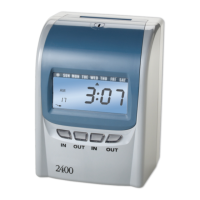
Model 2650
4 888.479.7264INSTALLATION
DESKTOP SET UP
WALL MOUNTING
Remove time clock from carton & place on a at, level surface.
Plug unit into AC wall outlet.
Select a location convenient to employees
clocking IN & OUT. Be sure power outlet is
within 5 feet of mounting location.
Use masking tape to hold mounting template
on wall, making certain template is positioned
so bottom of time clock is approximately
45 inches from oor.
Drill holes using template as a guide.
Remove template from wall & install #10 screws,
leaving approximately 3/16 inch of screws
exposed. For sheetrock walls, use plastic
anchors.
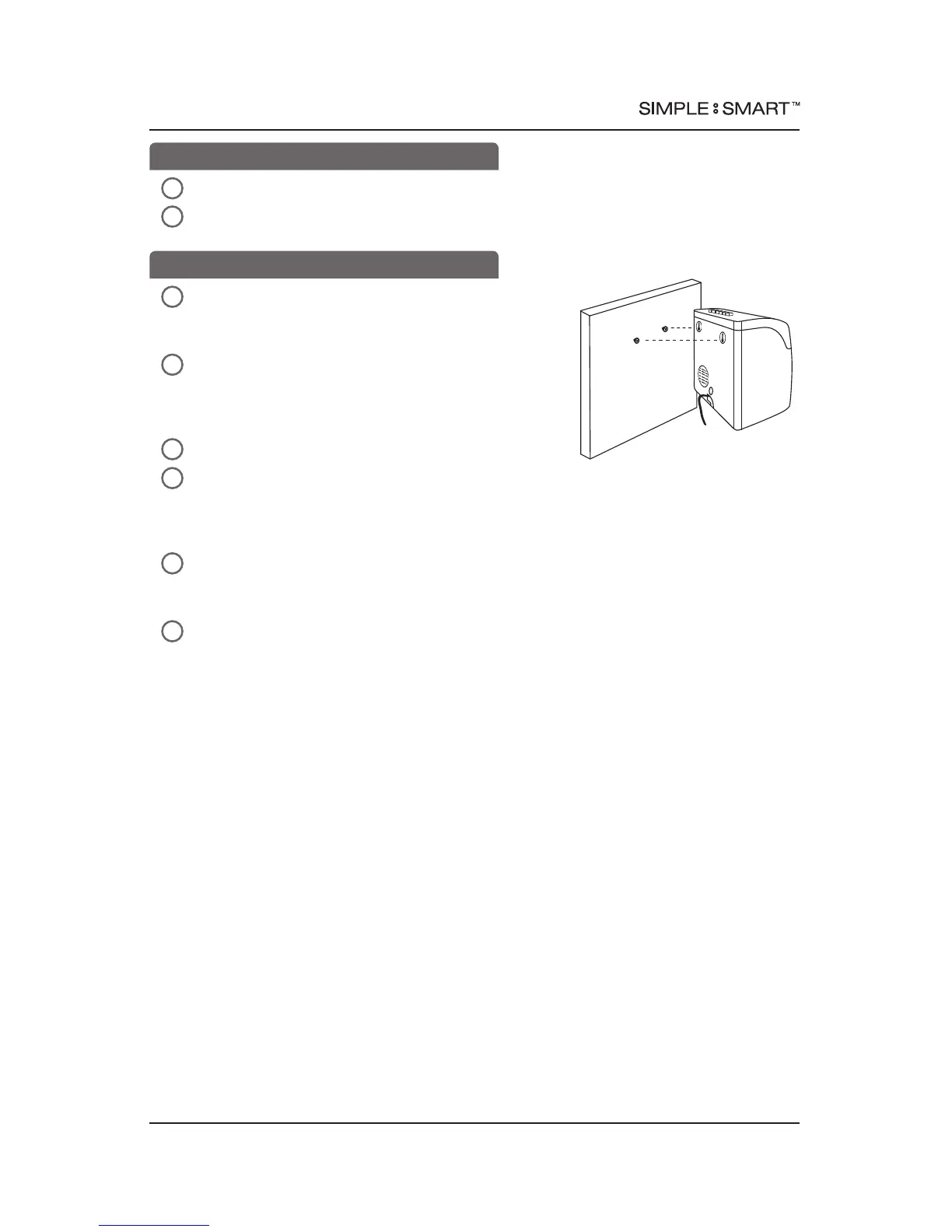
Hang time clock on wall, aligning keyholes on the
rear with screw heads. Press downward on time
clock until it lowers onto screws.
Plug unit into AC wall outlet.
2
2
3
4
5
6
1
1
Model 2650



 To Next Page