9
RADIO OPERATION
• SELECT BAND
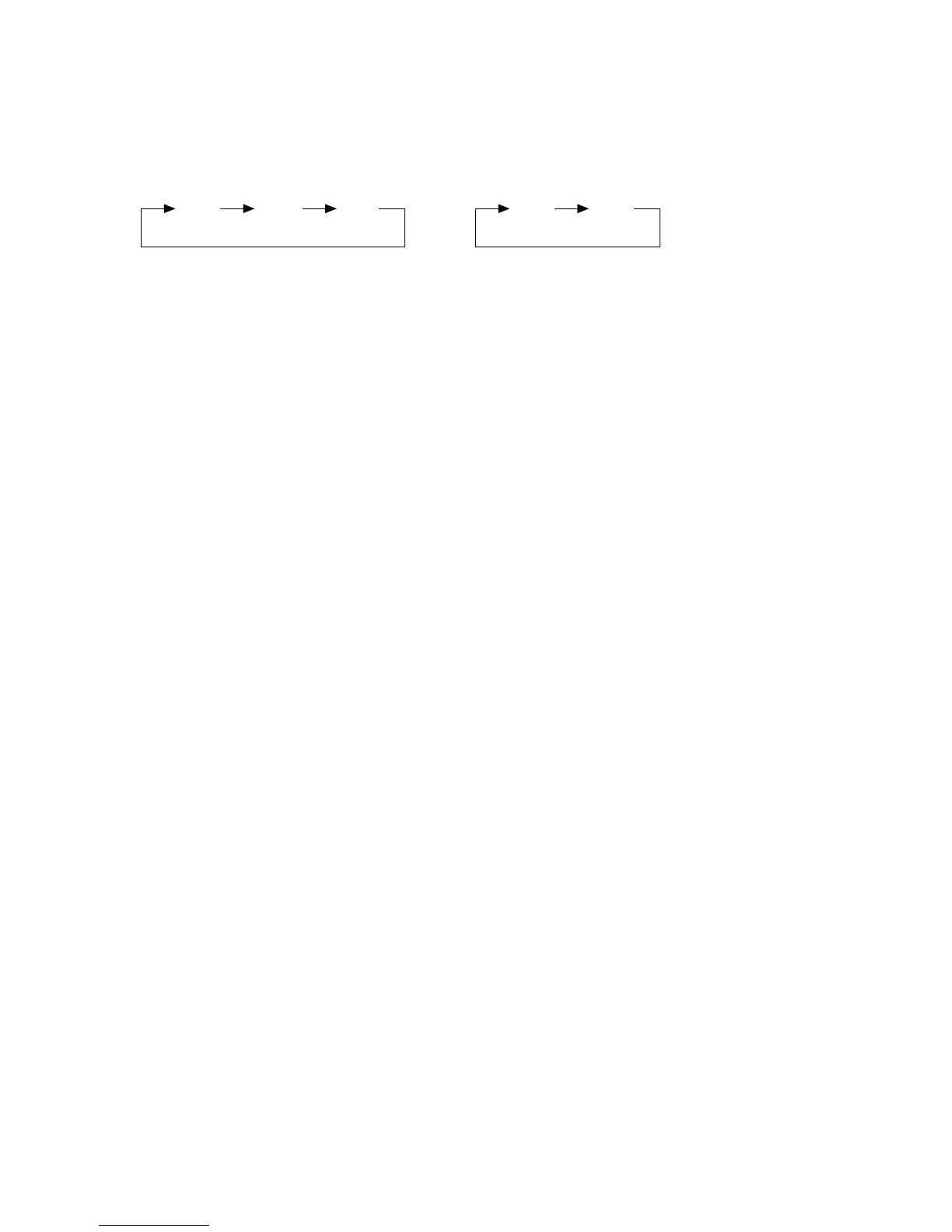
Press BND button (7) to change bands as below:
3 bands: 2 bands:
• SELECT STATION
Rotate the TUNE knob (8) clockwise or anti-clockwise to choose the desired
frequency.
• SELECTING LOCAL/DISTANT
In radio operation, press RPT/LOC button (9) select between local setting for
reception of strong station and distant setting for reception of weak stations when
tuning.
• SELECTING MONO/STEREO
In radio operation, press INT/MON button (10) to select mono or stereo reception
for radio stations. You can sometimes improve reception of distant stations by
selecting mono operation.
FM MW LW FM AM


 To Next Page