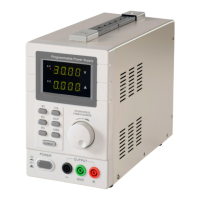
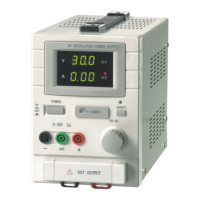
QJ3003GIII QJ3005GIII
4. Features:
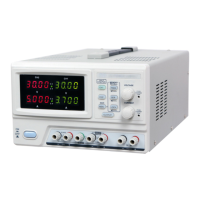
Voltage and Current dual LED display
Voltage and Current Coarse/Fine adjustment
Protection mode: limited current output
Parallel or serial connection detection to automatically switch outputs
Stylish plexi-glass display panel
Memory: 3 programmable memories
5. Description
The QJ3003GIII/QJ3005GIII is a high-precision, variable DC power supply. It can operate on either Constant
Voltage (C.V.) or Constant Current (C.C.) mode. While on C.C. mode, the voltage is adjustable between 0 and
30 volts. Whereas the current is adjustable between 0 and 5 amps when on C.V. mode. Dual channels output for
convenient serial or parallel setup, the 3
rd
output is fixed output at 5 volts.
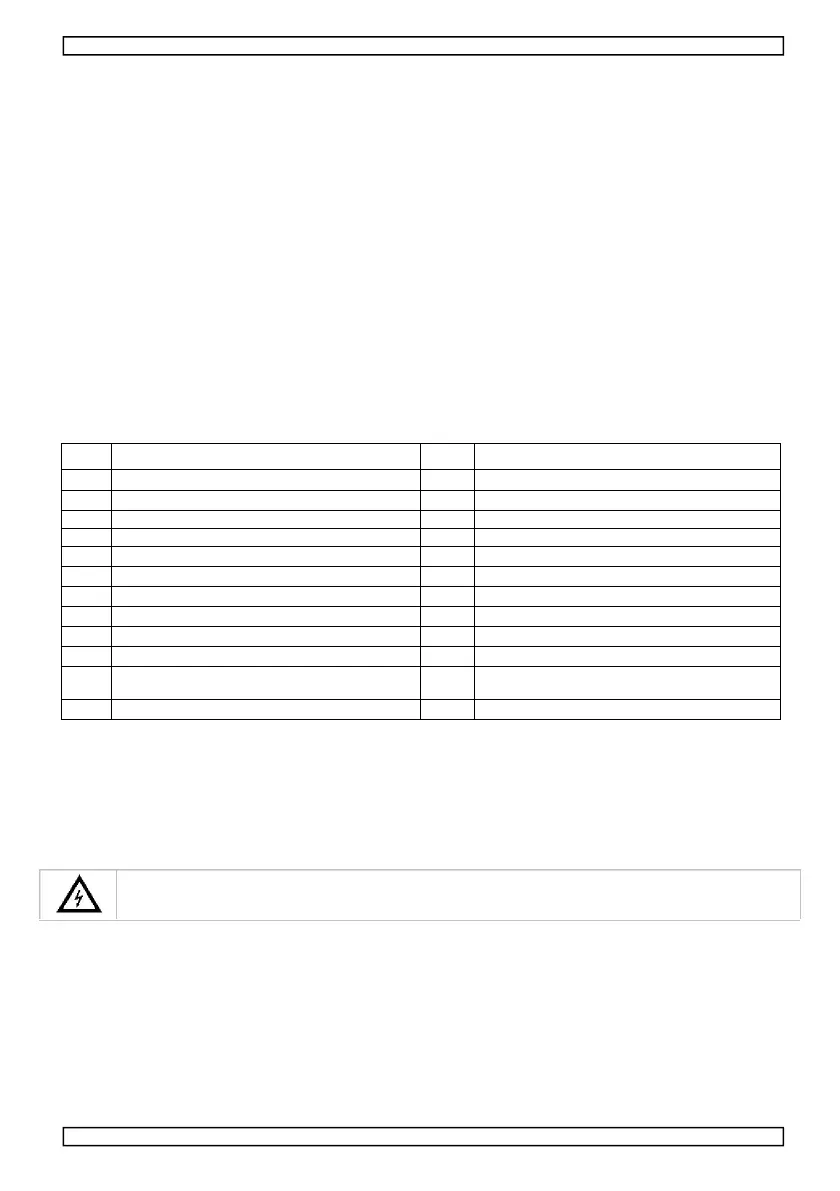
Power Switch: On/Off Switch
Channel 2 Voltage Display
Channel 1 Status Indicator
Channel 1 Voltage Display
Channel 2 Current Display
Channel 2 Status Indicator
Parallel Connection Button
Channel 1 Current Display
Voltage Coarse/Fine Adjustment Indictor
Current Coarse/Fine Adjustment Indictor
Power cord connector and fuse box
6. Operation
Turn on or off power source
1. Connect the included power cord to the backside 【15 】 of the power supply, plug the other end into a
properly grounded power outlet.
Always connect the equipment to a grounded power outlet.
2. Press the power button 【1】to turn on the power supply, at this point there’s no output voltage or current at the
output terminals.
3. Press the power button 【1】to turn off the power supply,
4


 To Next Page