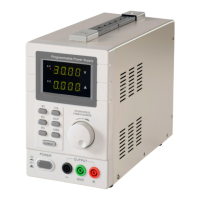
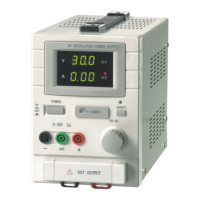
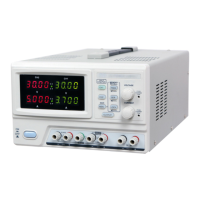
QJ3003GIII QJ3005GIII
Quick Operation
Press ON/OFF button [1] to turn on the power supply, then press OUTPUT button [2] , the power supply is
ready to work on C.V. mode. The screen will display the actual voltage and current value. If the output current is
over the preset limit, the power supply will enter C.C. mode. Now the C.V. indicator light will turn off, and C.C.
indicator light will turn on.
After operation, please ON/OFF button [1] to turn off the power supply.
MainForn
Mainform Main Functions
1. Voltage/Current output indication, it displays real-time output voltage and current value.
2. Voltage/Current setup, setup window displays the setup value of the voltage and current, the setup value can be
adjusted by press
3. Voltage waveform displays voltage fluctuation over time.
4. Current waveform displays current fluctuation over time.
6


 To Next Page