EasyManua.ls Logo

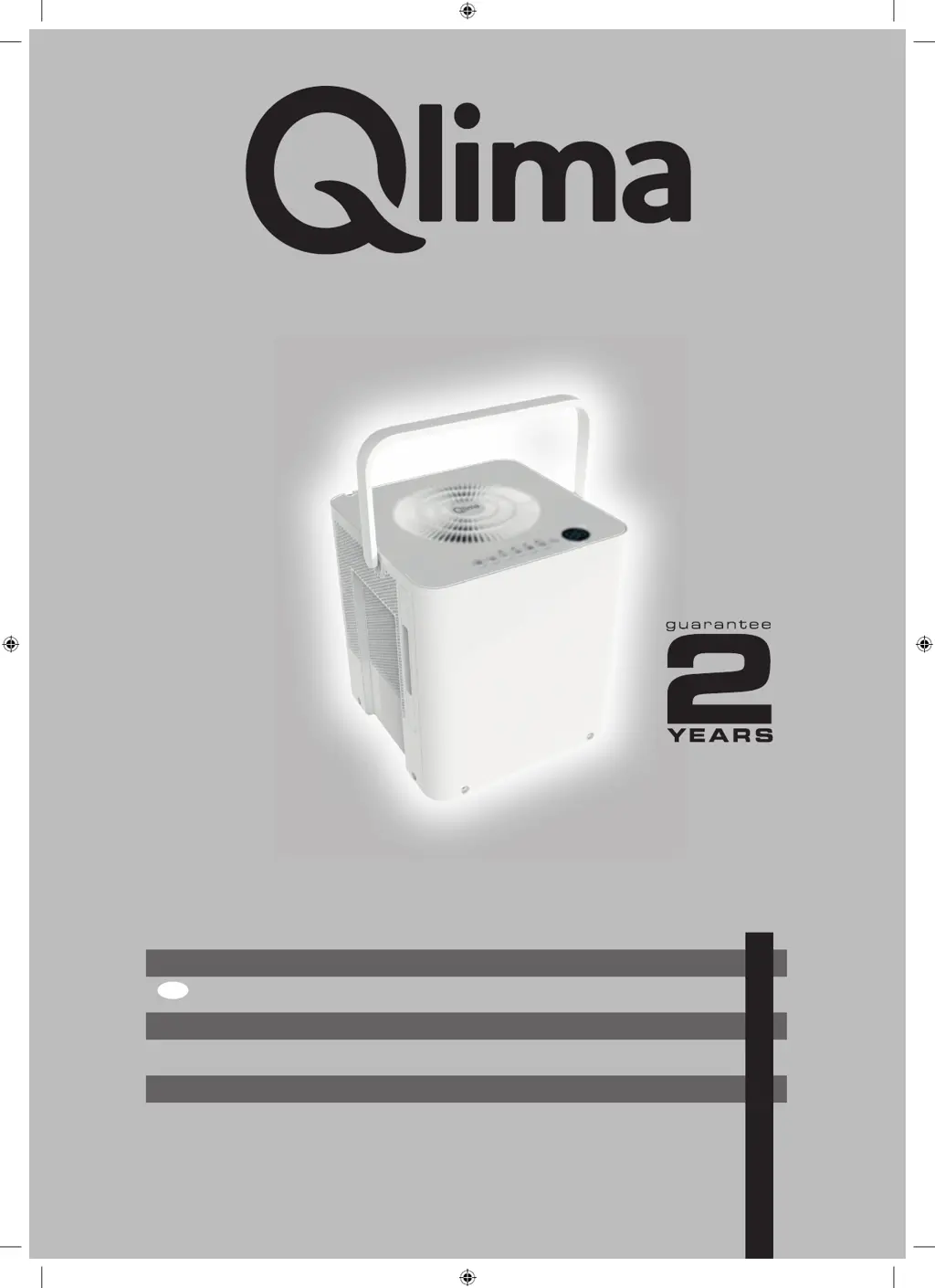
Qlima D 720 Cube - User Manual

Qlima D 720 Cube
144 pages
Go to English
Print Icon
To Next Page IconTo Next Page
Loading...
D 720 Cube
6
FIN
4
u
=
BETJENINGSMANUAL
KÄYTTÖOHJE
OPERATING MANUAL
BRUKSANVISNING
INSTRUKTIONSBOK
2
30
58
86
114
man_D720 Cube ('21) V3.indd 1man_D720 Cube ('21) V3.indd 1 05-07-2021 14:1505-07-2021 14:15

Questions and Answers

Summary

Safety Precautions

Preparation and Setup

Identification of Parts

Lists and illustrates the various components of the dehumidifier unit.

Installation Instructions

Guides on how to set up the dehumidifier unit for initial use.

Storage Instructions

Instructions for safely storing the dehumidifier when not in use.

Caster Installation and Disassembly

Details on attaching and removing the unit's casters.

Design Notice

Information regarding design specifications and potential changes.

Positioning the Unit

Guidelines for placing the dehumidifier in the optimal location for operation.

Initial Use Guidelines

Initial operating procedures and important notes for first-time use.

Operating Instructions

Control Panel Features

Explains the functions of the control panel indicators and buttons.

Power Button Operation

Instructions on how to turn the dehumidifier on and off using the power button.

Mode Selection

Details on selecting different operating modes like Continuous, Dryer, Smart, and Setting.

Humidity Level Control

How to adjust the desired humidity level using the UP/DOWN buttons.

Fan Speed Control

Instructions for controlling the fan speed settings (low, med, high).

Fill Level Button

How to control the bucket capacity setting for water collection.

Timer Function

How to set auto start or auto stop timer functions for the unit.

Pump Feature Activation

Information on activating and using the pump feature for draining.

Fresh Feature

Details on the FRESH feature for air purification.

Wireless Connection

Instructions for connecting the unit to a wireless network.

Display and Error Codes

Explanation of the display's functions, humidity readings, and error codes.

Auto Defrost Operation

How the unit automatically defrosts the evaporator coils.

Auto Shut Off

What happens when the water bucket is full.

Auto-Restart Function

How the unit resumes operation after a power interruption.

Continuous Dehumidifying Mode

Operation in continuous dehumidifying mode.

Smart Dehumidifying Mode

Operation in smart dehumidifying mode.

Setting Dehumidifying Mode

How to adjust the desired humidity level.

Quick Glance Light

Information on the quick glance light indicators.

MAX Mode Operation

Operation in MAX mode with fixed high fan speed.

Dryer Mode Operation

Operation in Dryer mode with fixed fan speed.

Bucketless Mode Operation

Detailed instructions for using bucketless mode with a hose.

Removing Collected Water

Using the Bucket

Step-by-step instructions for emptying the collected water from the bucket.

Continuous Draining Setup

How to set up continuous draining using a water hose.

Pump Draining

Instructions for using the pump feature for automatic water drainage.

Care and Maintenance

Cleaning the Grille and Case

How to clean the exterior parts of the dehumidifier.

Cleaning the Bucket

Instructions for cleaning the water collection bucket.

Cleaning the Air Filter

Guidance on cleaning the unit's air filter.

Long-Term Storage

Steps for storing the dehumidifier for extended periods.

Troubleshooting Guide

Conditions of Warranty

Summary

Safety Precautions

Preparation and Setup

Identification of Parts

Lists and illustrates the various components of the dehumidifier unit.

Installation Instructions

Guides on how to set up the dehumidifier unit for initial use.

Storage Instructions

Instructions for safely storing the dehumidifier when not in use.

Caster Installation and Disassembly

Details on attaching and removing the unit's casters.

Design Notice

Information regarding design specifications and potential changes.

Positioning the Unit

Guidelines for placing the dehumidifier in the optimal location for operation.

Initial Use Guidelines

Initial operating procedures and important notes for first-time use.

Operating Instructions

Control Panel Features

Explains the functions of the control panel indicators and buttons.

Power Button Operation

Instructions on how to turn the dehumidifier on and off using the power button.

Mode Selection

Details on selecting different operating modes like Continuous, Dryer, Smart, and Setting.

Humidity Level Control

How to adjust the desired humidity level using the UP/DOWN buttons.

Fan Speed Control

Instructions for controlling the fan speed settings (low, med, high).

Fill Level Button

How to control the bucket capacity setting for water collection.

Timer Function

How to set auto start or auto stop timer functions for the unit.

Pump Feature Activation

Information on activating and using the pump feature for draining.

Fresh Feature

Details on the FRESH feature for air purification.

Wireless Connection

Instructions for connecting the unit to a wireless network.

Display and Error Codes

Explanation of the display's functions, humidity readings, and error codes.

Auto Defrost Operation

How the unit automatically defrosts the evaporator coils.

Auto Shut Off

What happens when the water bucket is full.

Auto-Restart Function

How the unit resumes operation after a power interruption.

Continuous Dehumidifying Mode

Operation in continuous dehumidifying mode.

Smart Dehumidifying Mode

Operation in smart dehumidifying mode.

Setting Dehumidifying Mode

How to adjust the desired humidity level.

Quick Glance Light

Information on the quick glance light indicators.

MAX Mode Operation

Operation in MAX mode with fixed high fan speed.

Dryer Mode Operation

Operation in Dryer mode with fixed fan speed.

Bucketless Mode Operation

Detailed instructions for using bucketless mode with a hose.

Removing Collected Water

Using the Bucket

Step-by-step instructions for emptying the collected water from the bucket.

Continuous Draining Setup

How to set up continuous draining using a water hose.

Pump Draining

Instructions for using the pump feature for automatic water drainage.

Care and Maintenance

Cleaning the Grille and Case

How to clean the exterior parts of the dehumidifier.

Cleaning the Bucket

Instructions for cleaning the water collection bucket.

Cleaning the Air Filter

Guidance on cleaning the unit's air filter.

Long-Term Storage

Steps for storing the dehumidifier for extended periods.

Troubleshooting Guide

Conditions of Warranty

Qlima D 720 Cube Specifications

General IconGeneral
Power Consumption350 W
RefrigerantR290
TypeDehumidifier
Dehumidification Capacity20 liters/day
Water Tank Capacity4 liters
Tank Capacity4 liters
Operating Temperature5°C - 35°C

Related product manuals