EasyManua.ls Logo

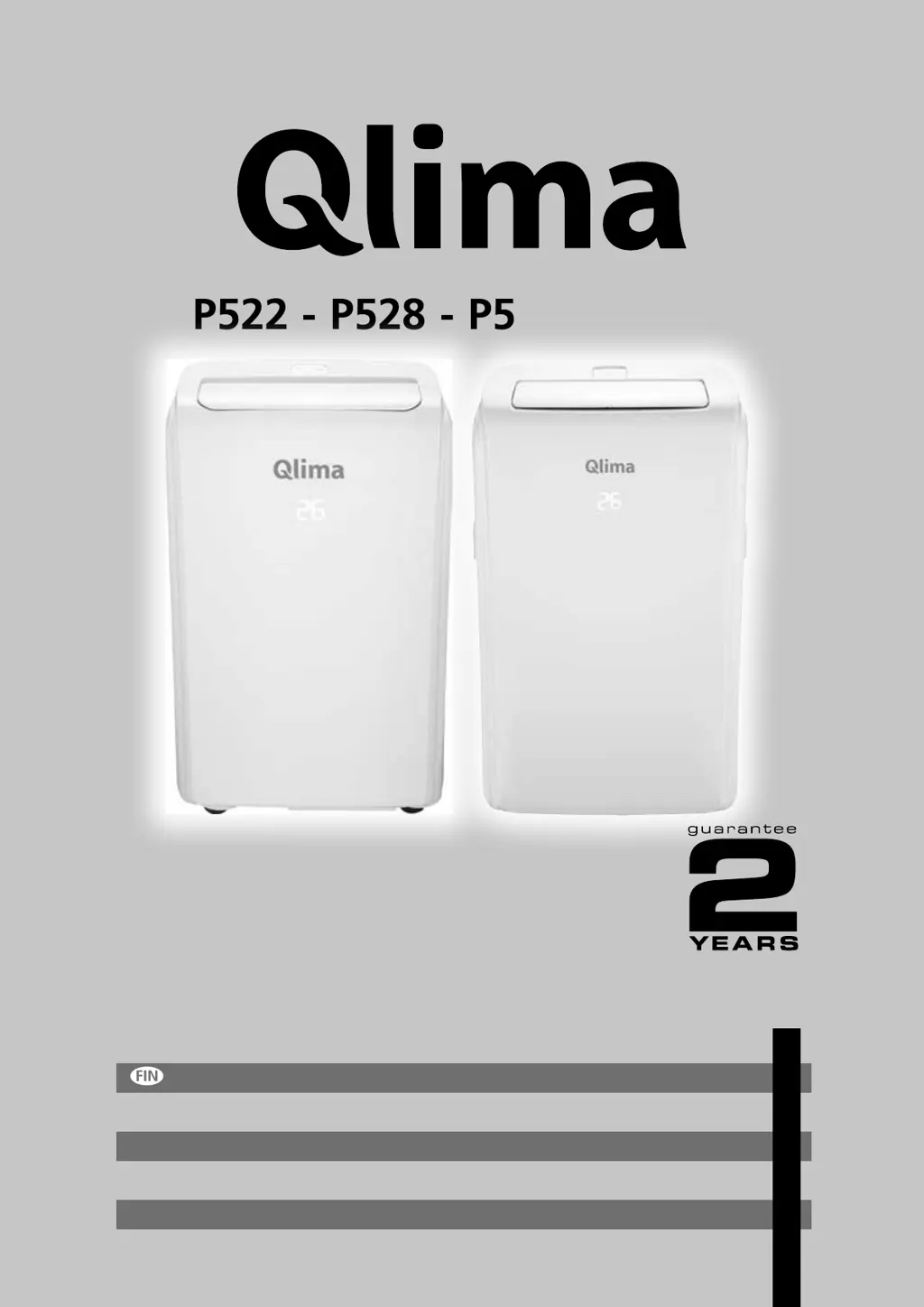
Qlima P528 - User Manual

Qlima P528
120 pages
Go to English
Print Icon
To Next Page IconTo Next Page
Loading...
P522 - P528 - P534 - PH534
6
4
u
:
=
BRUGSANVISNING
KÄYTTÖOHJE
OPERATING MANUAL
BRUKSANVISNING
INSTRUKCJA OBSŁUGI
BRUKSANVISNING
10
28
46
64
82
102

Other manuals for Qlima P528

Questions and Answers

  • C
    Courtney SullivanJul 25, 2025
    What to do if my mobile can't find the Qlima P528?
    • J
      Julie GoodJul 25, 2025
      If your mobile device is unable to find the Qlima Air Conditioner, please check if the network is working. Possible causes include: the air conditioner has been reconfigured, the air conditioner or router is out of power, the air conditioner can't connect to the router or network, or the mobile phone can't connect to the router or network.
  • C
    Chad DixonJul 30, 2025
    How to configure Qlima P528 if it can't be configured successfully?
    • K
      Kathryn WilliamsJul 30, 2025
      If the Qlima Air Conditioner can't be configured successfully, please check the following: 1. Ensure the mobile is connected to the correct WIFI address and the password is correct. 2. Verify the air conditioner is in configuration status. 3. Check if any firewall or other restrictions have been set. 4. Confirm the router is working normally. 5. Ensure the air conditioner, router, and mobile are within signal range. 6. Check if the router is shielding the App.
  • J
    Jacqueline WilsonAug 3, 2025
    Why is my Qlima P528 not cooling the room?
    • M
      Matthew HuffmanAug 3, 2025
      If your Qlima Air Conditioner isn't cooling the room, ensure that all doors, windows, and curtains are closed, keeping in mind the 'tips for correct use'. Also, try to eliminate any heat sources in the room, such as ovens or hair dryers. Check that the air exhaust hose is correctly fitted to the housing at the back of the unit. Finally, consider whether the unit's technical specifications are adequate for the room size.
  • R
    Rebecca JohnsonAug 7, 2025
    What to do if Qlima Air Conditioner works for a short time only?
    • J
      John ChambersAug 7, 2025
      If your Qlima Air Conditioner works for only a short time, it might be due to bends in the air exhaust hose. Ensure the air exhaust hose is correctly positioned, keeping it as short and free of curves as possible to avoid bottlenecks. Also, check for and remove any obstacles obstructing air discharge.
  • W
    walkerjohnAug 11, 2025
    Why Qlima P528 does not operate for about three minutes after restarting it?
    • M
      mcgeejeffreyAug 11, 2025
      If your Qlima Air Conditioner doesn't operate for about three minutes after restarting, this is likely because the internal compressor safety device prevents restarting until three minutes have passed. This delay is part of normal operation, so please wait.
  • L
    Laura MilesAug 15, 2025
    Why is there an unpleasant smell in the room when operating Qlima Air Conditioner?
    • A
      ashley24Aug 15, 2025
      If there is an unpleasant smell in the room during operation of your Qlima Air Conditioner, the air filter may be clogged. Clean the filter as described there is an above.
  • L
    Lisa BergAug 20, 2025
    Why can't my mobile phone control my Qlima P528 Air Conditioner?
    • B
      bethwongAug 20, 2025
      If your mobile phone has lost control permission over the Qlima Air Conditioner, it might be because the air conditioner has been reset. To regain control, you need to connect to WIFI to get permission again. Please connect to the local network and refresh it. If it still doesn't work, delete the air conditioner from the app and wait for it to refresh.

Summary

Important Components

Component Identification (Diagram 1)

Diagram showing labeled components of the air conditioner unit.

Component Identification (Diagram 2)

Second diagram showing labeled components of the air conditioner unit.

Safety Instructions

Installation and Usage Guidelines

Guidelines for installation, usage in dry places, mains voltage, and plug accessibility.

Operational Safety and Maintenance

Safety during operation, maintenance, extension cords, child safety, and repairs.

Appliance Usage by Specific Groups

Guidelines for use by persons with reduced capabilities and children, and cleaning safety.

Included Parts

Parts List

List of parts included with the air conditioner, with quantities.

Installation

Unit Placement and Mobility

Instructions for placing the unit on a firm foundation and rolling it on smooth surfaces.

Exhausting Hot Air Installation

Steps for installing the exhaust hose and connecting it to the unit and window.

Window Slider Kit Installation

Instructions for assembling the window slider kit for different window types.

Display Screen Description

Display Symbols Explained

Explanation of symbols shown on the air conditioner's display screen.

Control Panel Operation

Control Panel Buttons

Description of the ON/OFF, MODE, FAN, INCREASE, and DECREASE buttons.

Turning the Appliance On

Steps to turn the appliance on from standby mode using the power button.

Cool Mode Operation

Heat Mode Operation

Fan Mode Operation

Dry Mode Operation

Switching Temperature Units

Self-Diagnosis and Error Codes

Troubleshooting Error Messages

Explanation of error messages (LE, PF, FE) and recommended actions.

Remote Control Manual

Remote Control Buttons and Usage

Description of remote control buttons and tips for proper operation and handling.

Setting the Timer

How to use the timer function for delayed appliance startup or shutdown.

Programming Start-Up

Programming Shut Down

Replacing the Remote Battery

Cleaning Air Filters

Filter Cleaning Procedure

Instructions for cleaning evaporator and condenser filters using vacuum or water.

Water Drainage Method

Manual Water Draining

Steps for manually draining collected water from the unit into a pan.

Continuous Condensation Drain

How to set up continuous drainage using a drain hose in dehumidifier mode.

Fitting Other Supplied Components

Cleaning

Cleaning the Cabinet

How to clean the appliance cabinet using a damp cloth.

Start-End of Season Operations

End of Season Operations

Troubleshooting

Common Operational Issues

Troubleshooting for appliance not starting, short operation, no cooling, or smell.

Error Messages and Restart Delays

Troubleshooting error codes (LE/PF/FE) and restart delay issues.

Guarantee Terms and Exclusions

Environmental and Disposal Information

Technical Data

Model Specifications

Detailed specifications for different Qlima models (P522, P528, P534, PH534).

Performance Metrics

Cooling/heating capacity, EER, COP, power consumption, and air delivery data.

Dimensions and Safety

Physical dimensions, weight, unit protection, and refrigerant information.

Contact and Support Information

Qlima P528 Specifications

General IconGeneral
AC input voltage220-240 V
AC input frequency50 Hz
Energy efficiency class (cooling)A
Energy efficiency class (heating)No
Hourly energy consumption (cooling)1.1 kWh
Hourly energy consumption (heating)- kWh
TypeMonobloc mobile air conditioner
Noise level65 dB
Number of speeds3
Airflow (high speed)330 m³/h
Refrigerating mediumR410A
Adjustable thermostatYes
Cooling capacity (max)- BTU/h
Dehumidifying capacity1.1 l/h
Air conditioner functionsCooling, Dehumidifying
Cooling temperature range18 - 32 °C
Refrigerating medium weight580 g
Suitable for room volume up to90 m³
Cooling capacity in watts (max)2800 W
Heating capacity in watts (max)- W
Cooling energy efficiency (EER, W/W)2.62
Heating energy efficiency (COP, W/W)-
Product colorWhite
Weight and Dimensions IconWeight and Dimensions
Depth715 mm
Width435 mm
Height350 mm
Weight29000 g
Package depth845 mm
Package width479 mm
Package height389 mm
Package weight33000 g

Related product manuals