32
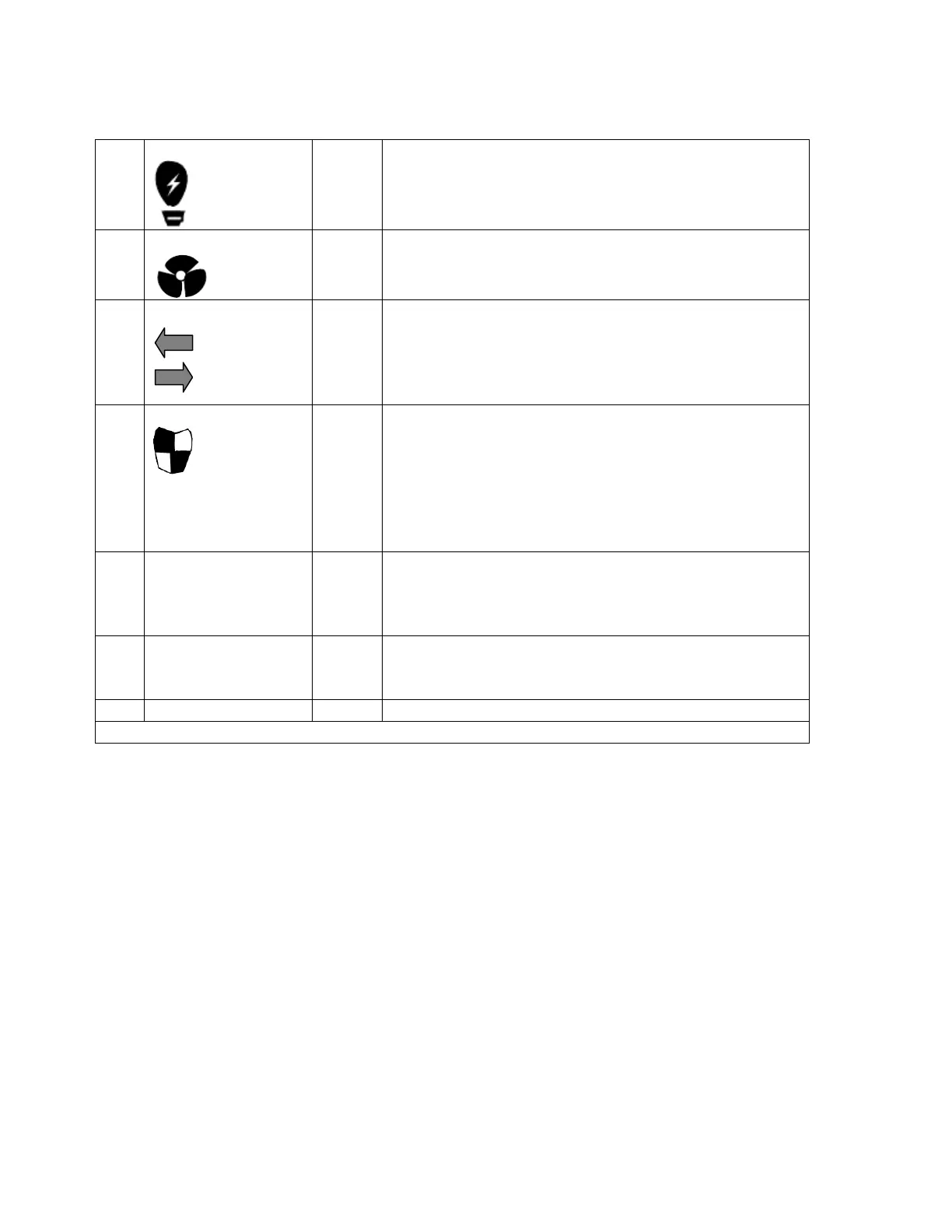
Rear Panel LEDs and Buttons
Orange
Off = The system is powered off.
Green = The system is operating normally.
Flashing green = The system is booting.
Orange
Green = The fan is operating normally.
Orange = Damage/error
Off = Not detecting any fans
Orange
Orange = Either of the IN or Out SAS port is disconnected.
Off = One or more of the following conditions exist:
•The expansion unit is not powered on.
•The ES NAS system cannot detect the expansion unit.
Orange
Orange = The Expansion Controller has taken over from
the other Expansion Controller.
Off = One or more of the following conditions exist:
• The Expansion Controller has failed over to the other
one.
• The Expansion Controller is not powered on.
LED
Red
Green = Network link
Flashing = Network activity
The Power-on button of the Expansion Controller. To shut
down the Expansion Controller, press and hold it for
The Expansion Controller reset button
* The QES does not provide power-on and off function for the expansion units.
Onboard mini-SAS ports
Two onboard mini Serial Attached SCSI (SAS) ports provide direct attachment to the base ES NAS
enclosure with 6Gb/s data transmission (or 12Gb/s depending on the expansion enclosure model).
Disk drives and Disk Enclosures
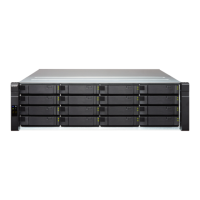
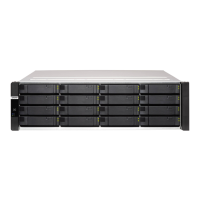
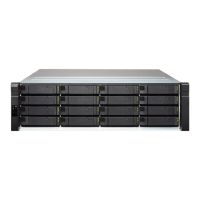
The ES NAS system and the expansion units
The system can accommodate superfast solid-state drives, and traditional spinning disk drives
such as SAS and NL-SAS drives. However, SSDs are the best choice for I/O intensive
workload and they can be used for cache acceleration in QES. Cache configurations are available
ranging from 1 drives up to 16 drives (full-SSD drive set) of the base ES NAS.


 To Next Page