38
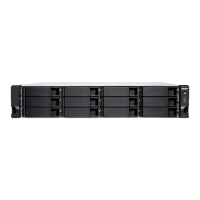
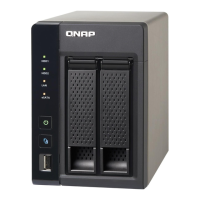
5.4 TS-251+, TS-251, TS-451+, TS-451
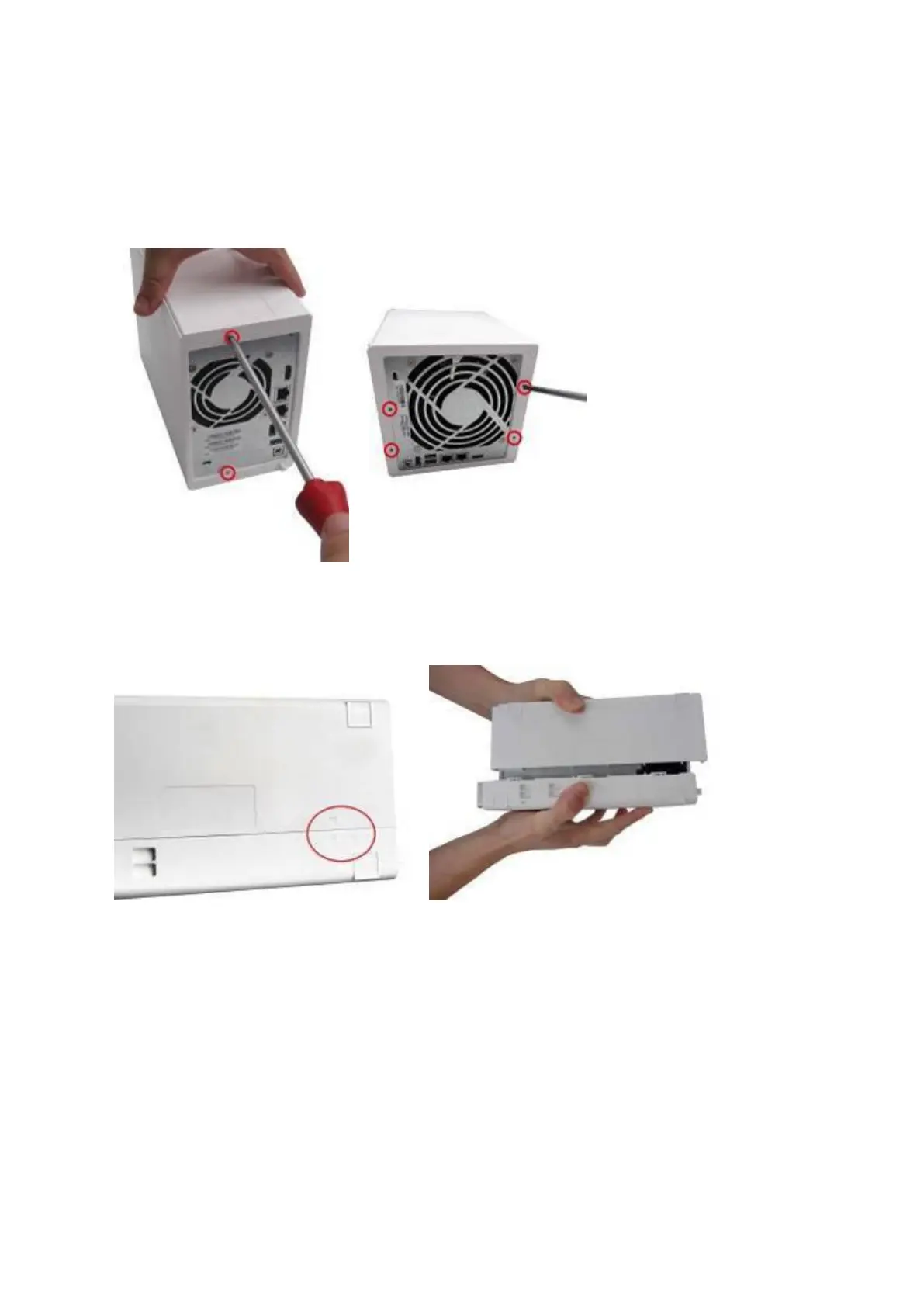
1. Remove the screws on the rear (top and bottom) of the NAS. If you have a 2-bay NAS,
it will have two screws. A 4-bay NAS will have four.
2. Gently remove the case cover of the NAS by sliding it apart (see the underside of the
NAS for visual indicators of the NAS case being locked/unlocked)
3. Remove the four inner screws (two on each side) of the hard drive cage.



 To Next Page
 Loading...