1. T
urn off the NAS. Disconnect the power adaptor, network cable(s), and any other
connectors or cables from the NAS.
2. Before installing the network expansion card, put on an antistatic wrist strap to prevent
electrostatic discharge. The crocodile clip should be connected to the ground.
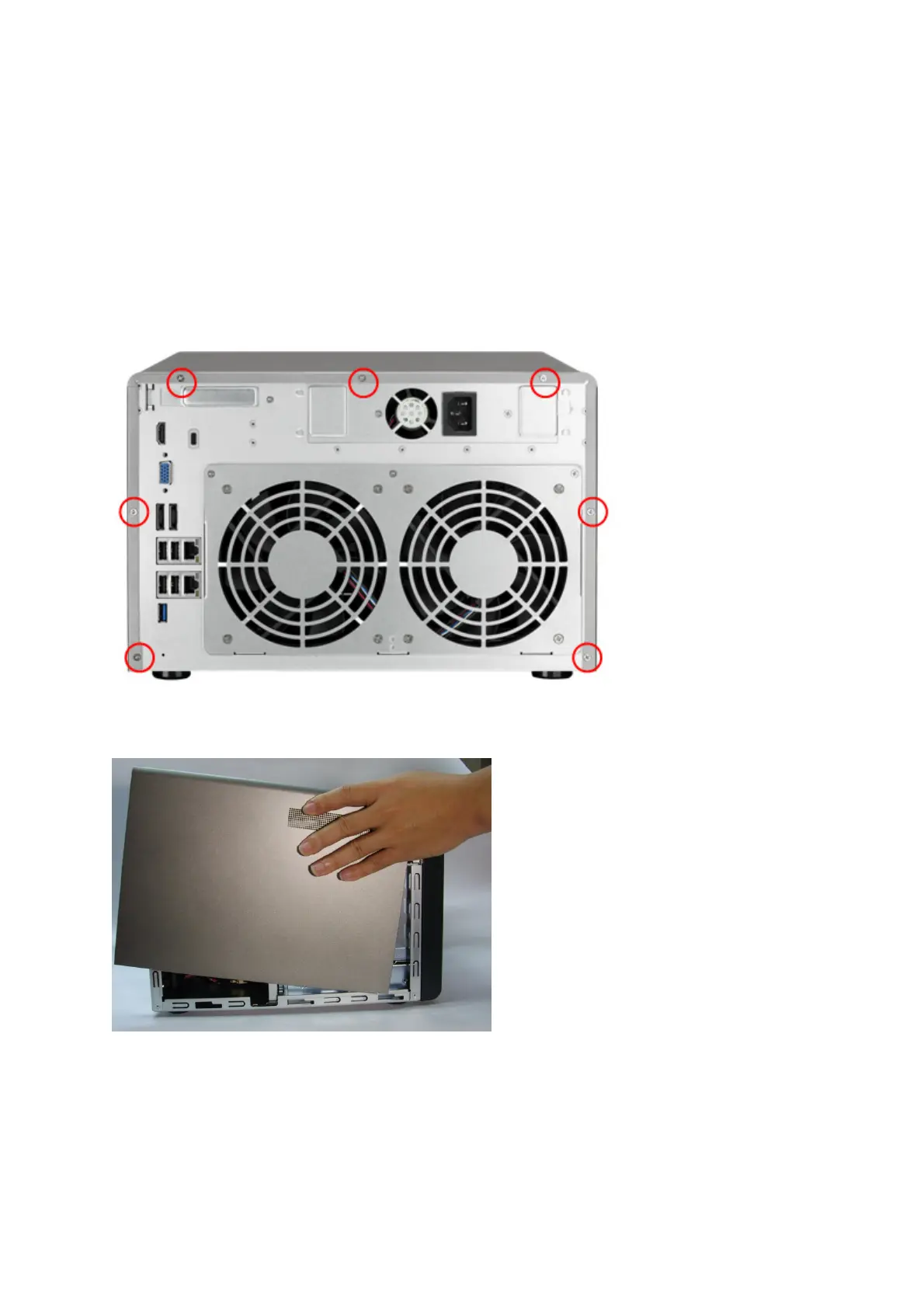
3. Loosen the seven screws on the rear of the NAS.
4. Remove the case cover of the NAS gently.
32



 To Next Page
 Loading...


