9
4 Using the QPIX Digital Photo Frame
4.1 Select Input Source
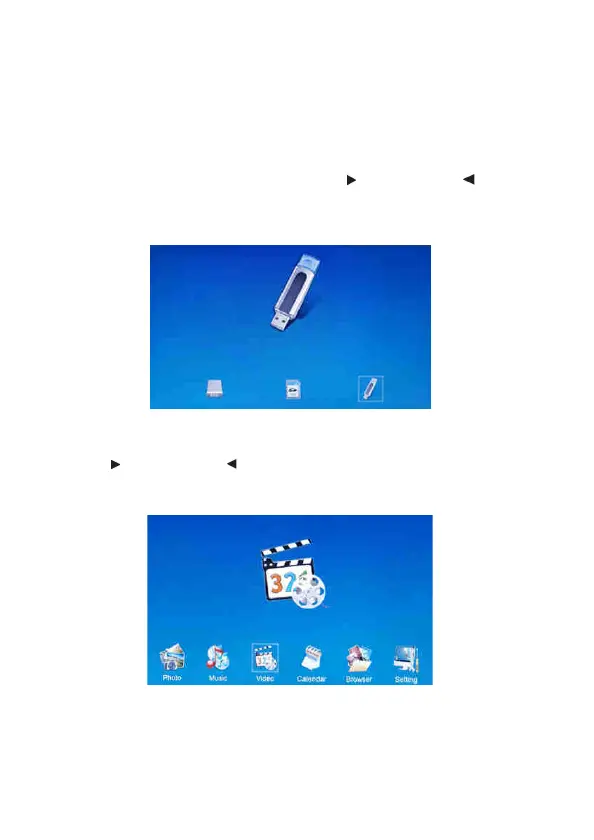
There are two input sources: SD (SDHC/MMC) memory card or USB
memory stick (up to 32 GB).
1. Insert the USB memory stick or SD (SDHC/MMC) memory card.
2. Press the EXIT button twice and use the button and the button
to select the input source.
3. Press the ENTER button.
4.2 Main Menu
Use the button and the button to select the function or press the
function button on the remote control.


 To Next Page