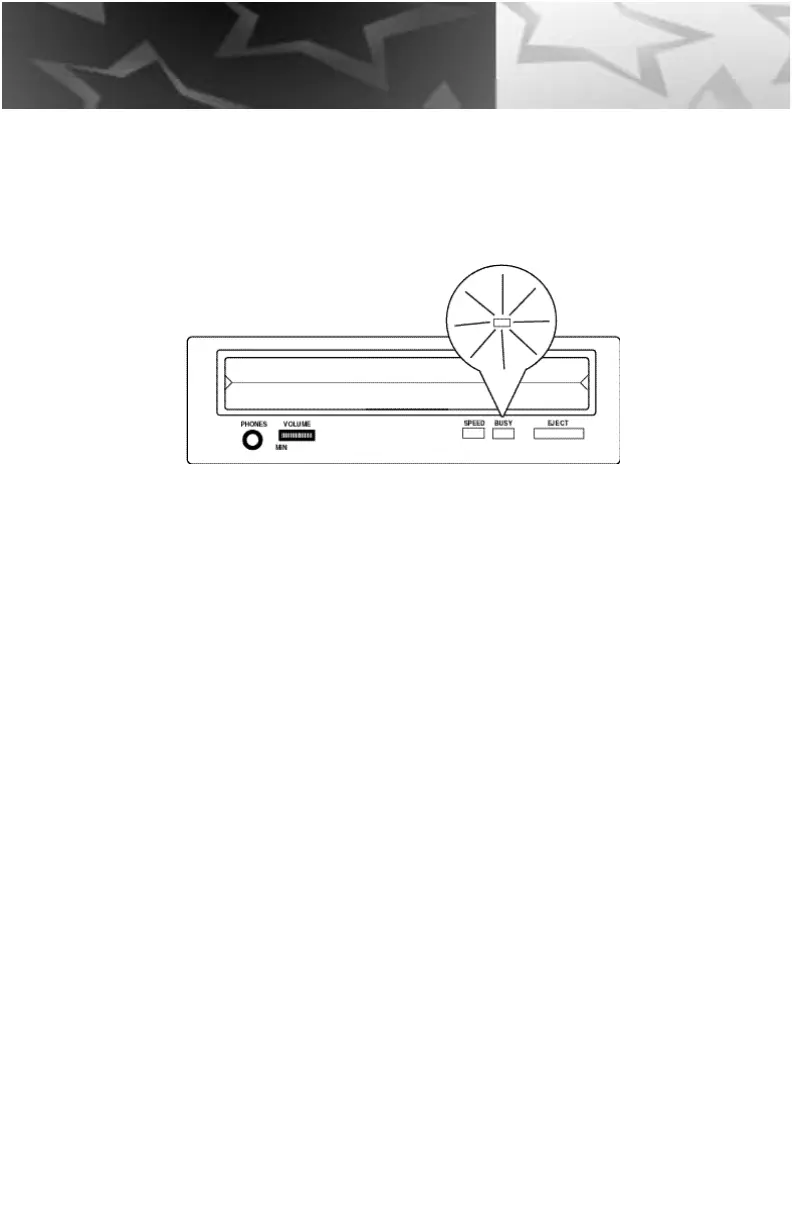
4. The busy lamp will light for a few seconds to indicate that a disc has
been loaded and the SPEED LED will stay lit if the CD-R drive has
accepted the disc.
5. To eject and insert the disc, press the EJECT button; Mac users eject
the disc by throwing it into the trash.
NOTE: Some software prohibits the use of the EJECT button, so a disc cannot be ejected in this
w a y. Please refer to the instructions supplied with the software.
6. Once it has been ejected, remove the disc by hand and return it to
its jewel case.
NOTE: The disc can not be ejected while the drive is reading or writing a disc.
16
Handling



 To Next Page