The NUMBER ONE cause of premature disc failure with recordable CDs is contamination of the
recording surface before recording is completed. To minimize disc failure, use the following
disc-handling guidelines.
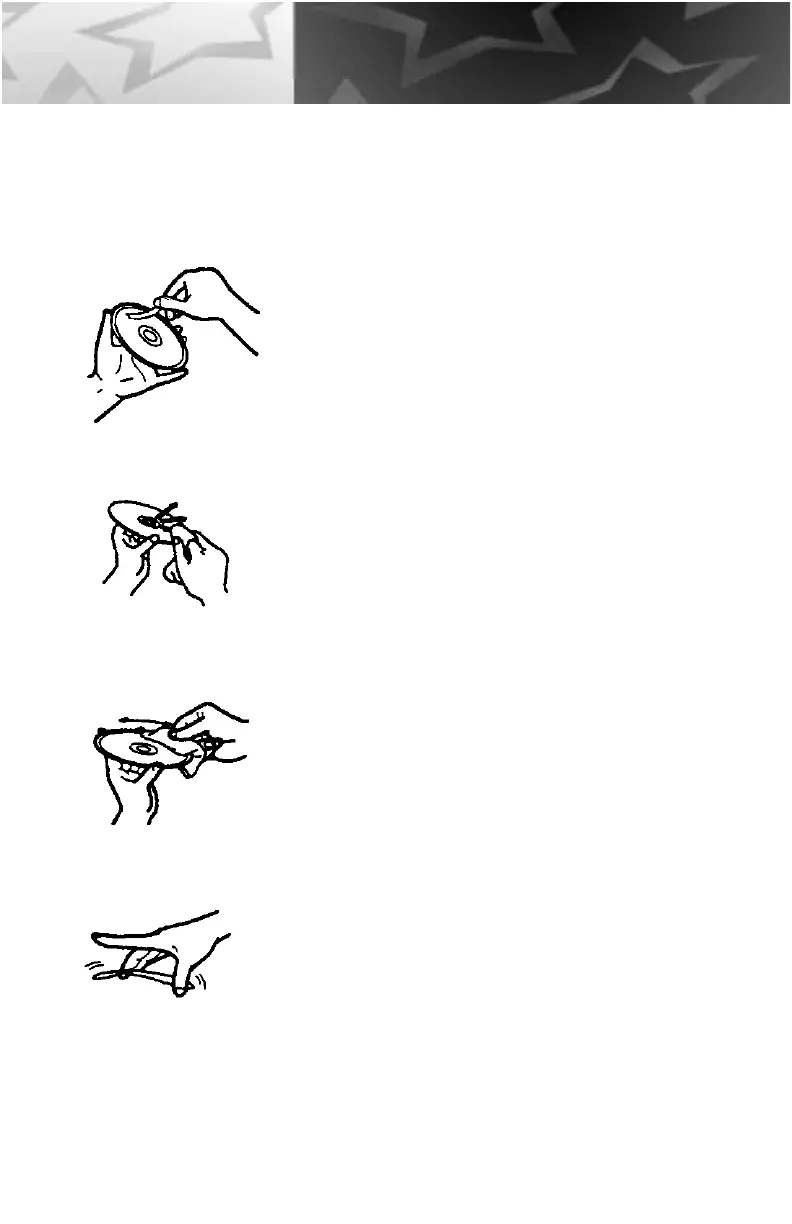
• Keep the media in its sealed package until you are
ready to record.
• Keep the disc as clean and dust-free as possible.
DO NOT touch the recording surface, and do not
expose the disc to dust or dirt.
• DO NOT BLOW ON THE DISC to remove dust or
dirt. To remove dust from the recording surface
use a camera lens bulb or a lint free cloth or use
compressed air. Wipe the disc from the center to
the outer edge. NEVER wipe the disc in a circular
motion.
• Always record in a dust-free environment. If the
disc is to be removed from the CD-R drive, store
the disc in a clean, dust-free environment.
• Never bend or flex the disc. This may warp the
disc and leave it unusable.
• Never scratch off the reflective top surface of a
CD-R disc. Without the reflective surface the disc is
completely unusable.
• If you must write on the CD-R disc surfaced, read
the back of the CD-R jewel case for instructions.
17
Handling



 To Next Page