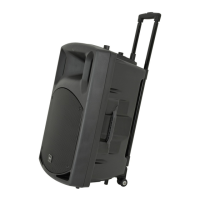
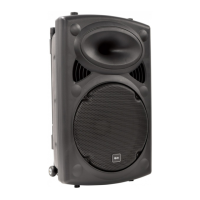
PAL12 PAL15 User Manual
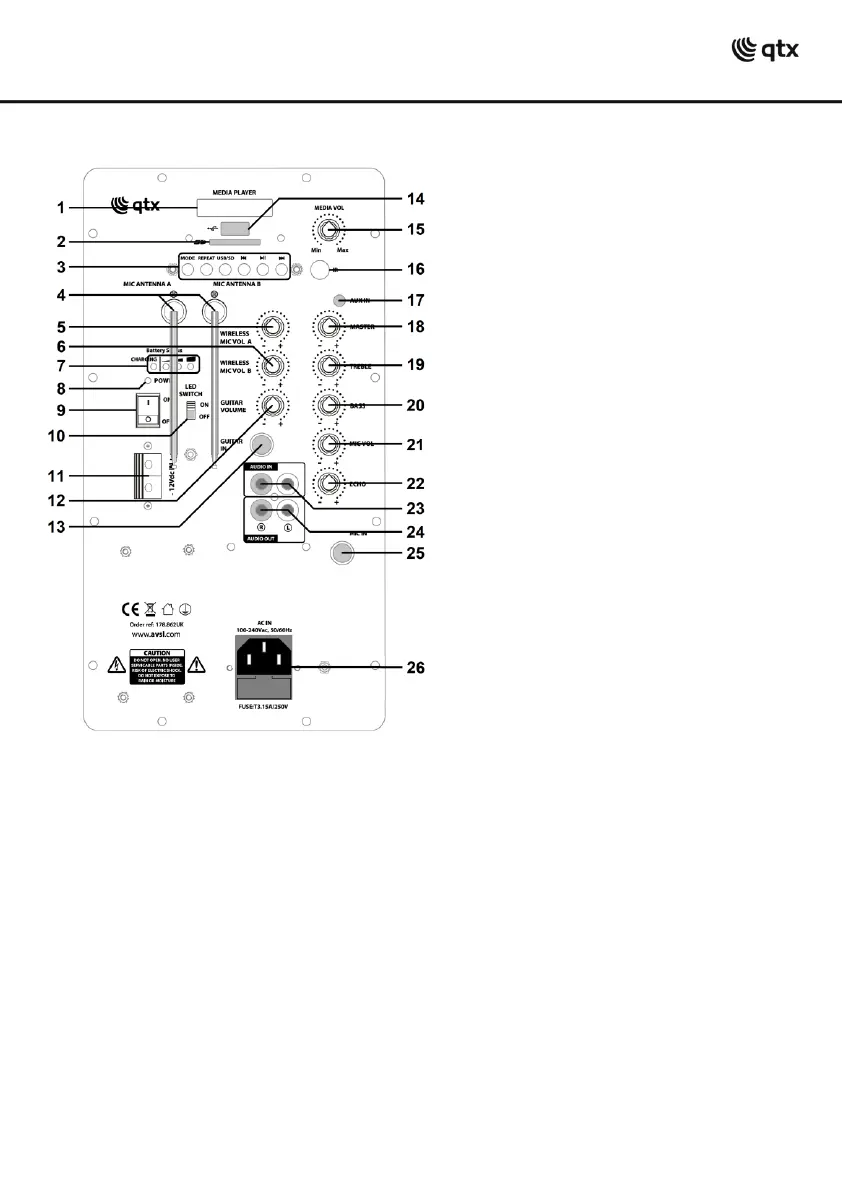
Rear Panel
Powering up
Your new PAL SERIES portable home PA unit may arrive with the internal battery charged.
Before connecting to the mains, turn down all volume controls and switch the unit on (9) and
the power LED should light (8). The battery charge status is shown on 4 LED indicators (7).
If there is little or no charge, you will need to charge the battery before using away from
mains power.
Connect the PAL SERIES unit to the mains using the IEC power lead supplied (26).
When not in use but connected to the mains, if the POWER switch (9) is in the OFF position,
the internal battery will be re-charged from the mains supply, indicated by a CHARGING LED
(7) which lights when charging.
You may otherwise opt to connect the DC input at the rear (11) to an external 12Vdc supply
(e.g. car battery) or use the internal battery if charged.



 To Next Page