EasyManua.ls Logo

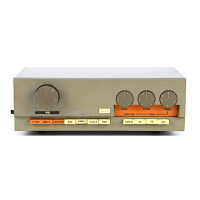
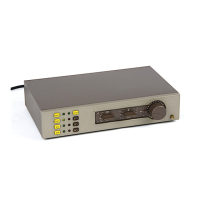
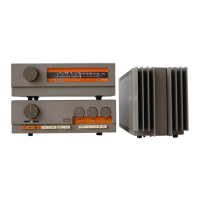
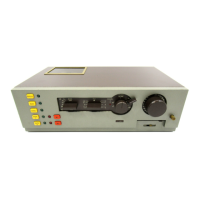
QUAD 33 - Controls

QUAD 33
25 pages
Print Icon
To Next Page IconTo Next Page
To Previous Page IconTo Previous Page
Loading...
Volume control
and
on/off
switch
QUAD
nameplate lights up
when
unit
is
switched
on
Control for adjusting
balance between channels
I
I
I
I
l
I
I
Press to select
left-hand
channel
and upper track tape.
Press to select
right-hand chan
nel and lower track tape
Press both together for
two
channel mono
Page
Twelve
Pressing the
Cancel button over-
rides the settings of
bass, treble
and filter controls
and
provides
a
very uselul
reference
standard
Filter
Slope control, used
in
con-
junction
with the 5K, 7K and
10K
pushbuttons,
removes re-
cord surface noise, high fre-
quency
distortions,
eic
(see
performance
curves)
FtG. t1
I
I
I
l
Press to select the input required
Pressing the Tape button while
another input is
selected
also
provides
AB monitoring
facility
off tap€ during recording:
Press
to listen to tape: Release to
listen to original.

Other manuals for QUAD 33

Related product manuals