Digital Signal Output Connections
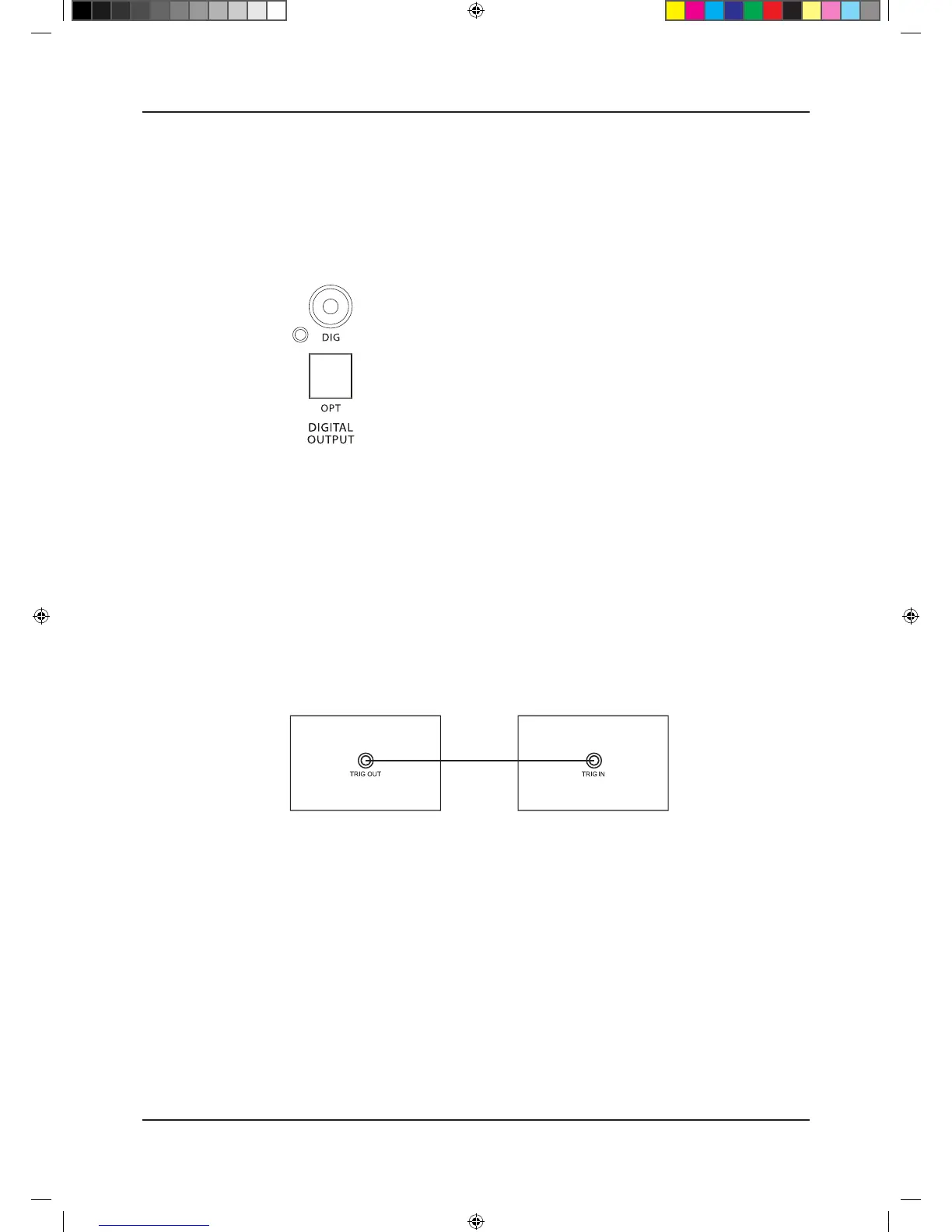
Two digital outputs are provided. These outputs are for those who wish to connect the Play to
external standard audio DACs.
DIG & OPT Outputs
A coaxial and an optical output are available. These are the connections that will be normally used
to connect the Play to external standard audio DACs.
Trigger Connections
If you have a Quad Artera system, we advise connecting the trigger. This will enable all Artera units
to be brought in and out of standby along with trigger inputs and outputs.
To connect the triggers, you will need a cable with one end to match the trigger input of the slave
unit and other terminating in a 3.5mm jack plug. For Artera series units, this will be a 3.5mm to
3.5mm interconnect.
The triggers on the Artera Play are master (output) triggers. They are used exclusive to control other
equipment.
Connect the TRIG OUT of Artera Play to the TRIG IN of Artera Stereo or other Artera series unit, or
any other slave unit having a 12V trigger in.
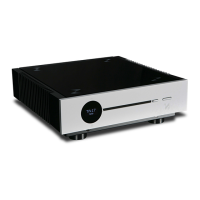
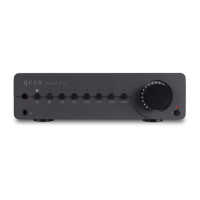
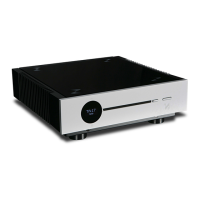
Artera Play Artera Stereo


 To Next Page