ABOUT THE SYSTEM LED STATUS DEFINITIONS
1-11
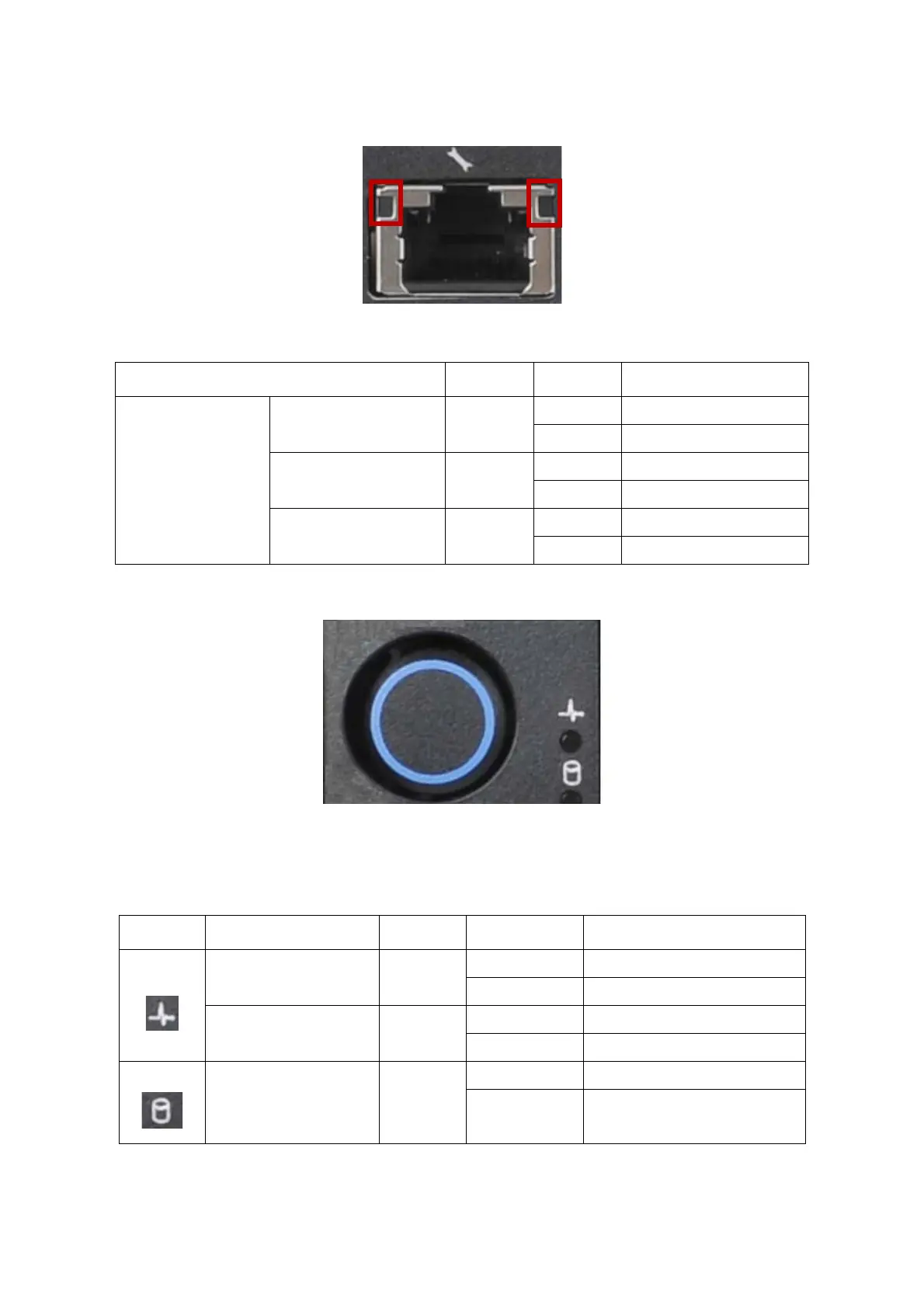
BMC Management Port LED
HDD LED
The following LED behavior table represents LED conditions when a driver is online and
the slot is not empty.
* Only support SATA/SAS HDD/SSD.
Table 10: BMC Management Port LED Behaviour
NAME COLOR CONDITION BEHAVIOUR
BMC Dedicated LAN
Speed 1G (Left LED) Amber
ON LAN link
OFF No link
Speed 100M (Left LED) Green
ON LAN link
OFF No link
Activity (Right LED) Green
Blinking LAN Access
OFF No LAN Access
Table 11: HDD LED Status Behavior
ICON NAME COLOR CONDITION DESCRIPTION
HDD Status* Blue
On Drive is online
Off Slot is empty
HDD Fault Amber
On HDD failure
Off No failure detected
HDD Activity Blue
On HDD access is active
Off No access



 To Next Page