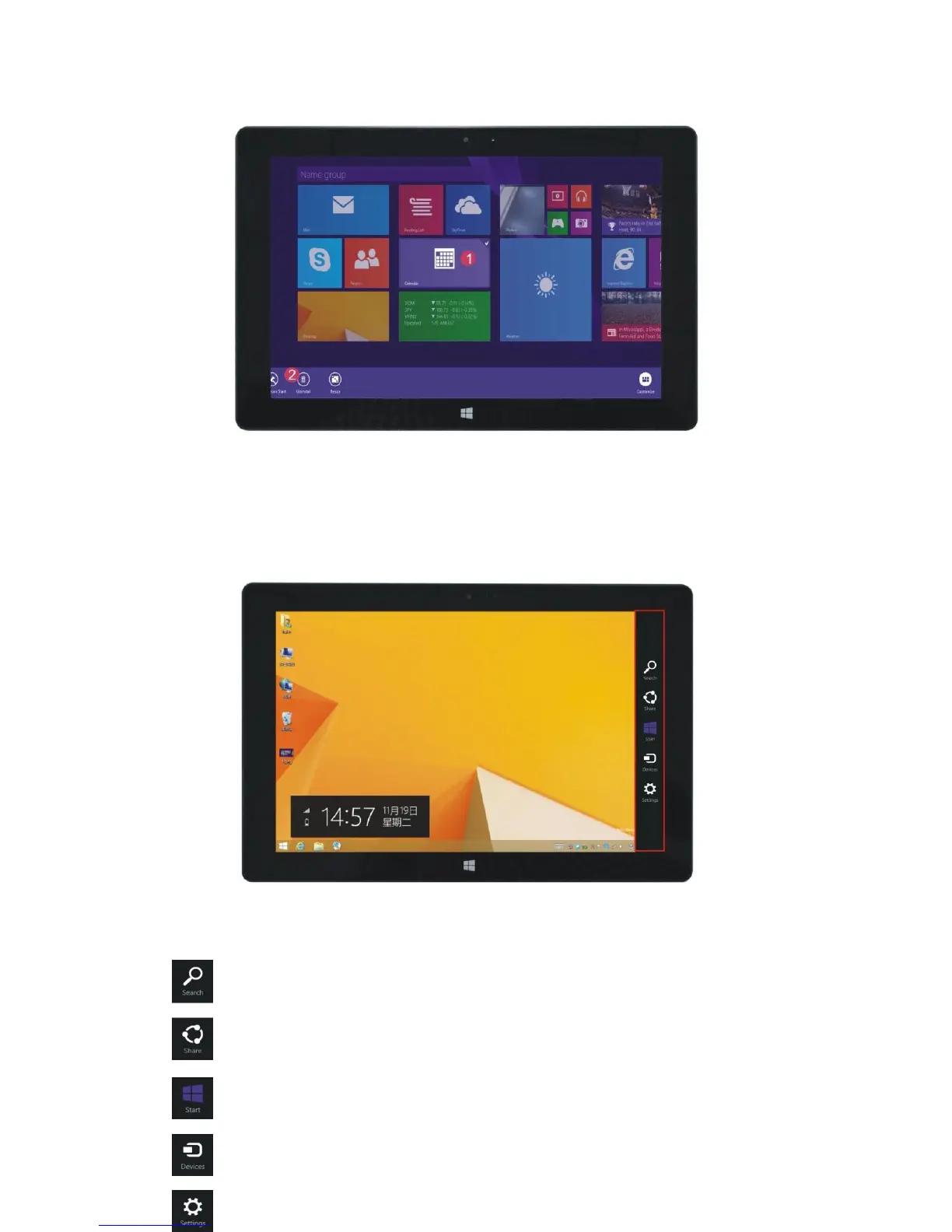
4. Side menu column
Slide to the left from the right side of the screen to open the menu column, including: Start,
Device, Setup, Share, and Search.
Use this option to search for file, applications and programs on the Quantum View tablet.
Use this option to share through social networking websites or e-mails.


 To Next Page