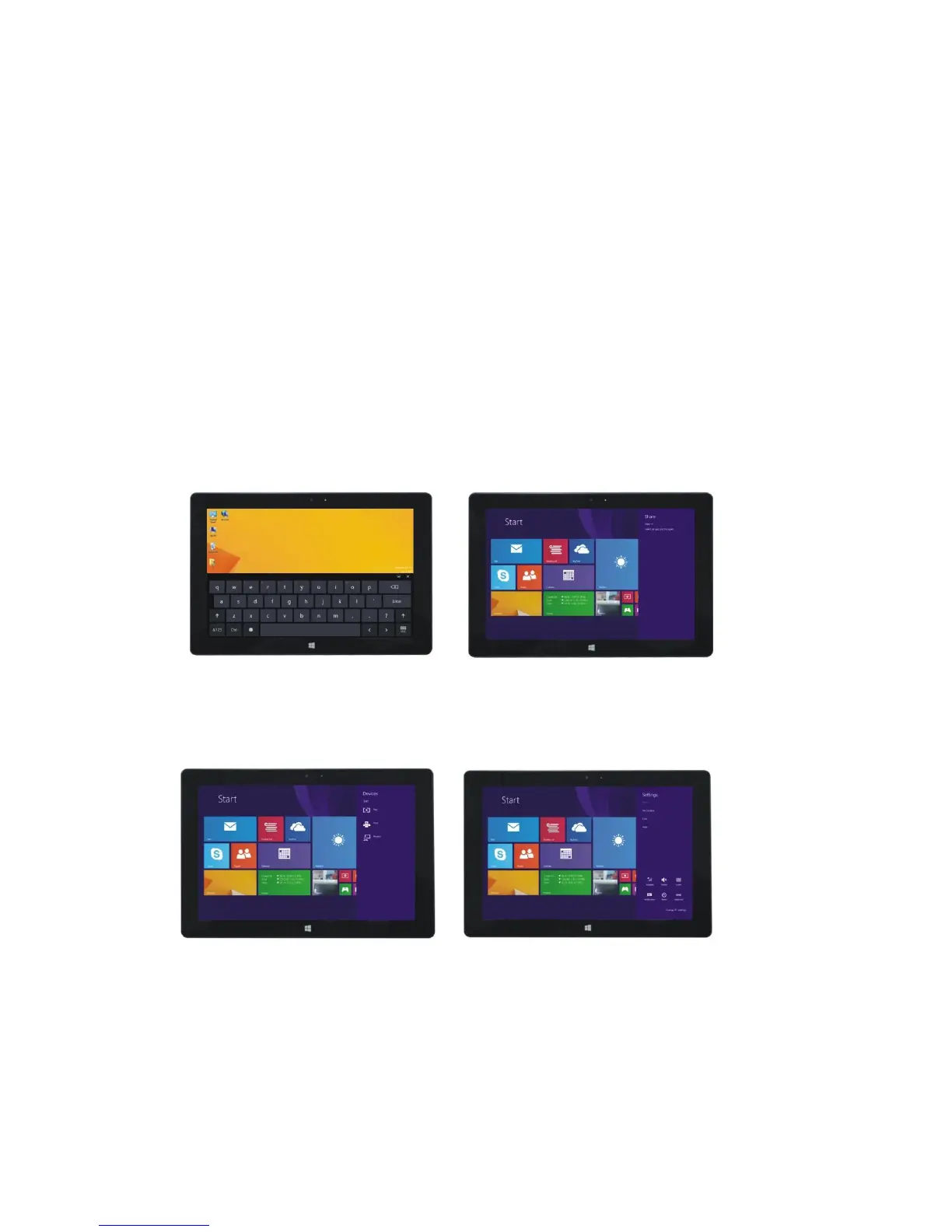
Use this option to take you to the Home Screen (Start Menu). From the Start Menu, you can also
use this tile to return to your desktop.
Use this option to manage devices on the Quantum View tablet.
Use this option to access the tablet’s control settings.
Search menu Share menu
Device Menu Set up Menu
5. Dual-Screen Application
If you have 2 or more open applications: As shown in “Figure 1” - slide inward from the left side


 To Next Page