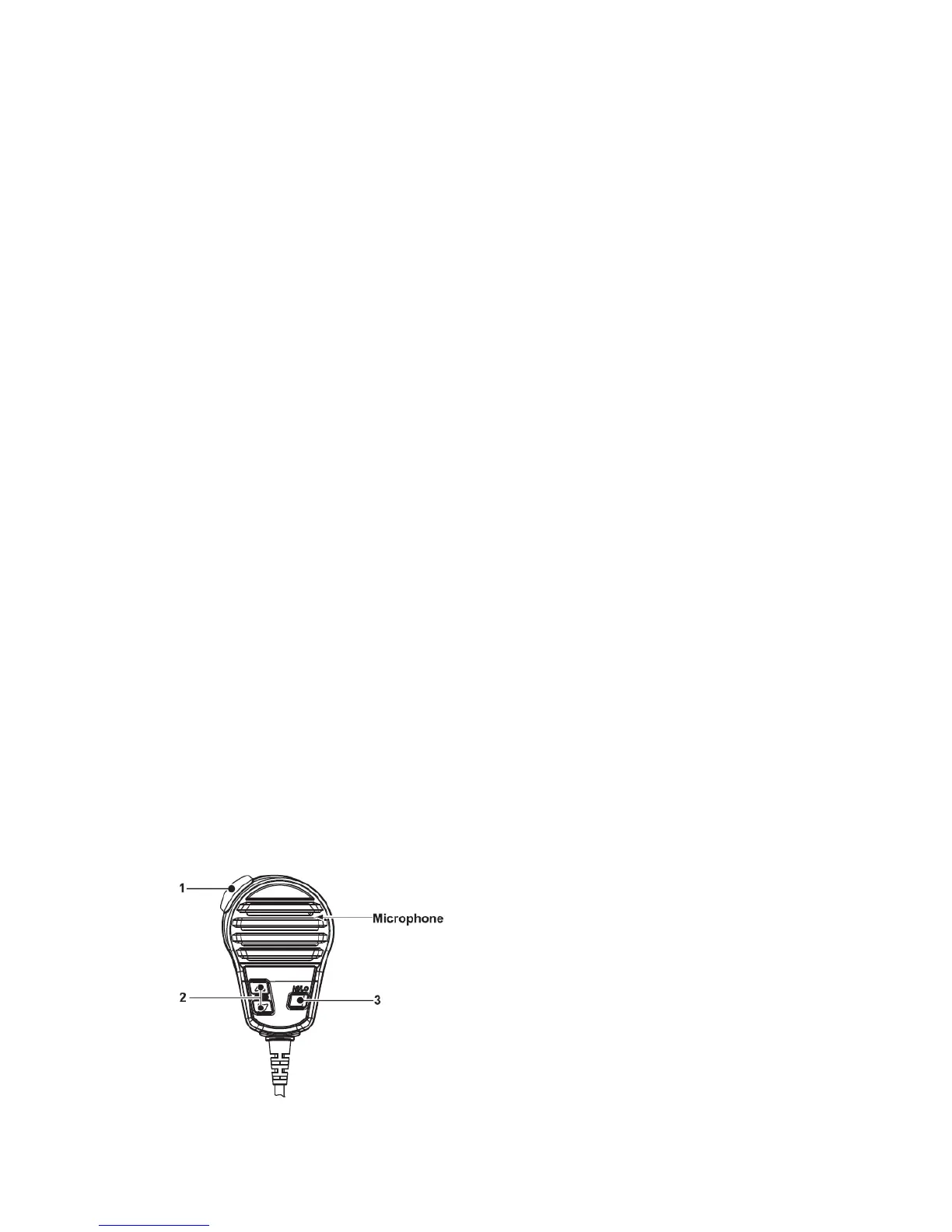
→ Push to move the cursor forward.
3. DSC / Position Key
→ Push to enter DSC menu.
→ Push and hold for 1 sec. to show the current position from a GPS receiver.
4. Squelch Control [SQL]
Rotate to set the squelch threshold level.
5. Power / Volume Control [VOL]
Rotate to turn the transceiver power ON and OFF and adjusts the audio level.
6. Distress Key [DISTRESS]
Push and hold for 5 sec. to transmit a Distress call.
7. Scan / Tag Key [SCAN]
→ Push to start or stop the normal or priority scan.
→ Push and hold for 1 sec. to set or clear the displayed channel as a TAG (scanned)
channel.
·The favorite channels are set by the TAG channel setting.
→ Push and hold [HI/LO] and [SCAN] to clear all TAG channels in the selected channel
group.
·Repeat above procedure to set all TAG channels.
8. [▲][▼] / [U/I/C]
→ Select the operating channels, set mode settings, etc.
→ While pushing and holding [SCAN], push [▲] or [▼] to adjust the brightness of the
LCD and key backlight.
→ Select one of three channel groups in sequence when both keys are pushed.
→ While turning power ON, push and hold both keys to activate the Vibration Draining
function.
■ Microphone


 To Next Page