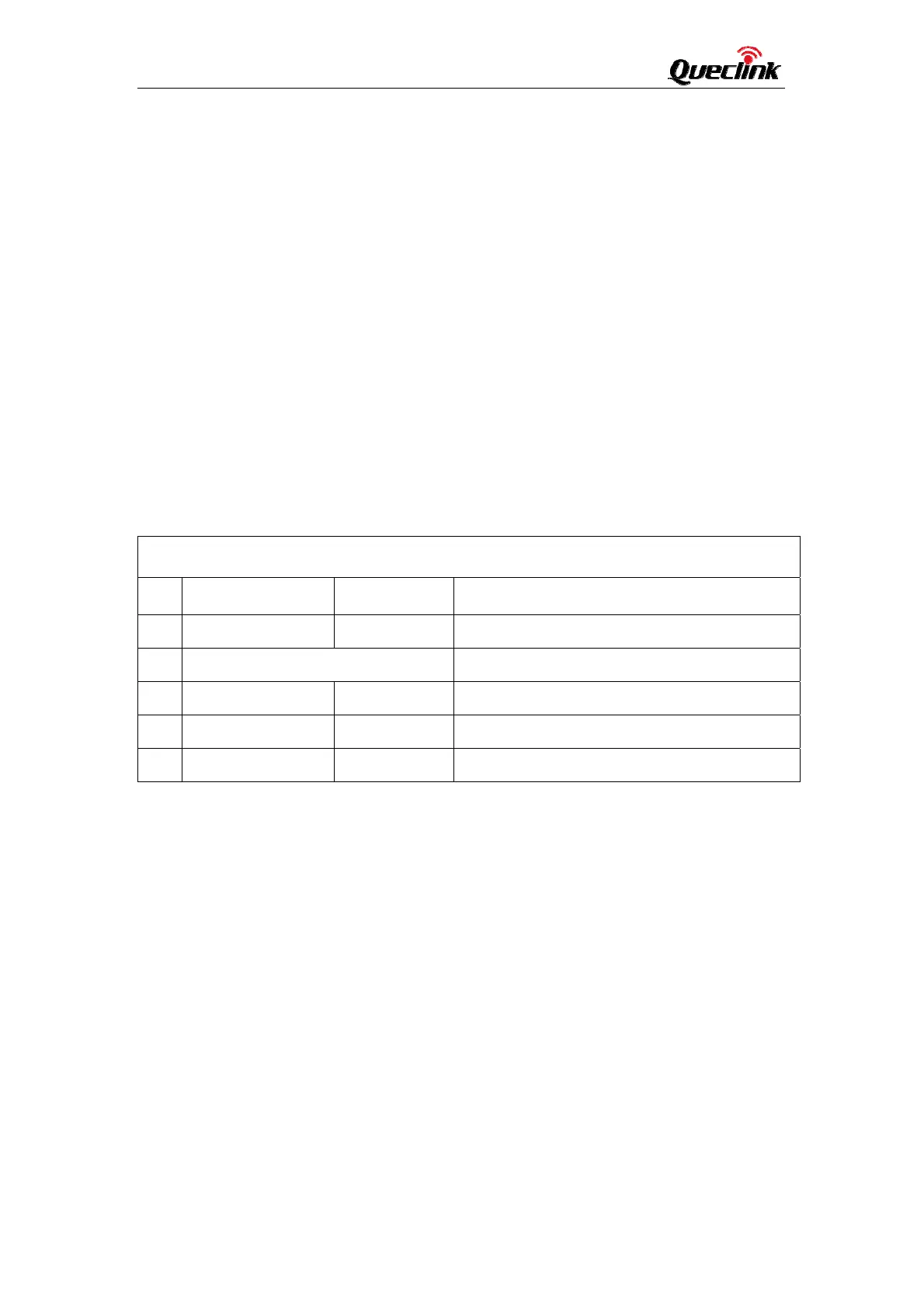
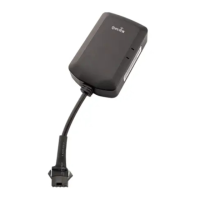
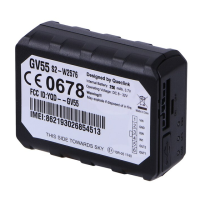
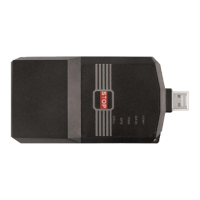
ZK105M User Manual
6
GSM/LTE use:
1 OpenthecoverofthemachineandinserttheSIMcard;
2 ZK105McancommunicatewiththebackendserverthroughLTECat‐M
network, and transfer reports of emergency, Geo‐fencing, device
status and scheduled GPS position etc… Service provider is easy to
setup their tracking platform based on the functional wireless
trackingprotocol.
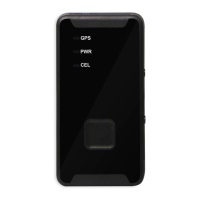
3 DeviceStatusLED
ZK105M LEDDefinition
No. WhiteLED RedLED Description
1 Off Off InINACTIVEmode
2 AlternatingFlashing InTESTmode
3 Breathing Off InNORMALmode:normal
4 Off Flashing InNORMALmode:ECUfault
4 Off On InNORMALmode:IoTfault



 To Next Page